I’m trying to use a free USB over IP program for gaming so I can connect my USB devices over my network, but I’m not sure which one is reliable and low latency. I tested a couple of options and ran into connection drops and input lag, so now I need help finding the best free USB over IP software for gaming, controllers, and stable performance.
If this is for gaming, I would skip most free USB over IP tools. They work for printers and flash drives. They tend to fall apart with low-latency stuff. You already saw the big issue, connection drops.
For gaming, the main thing is stable polling and low jitter. A mouse at 1000 Hz sends updates every 1 ms. Over USB over IP, your network adds delay, packet loss, and timing drift. On Wi-Fi, it gets worse fast. Even on gigabit LAN, many free tools still feel janky with input devices.
My short list:
-
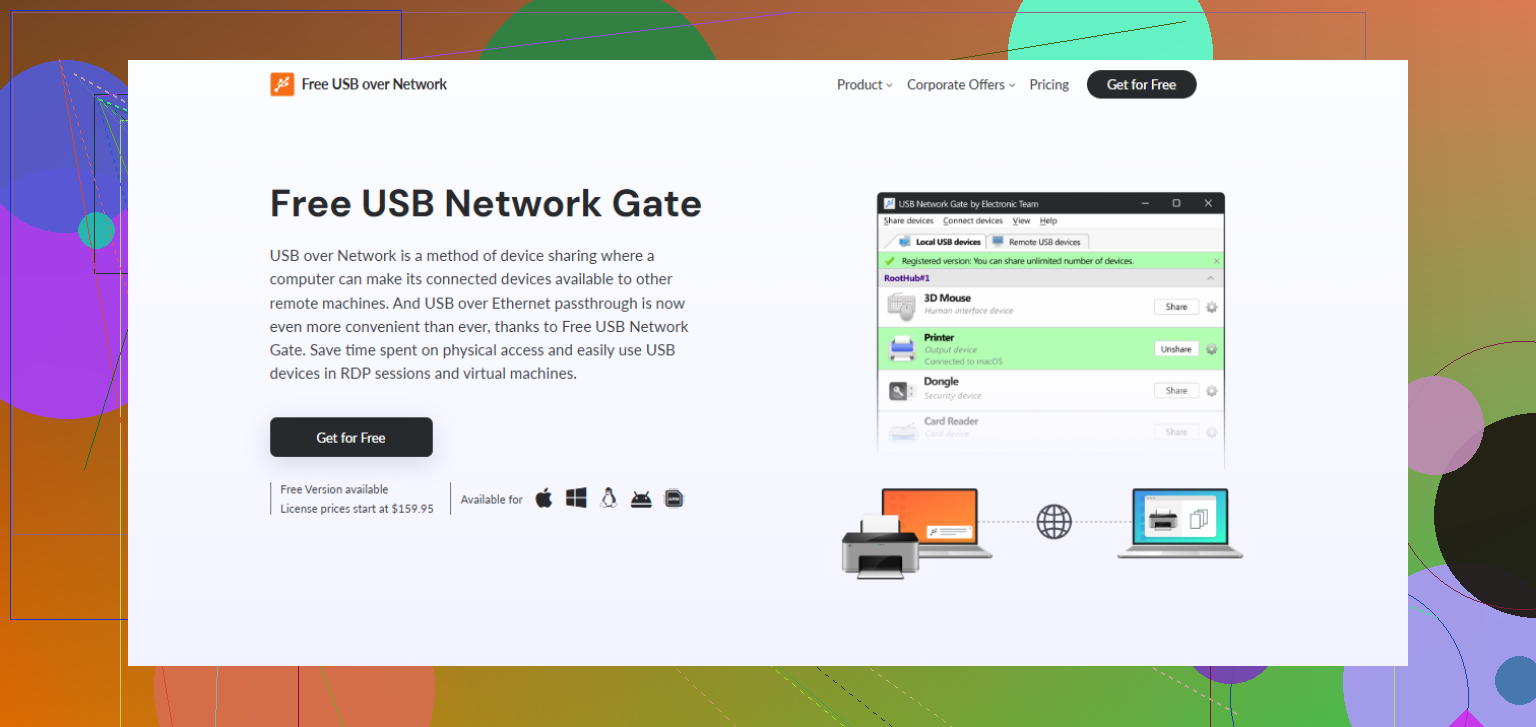
USB Network Gate
More stable in my tests than random free apps. Free version is limited, so it is not a full answer if you need multiple devices. Better fit if you want something made for sharing USB over Ethernet without weird setup issues. If you want to read up on a solid USB over network software option, check USB over network software for smooth device sharing. -
USBIP
Free and open source. Fine for tinkering. Less fun if you want plug-and-play. Setup is more annoying, and gaming use is hit or miss.
My advice. Use wired Ethernet only. Do not use Wi-Fi. Keep it on the same switch if possbile. Avoid sharing keyboard and mouse for competetive games. Controllers and single-player stuff do better. If free is a hard rule, try USBIP first. If you want fewer headaches, USB Network Gate is the one I’d pick.
Honestly, for gaming I think the bigger question is not “which free USB over IP tool,” it’s “should you do USB over IP for input devices at all?”
I slightly disagree with @himmelsjager on one part: USBIP is not just “hit or miss” for gaming, for mice/keyboards it’s mostly miss unless your network is super clean and you’re OK tinkering a lot. For controllers, maybe. For anything twitchy, meh.
My rough take:
- Mouse/keyboard for competitive games: don’t do it
- Controller for couch gaming on wired LAN: can be acceptable
- Headsets/webcams: usually more trouble than they’re worth
- Storage/printers/dongles: this is where free tools are fine
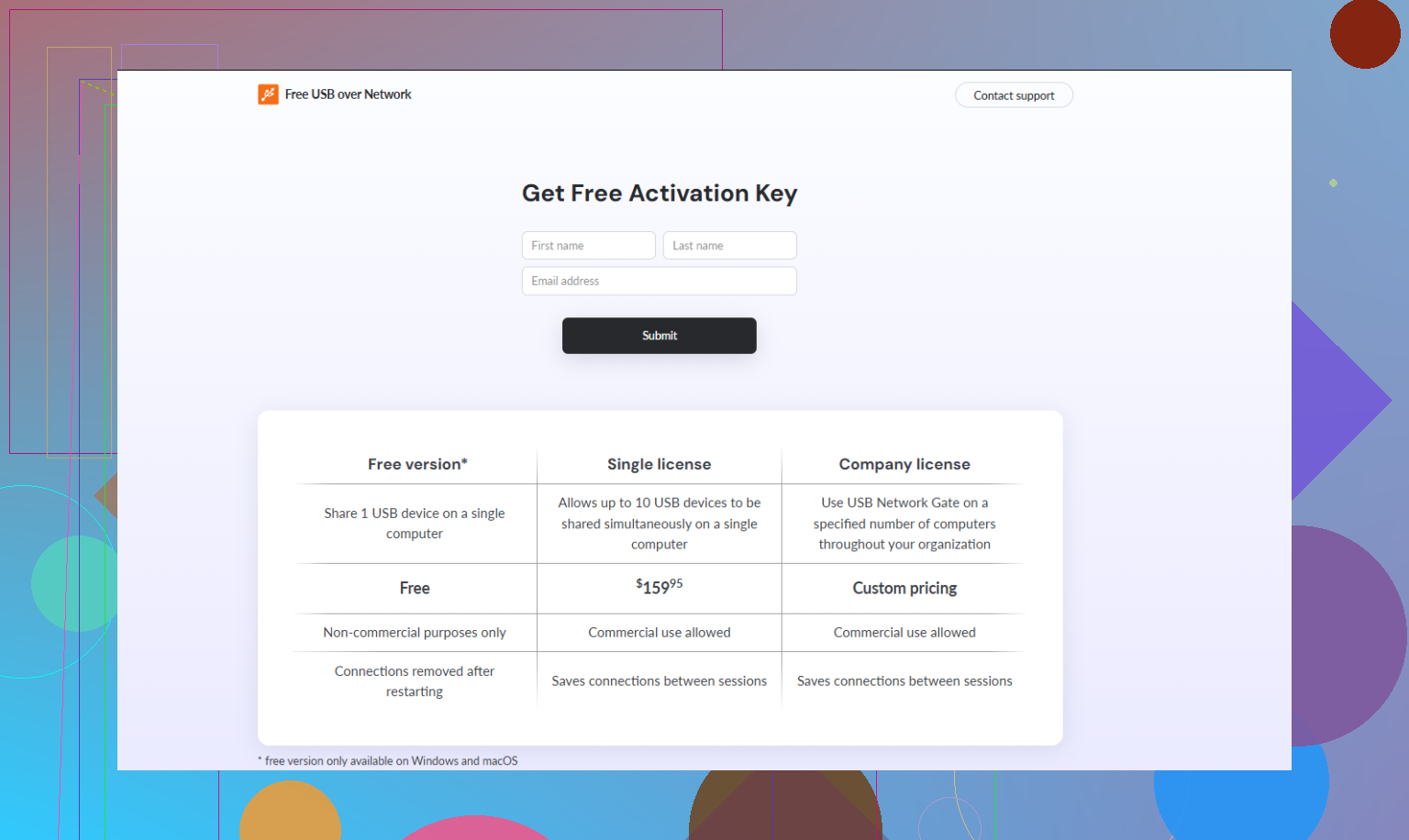
If you want to stay free, test VirtualHere’s free limit first just to benchmark latency on your setup. If you want something more stable for actual day to day use, USB Network Gate is probly the safer pick. It’s not free forever, yeah, but fewer random disconnects matters more than saving a few bucks when you’re mid-match. You can check the USB Network Gate free trial download and see if your controller behaves нормально on your LAN.
Also, hard rule: wired Ethernet only. If you were testing on Wi-Fi, that explains a lot right there.
2 Likes
What matters most is polling behavior. A keyboard at 125 Hz might feel tolerable. A 1000 Hz gaming mouse over USB/IP often feels weird even when ping looks fine, because jitter matters more than raw latency. That’s why people test it, see “only 3 ms added,” and still hate it.
If you want free, use the free options only as a filter:
- good for checking whether your network can handle the device
- not good for assuming long-term stability
For actual use, USB Network Gate is usually the practical upgrade path.
Pros of USB Network Gate
- free forever per 1 device, you pay only if you want more devices (up to 10 in paid version)
- generally more stable session handling
- simpler setup than most open-source options
- better for controllers, dongles, utility devices
- less fiddly when reconnecting after sleep/reboot
Cons
- still not ideal for competitive mouse input
- performance still depends heavily on your LAN quality
My take:
- controller on gigabit Ethernet: worth trying
- racing wheel / HOTAS: maybe
- mouse for shooters: skip it
- anti-cheat-sensitive games: be careful, weird USB layers can cause headaches
If you had drops, I’d suspect power saving on USB hubs or NIC settings before blaming only the app.