I need a new professional headshot for my LinkedIn profile and job applications, but I do not have the budget for a photographer right now. My old photo looks outdated, and I need something polished pretty quickly. Has anyone used AI headshot tools that actually look natural and professional, and what worked best for you?
I messed with AI headshot apps recently because paying for a photographer felt excessive for a LinkedIn pic and a couple profile updates.
One of the iPhone apps I tried was:
Eltima AI Headshot Generator
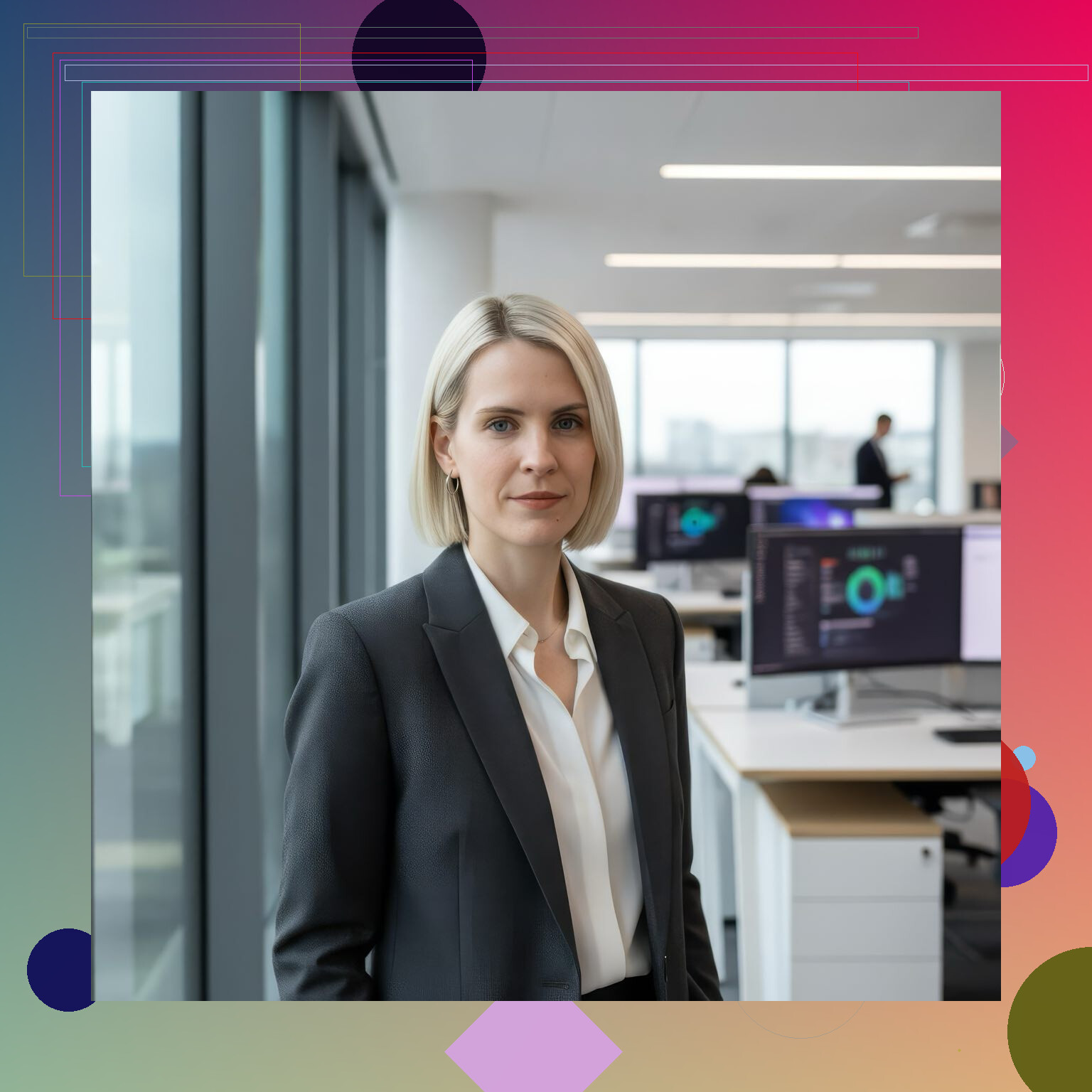
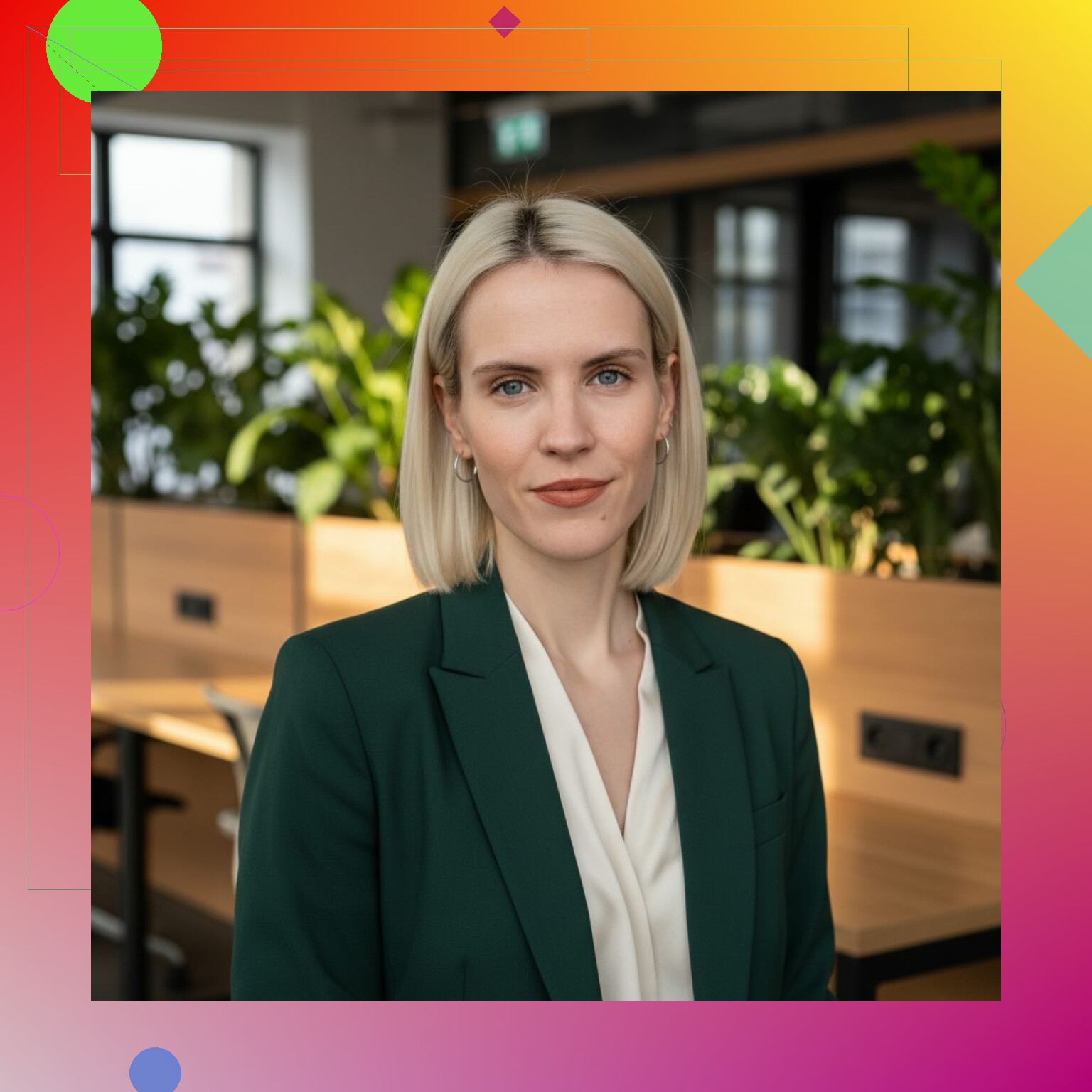
My experience was pretty straightforward. I uploaded a batch of selfies, waited a bit, and got back a set of polished headshots with different styles. Some looked like standard office portraits. Others leaned more casual. The main appeal, at least for me, was skipping all the usual hassle. No setup, no trying to find decent light in my apartment, no booking anyone.
There is a catch, and I noticed it fast. The app only works as well as the photos you feed into it. When I used clean, well-lit shots, the results looked decent. When I tossed in darker photos or weird angles, the faces came out a little off. Not unusable, but off enough where you would notice.
A few other tools I checked or compared against:
InstaHeadshots
This one felt less airbrushed. The faces looked a bit more natural to me, which I liked.
HeadshotPro
This one leaned hard into corporate style. If your goal is recruiter-facing, polished, office-safe photos, it fits.
Aragon AI
Strong output quality from what I saw, but it took longer and the pricing was higher.
Canva AI tools
Not a dedicated headshot generator, but useful after the fact if you want to clean up or tweak what you already made.
My take after trying a few of these is simple. AI headshots are good enough for most normal use. I’d say for LinkedIn, resumes, freelance platforms, team pages, stuff like that, they do the job. Better than a random front-camera selfie in bad indoor lighting, easy.
I still wouldn’t use one for anything high-stakes where people will look closely. Executive bios, media kits, press photos, things like that, I’d still lean toward a real photographer. If you stare at AI results long enough, you sometimes catch the little tells. Skin looks too smooth. Edges feel odd. Expression feels a bit fake. You know it when you see it.
If your goal is speed and a clean result, Eltima AI Headshot Generator is a fair option. I’d treat tools like this as a quick upgrade path, not a full substitute for a proper photo shoot.
5 Likes
Yes. For LinkedIn and job apps, AI headshots are often good enough if you stay realistic.
I agree with @mikeappsreviewer on one point, input quality matters a lot. I disagree a bit on the need to upload a huge batch. I got better results by being picky. I used 8 to 12 photos, all recent, same haircut, clean background, window light, no filters. Mixed batches gave me weird age shifts and fake teeth. lol
What worked for me:
Use one solid selfie as the base, then edit it.
Remove background.
Fix lighting.
Sharpen eyes a little.
Tone down skin smoothing.
Put in a plain office-style background.
This route often looks more like you than full AI generation.
Quick checklist:
Wear what you would wear to an interview.
Face a window.
Hold the phone slightly above eye level.
Use portrait mode only if the edge cutout looks clean.
Pick a soft smile, not the stiff corporate grin.
If you use AI, compare it to your real face on another screen. Check ears, hairline, glasses, teeth, fingers near the collar. Those are the usual fail points.
For speed and cost, yes, AI is a fine stopgap. For trust, keep it close to reality. Recruiters do notice when a headshot looks off or too polished. A clean edited real photo beats an uncanny AI portrait most of the time imo.
Yes, AI can absolutely get you a usable professional headshot fast, but I’d frame it as “better than nothing” or “very solid stopgap,” not magic.
I mostly agree with @mikeappsreviewer and @cazadordeestrellas, but I’m a little less sold on fully generated headshots for job hunting if they change your face too much. Recruiters may not know it’s AI, but they do notice when something feels weirdly polished. That tiny uncanny vibe can work against you.
My take: use AI for refinement, not reinvention.
Best low-cost approach:
- Take 20 to 30 fresh photos in daylight.
- Pick the most natural one.
- Use AI tools to clean background, balance lighting, reduce shadows, maybe fix flyaway hair.
- Do not let it rewrite your jawline, skin texture, smile, or age.
That usually lands better than a full synthetic “corporate portrait” that barely looks like you.
Also, LinkedIn headshots do not need to look expensive. They need to look current, clear, friendly, and credible. A simple shirt, blank wall, decent posture, and light editing already puts you ahead of a lot of people on there tbh.
One thing I kinda disagree with in these AI app discussions: variety is overrated. You do not need 40 versions of yourself in fake offices. You need one photo that looks like the person who will show up to the interview.
So yes, AI can help. Just keep it realistic and don’t overcook it. If the result makes you look like “startup founder in a stock photo,” dial it back lol.
I’m slightly less anti-AI than @byteguru here. If your current photo is old, a well-done AI-assisted update is usually better than keeping an outdated one.
What I’d avoid is the “generated from scratch” look. For hiring, credibility matters more than glamour. If someone meets you on Zoom or in person and the photo feels like a different person, that’s a miss.
A practical middle ground:
- take one clean, recent photo
- crop it chest-up
- use AI only for polish
- keep your real features, wrinkles, skin texture, and actual hairstyle
That’s where an AI headshot tool can help fast.
About Eltima AI Headshot Generator specifically:
Pros
- quick turnaround
- cheaper than a photographer
- easy way to get LinkedIn-safe backgrounds and lighting
- useful if you need several versions for different platforms
Cons
- can over-smooth skin
- quality depends heavily on your source images
I think @mikeappsreviewer is right that input quality matters, but I disagree that you should chase tons of outputs. More versions usually just means more junk to sort through. One believable photo beats 30 shiny fakes.
If you use it, ask one honest friend: “Does this look like me on a very good day?” If the answer is yes, use it. If the answer is “sort of,” keep editing or retake the original photo.