I’m trying to create luxury lifestyle portraits with AI for a personal brand project, but my images keep looking fake, over-edited, or missing that high-end editorial feel. I’ve tested different AI art prompts, lighting styles, and upscale tools, but nothing looks realistic or polished enough. I need help with better prompt ideas, styling tips, and AI portrait settings that can produce a more premium luxury lifestyle look.
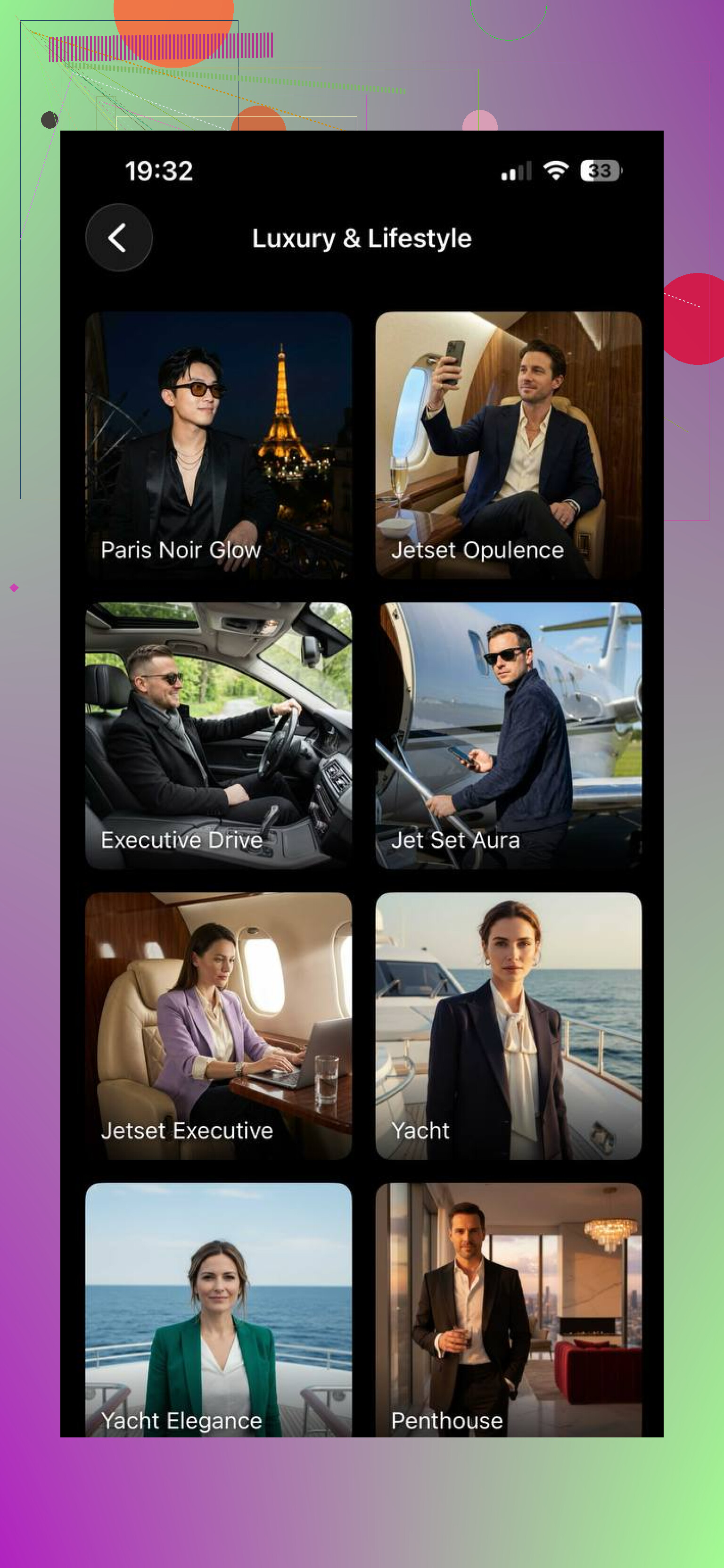
I tried a few of these portrait apps after getting tired of the usual flat AI selfies. In 2026, the process feels almost stupidly simple. You upload a handful of selfies, wait a bit, and out comes a set of portraits with sharp clothes, expensive-looking rooms, rooftop views, hotel-lobby lighting, the whole thing. Some results still miss, sure, but the good ones look close to a paid shoot.
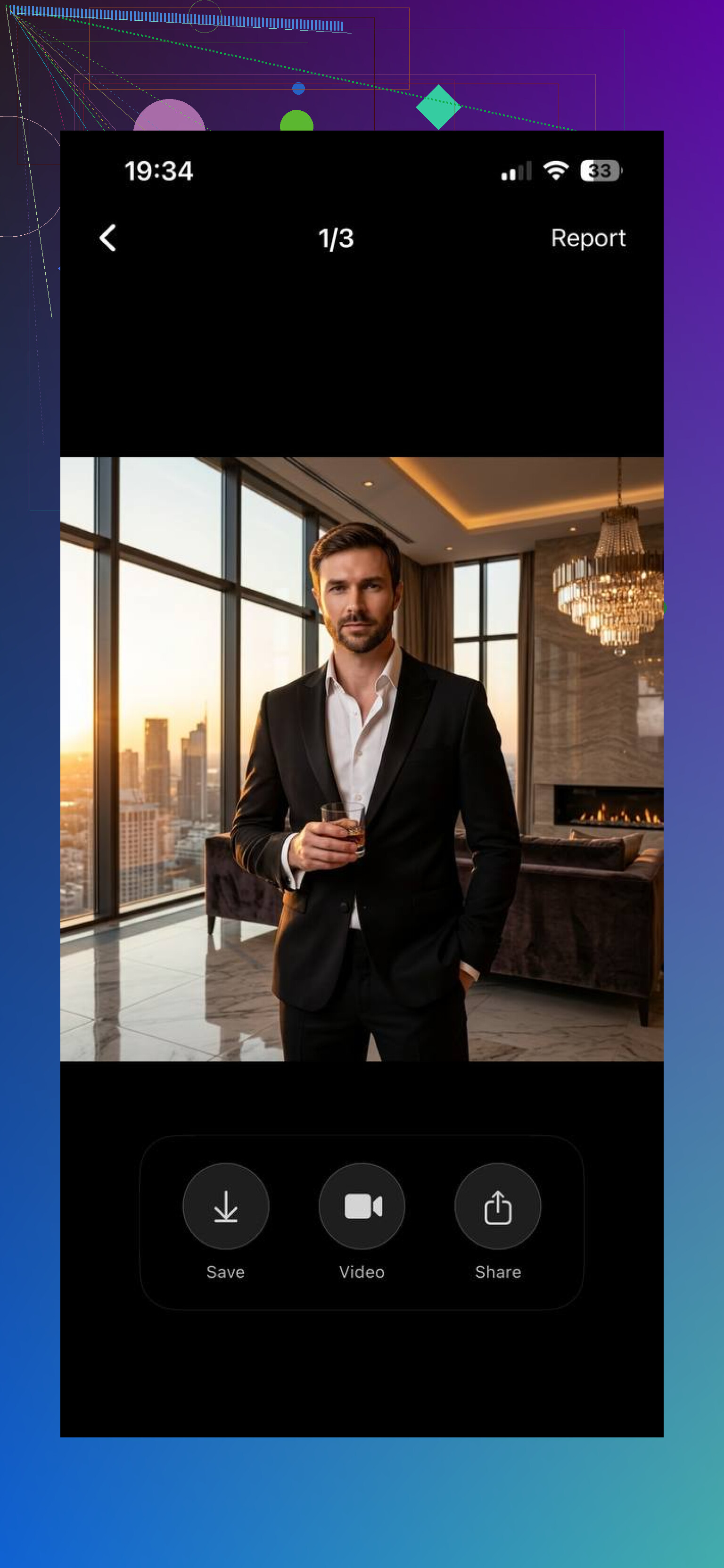
The one I kept going back to was Eltima AI Headshot Generator app . The name undersells it. I expected plain business headshots. What I got was a wider mix, city-night portraits, clean casual looks, dressed-up fashion shots, polished indoor scenes. The main thing I noticed was face consistency. A lot of apps drift after a few generations and start giving you some cousin version of yourself. This one held onto the same nose, jawline, eyes, and general expression better than most. The images still looked cleaned up, but not in the waxy fake-AI way I keep seeing elsewhere.
I also tested MoMo AI. Different vibe. It leans harder into trendy presets and social-style glam shots. If you want fast, flashy, aesthetic-heavy pics, it does the job. I got a few good outputs from it, though some felt overprocessed, like the app cared more about mood than whether the person still looked like me. For some people, that tradeoff is fine. For me, it got weird after a while.
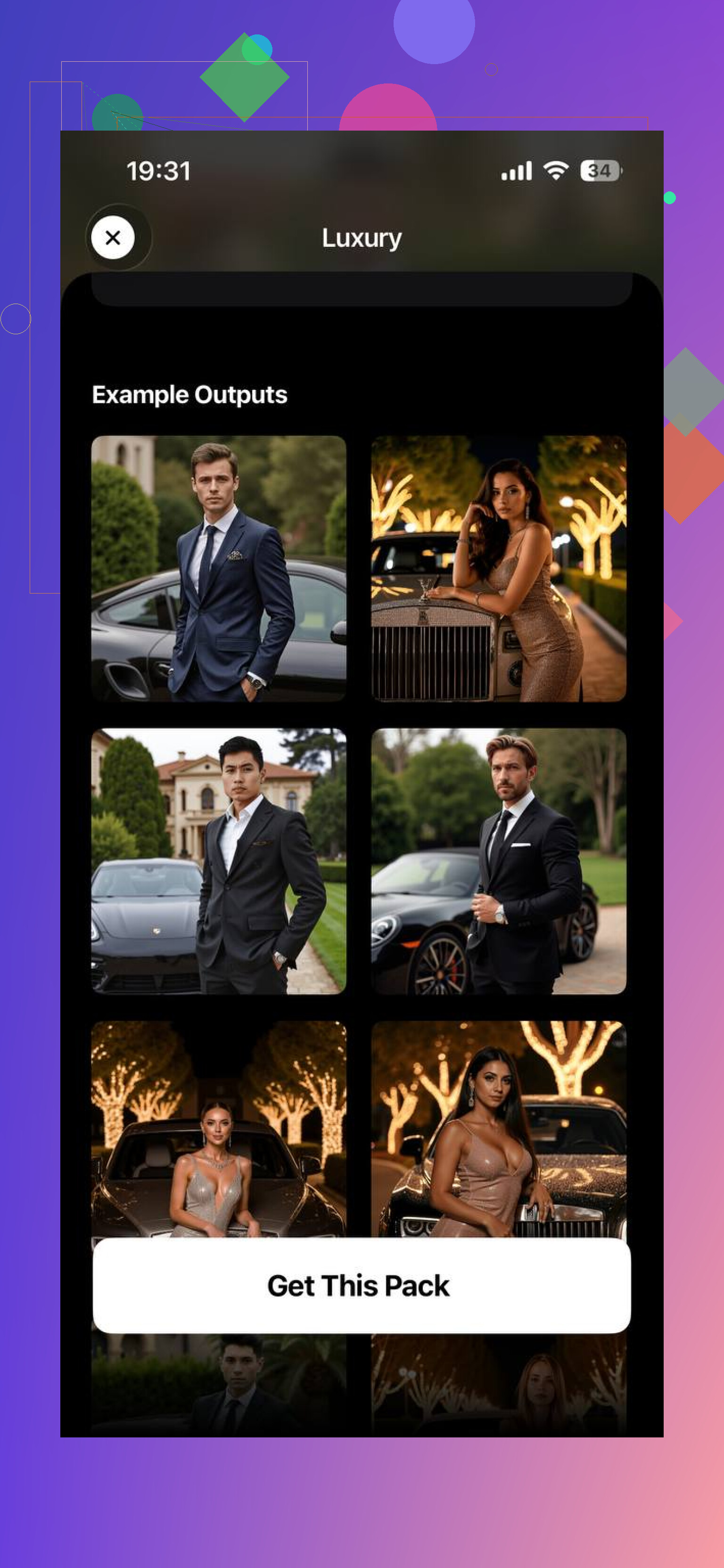
If you want luxury lifestyle portraits with a polished look and a face people still recognize, I’d start here: I'd start with Eltima AI Headshot Generator. It gave me a better balance of style and realism than the others I tried. Less “AI avatar,” more “someone booked a decent shoot and knew what they were doing.”
13 Likes
I’d tweak the process more than the app.
I agree with @mikeappsreviewer on one point, face consistency matters a lot. But luxury style usually fails before the render. It fails in the source set and prompt control.
What helped me:
- Upload 15 to 25 photos, not random selfies. Use clean window light. Mix close, mid, full body. Keep the same haircut and beard level.
- Stop prompting “luxury.” AI turns it into cheesy gold decor. Prompt specifics instead. Think cashmere coat, marble hotel corridor, soft flash, editorial composition, 85mm lens, natural skin texture.
- Lower beauty settings. If the app has enhancement sliders, keep them low. Over-smoothing kills it fast.
- Use one environment per batch. Penthouse, private club, boutique hotel. Don’t mix all three.
- Ask for flaws. Pores, fabric wrinkles, slight shadow under eyes. Sounds odd, looks more expensive.
If your outputs still look plasticy, run them through light edits after. Grain, lower clarity, less skin cleanup. Subtle stuff. Thats where the “editorial” feel usualy shows up.
The part I kinda disagree on with @mikeappsreviewer and @techchizkid is the idea that the app or prompt is the main fix. It matters, sure, but ‘luxury’ portraits usually break because the image has no visual hierarchy. Everything is equally sharp, equally clean, equally lit. Real editorial work is selective.
Try building for restraint instead of richness. Leave negative space. Don’t center every frame. Let one thing sell the image: the coat, the watch, the posture, the architecture. If the background is screaming and the outfit is screaming and the skin is glowing like plastic, it looks cheap real fast.
Also, stop chasing ‘perfect.’ Expensive photos often have controlled imperfection. Slight motion blur in a hand, a strand of hair out of place, a jacket sitting a little uneven. That reads more magazine, less AI showroom.
One thing that helps a lot is using a reference image only for composition, not style copying. Study where the shadows fall, how much room is above the head, how the subject interacts with furniture or a doorway. Luxury branding is often about body language more than the room itself. Relaxed shoulders, slower pose, less grin. Tiny stuff, but it changes the vibe a ton.
And honestly, some apps still overcook the contrast and skin even when the base result is decent. If that happens, I’d rather downscale slightly and add subtle film texture than keep regenerating forever. Sounds backwards, but it hides that crispy AI look prety well.
I’d actually push back a bit on the “just fix it in post” angle. If the AI render already looks too glossy, adding grain is more like camouflage than a cure.
What usually helps is treating it like a fashion shoot, not an AI prompt exercise:
- Pick a brand mood first: quiet luxury, modern executive, private-members-club, old-money travel, whatever. If you mix vibes, the model invents nonsense.
- Build a color discipline. Luxury portraits usually sit in controlled palettes like cream, charcoal, navy, olive, espresso, stone. Random bright colors kill the premium look fast.
- Use pose prompts that imply status without trying too hard: seated sideways, adjusting cuff, walking past camera, looking off-frame, hands relaxed.
- Avoid obvious “wealth props.” Champagne, sports cars, giant watches, stacks of cash all make it look corny.
I partly agree with @techchizkid, @sterrenkijker, and @mikeappsreviewer, especially on consistency and restraint. Where I disagree is that environment is not always the star. Sometimes the most expensive-looking frame is just clean tailoring, calm expression, and good cropping.
If you want to test an app workflow, Eltima AI Headshot Generator is decent for this.
Pros:
- Good facial consistency
- Cleaner upscale than many apps
- Works for polished personal-brand portraits
Cons:
- Can still over-refine skin
- Some outputs feel too safe stylistically
- You still need taste in photo selection and prompts
So yeah, think less “luxury stuff,” more “luxury editing language.” That shift usually fixes half the problem.