I lost my Samsung TV remote after moving some furniture, and I can’t control the TV or access the settings. I need help figuring out the best replacement remote for a Samsung TV and whether a universal remote will work.
I lost my remote in the middle of a long watch session last month, so yeah, I went through the same routine. Before you start pulling the whole room apart again, check the dumb spots first. I found mine jammed deep inside the couch frame once. Another time it slid under the TV stand after I moved stuff around while cleaning. Those two spots seem to eat remotes.
If your TV uses a newer Samsung smart remote, check SmartThings on your phone. Some models let you trigger a sound to help locate it. It won’t help on every setup, but it’s worth trying before you order anything.
You’re not stuck even if the remote is missing. Most Samsung TVs still have the little Jog Controller button on the set itself. I’ve seen it under the front logo on some models, and on others it sits on the back right side. Push or tilt it like a tiny joystick. You can swap channels, adjust volume, and get through the menu well enough to keep the TV usable.
If the remote is gone for good, I’d skip rushing into a replacement. Your phone does the job fine. The fastest option I tried was TVRem.
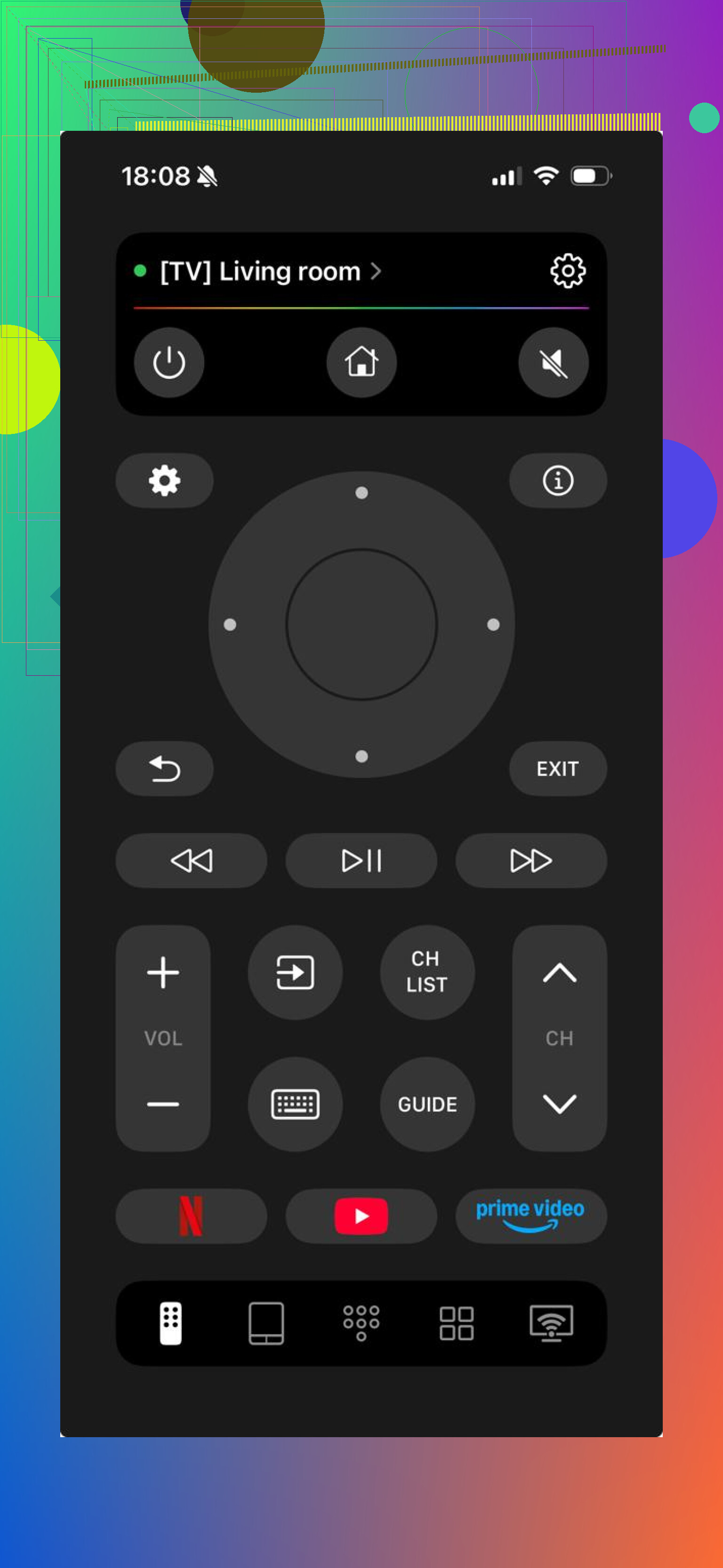
What I liked was the setup. It connected over Wi-Fi without a bunch of weird steps, and it worked across different TV brands instead of locking me into one. The trackpad helps more than I expected, especially when apps on the TV insist on awkward navigation. The keyboard part is even better. Typing show names on a phone beats clicking one letter at a time with arrow buttons. Not close.
https://www.youtube.com/watch?v=fglSCEAH54M
If you want something closer to the old remote layout, Smart TV Remote Plus feels more familiar. It’s built around Samsung TVs, so the button arrangement looks like what you already know. I get why some people prefer it. Less adjustment, fewer missed taps.
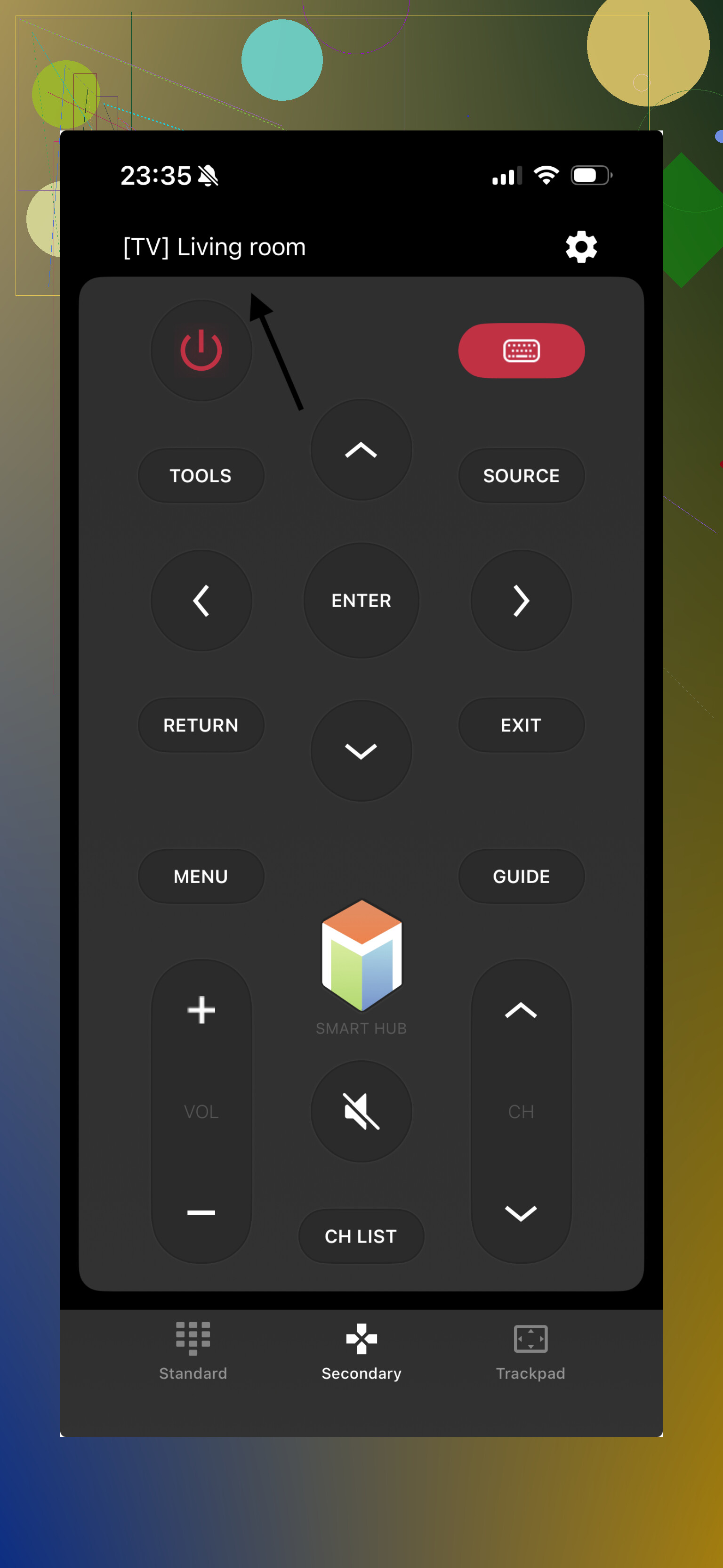
Still, I ended up leaning toward free universal tool like TVRem because it covered more ground. If you replace the TV later, or if there’s more than one brand in your place, you don’t need to start over with a different app. For me, keeping one app on the phone was easier than waiting around for a new remote to ship.
So yeah, first check the couch gaps, under the stand, and SmartThings if your model supports it. After that, use the TV’s Jog Controller to get by. If you need a longer-term fix, a phone remote is the least annoying path I found.
43 Likes
If you want the closest match, buy an original Samsung remote by your TV model number. Look on the sticker on the back of the TV, then search Samsung Parts, Amazon, Best Buy, or eBay. For newer sets, the OEM SolarCell remote is the safest pick. Pairing is usually fast. Hold Back and Play or Pause for a few seconds.
A universal remote will work, but with limits. Cheap IR remotes handle power, volume, input, and menu fine. Some do not support voice, app hotkeys, or Bluetooth pairing. Logitech Harmony used to be the best all-in pick, but it is discontinued, so used units are hit or miss.
I kind of disagree with @mikeappsreviewer on waiting too long for a real replacement. Phone apps are fine short term. They get annoying if your Wi-Fi drops or the TV loses network access. A physical remote is still easier.
Best route:
- OEM Samsung remote if you want full features.
- One For All or GE universal remote if you want cheap and fast.
- Samsung SmartThings app as a backup.
Check your model first, or you might order the worng one.
I’d split this into two questions: what will work, and what will be least annoying long term.
@yozora is right that OEM is the safest bet, but I’ll push back a little on universal remotes being “limited” in a big way. For a lot of Samsung TVs, a decent universal is honestly enough unless you care about voice control, solar charging, or dedicated app buttons. If all you need is power, volume, source, navigation, and settings, a universal remote usually covers the basics just fine.
What I’d do:
- Check the exact TV model on the sticker on the back.
- Search for a Samsung-compatible replacement by that model, not just “Samsung remote.”
- If you want zero guesswork, buy an original Samsung remote.
- If you want cheap and fast, get a universal with Samsung codes preloaded.
One thing I’d add that @mikeappsreviewer didn’t really mention: beware of the super-cheap replacement remotes on Amazon. Some work instantly, some feel awful, and some have laggy buttons or missing functions. The price looks great until you’re fighting the menu every day.
Also, not every Samsung remote is interchangeable even if they look close. That trips ppl up a lot. Newer smart models may use Bluetooth for some functions, while basic replacements may only do IR.
So yeah, universal remote? Yes, usually. Best replacement? OEM Samsung remote matched to your exact model. If you post your TV model number, ppl can probly point you to the right one fast.
Use the remote from your streaming device instead. Roku, Fire TV, Apple TV, and many cable-box remotes control Samsung TV power, volume, and input through HDMI-CEC.
Open the streaming device settings, then enable TV control. On the Samsung TV, enable Anynet+ if you can reach settings with the TV button. Setup takes around 5 minutes and costs nothing if you already own the device. It wont control every Samsung menu, but it solves daily viewing without ordering the worng remote.
The HDMI-CEC route @pr1m3_cache laid out is the smartest cheap fix in this thread, but it’s a bit oversold as a full answer. Anynet+ handles power and volume most of the time, sure. What it drops is input switching the moment you connect something to a port that isn’t CEC-aware, and a fair number of Samsung sets refuse to power back on from a streaming remote after a hard power-off. So it covers the sit-down-and-watch routine, not the settings menu you actually said you’re locked out of.
That settings part is what I’d sort first. The jog button on the set gets you into the menu, it’s just painfully slow if you have to do anything more than nudge the volume. And the Bluetooth thing @shizuka flagged is the real deciding factor: on newer smart sets a cheap IR universal will move the cursor and change volume but choke on voice and some of the app shortcuts, because those ride over Bluetooth, not infrared. Older set, any IR universal with Samsung codes loaded is genuinely fine and costs almost nothing.
Here’s the blunt version though. A halfway decent universal already gets you close to the price of the actual OEM replacement. Unless you’re trying to collapse three remotes into one, matching your model number and buying the real Samsung one saves you the daily annoyance of a remote that’s 90 percent there. Post the model off the back sticker and it’s a two minute lookup.