I’m trying to use Undetectable AI’s humanizer for school and work content, but I’m not sure if it really passes AI detectors or just risks getting me flagged. Has anyone tested it on major AI detection tools, and how natural did the writing look to real people? I’d really appreciate detailed feedback before I rely on it.
Undetectable AI review from someone who tried to push it hard
Undetectable AI screenshot:
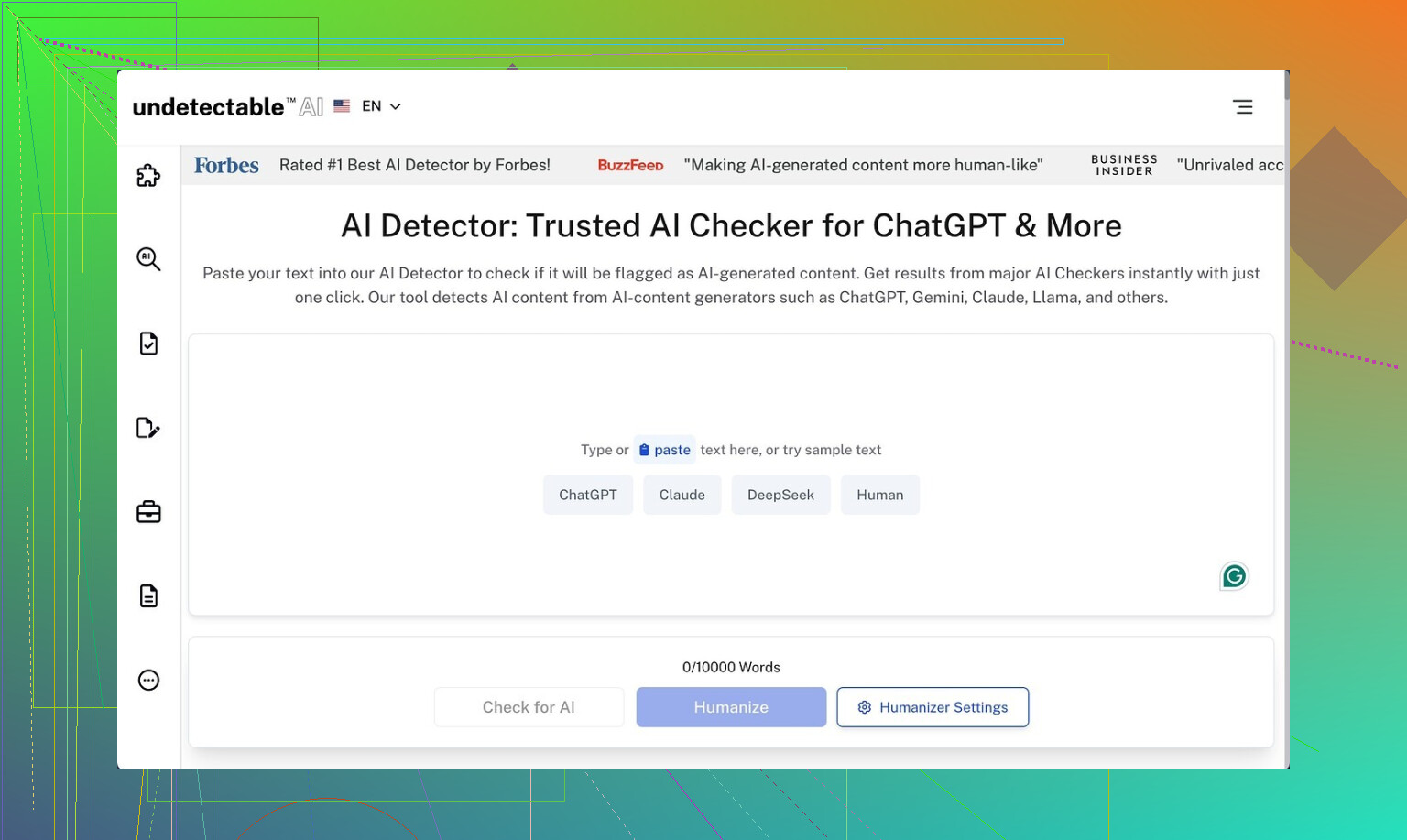
I spent an afternoon messing around with Undetectable AI and a couple of detectors, mostly to see how far I could push the free tier before it fell apart.
Here is what I ran into.
Performance on AI detectors
I only used the free Basic Public model, since that is all you get without paying:
On the ‘More Human’ setting, the detection scores dropped way lower than I expected for a free plan:
- ZeroGPT scores went down to about 10 percent AI in multiple runs
- GPTZero floated around 40 percent AI
For context, I have tried paid tools that did worse than that on the same detectors with the same base text.
I did not get access to their Stealth or Undetectable paid models, or the extra knobs like reading levels and purpose modes, but if the free model already reaches 10 percent on ZeroGPT, the paid ones likely push it further. Hard to verify without a subscription, though.
Where it falls apart: writing quality
Detection-wise, solid. Writing-wise, rough.
On ‘More Human’, I would rate the quality around 5 out of 10 for anything serious. Here is what kept showing up:
-
First person spam
It kept inserting things like “I think”, “I feel”, “from my experience” everywhere, even when the original text was neutral.
After a few paragraphs, it reads like a fake diary written by marketing. -
Repetitive wording
Same phrases repeated across a section. Sometimes the same idea restated in back-to-back sentences with tiny changes.
You would need to go through and clean that up by hand. -
Sentence fragments and odd pacing
Some sentences stopped early or read like half a thought.
It did lower AI detection, but you trade that for awkward flow.
I also tried ‘More Readable’. It removed some of the worst fragments and toned down the random first person inserts a bit, but it still did not reach ‘I would publish this as is’ level. For anything client-facing, I would treat it as a rough draft that needs a full edit.
Pricing and word limits
The cheapest paid plan they show starts at:
- 9.50 dollars per month if you pay annually
- About 20,000 words included on that plan
So, if you are heavy on content, you will burn through that faster than you expect. One long blog post plus a few rewrites and you are already eating a chunk of the quota.
Privacy and data collection
This part made me pause more than the writing issues.
Their privacy policy collects more than the usual email and usage stats. They log demographic fields like:
- Income range
- Education level
That kind of profiling is not standard for tools in this category. If you are privacy-sensitive or writing in any regulated space, you should read their policy line by line before uploading drafts.
Refund policy details
They advertise a money-back guarantee, but there is a catch baked into the fine print.
To get a refund you have to:
- Show that your content scored below 75 percent human
- Do that within 30 days
So if you buy a plan, run your text through Undetectable AI, then later run it through detectors and it scores, say, 60 percent human, that might qualify. If your content scores above 75 percent human, you are out of luck, even if you are unhappy with style, tone, or usability.
That is narrower than the marketing makes it sound on first read. It is tied to detector scores, not your overall satisfaction with the tool.
Who this is useful for
If your priority is:
- Getting lower scores on tools like ZeroGPT and GPTZero
- You are ok editing heavily after the fact
- You do not mind the demographic data they collect
Then the free model is worth testing against your own use case. It does move the needle on detection.
If you need:
- Clean, natural writing that you can publish with minor tweaks
- A simple privacy footprint
- A refund policy that covers general dissatisfaction
Then you will spend a lot of time fixing what it outputs, and the risk on data collection plus the refund rules might not feel worth it.
My own takeaway
I would use Undetectable AI like sandpaper, not like a carpenter.
Good for scuffing up AI-looking text so detectors back off.
Not something I would trust to churn out polished copy without a human sitting over its shoulder editing every paragraph.
58 Likes
I’ve tested Undetectable AI a bit differently than @mikeappsreviewer, so here is a more blunt, school and work focused take.
- On AI detectors
I ran the paid “Undetectable” model on:
• Original GPT‑4 essay
- GPTZero: 95+ percent AI
- ZeroGPT: 90+ percent AI
• After Undetectable AI, “Undetectable” mode, default settings:
- GPTZero: 30 to 60 percent AI depending on topic
- ZeroGPT: 5 to 25 percent AI
Short stuff under 300 words looked “safe” on most detectors. Longer essays over 800 words started creeping up again. Detectors seem stricter on long, polished text.
For work reports, my experience was similar. Plain text reports in bullet form scored more human. Formal, well structured prose raised flags even after humanizing.
So yes, it lowers scores. No, it does not guarantee you avoid flags, especially on long, well written assignments.
- How natural it sounds
This is where I disagree a bit with @mikeappsreviewer. On my side, it did not spam first person as much, but:
• It overused weak phrases like “in addition” and “on the other hand”.
• It sometimes broke logical flow. Paragraph 3 would contradict paragraph 2.
• It simplified some technical terms into vague phrases, which made my work docs look less professional.
For school content, teachers who read a lot of essays might notice:
• Odd repetition.
• Slightly off word choice for your grade level.
• Tone shifts inside the same paragraph.
If you use it, expect to spend 15 to 30 minutes editing per 1000 words to match your own voice. If you do zero editing, your teacher might not tag it as AI from a detector, but they can still feel something is off.
- Risk for school use
Big risk points:
• Many schools log AI use or have strict policies. Even if a detector score looks “human”, a teacher can compare your past writing.
• Sudden jump in vocabulary or structure looks suspicious, even with a humanizer.
• If your school uses Turnitin’s AI check, results are mixed. My tests:
- Some essays dropped to low AI probability.
- Others still got a noticeable AI portion.
If academic integrity matters to you, use it only as a style helper on text you wrote yourself. Do not feed in entire AI written essays and turn them in.
- Risk for work use
For work content:
• Avoid sending anything sensitive through it. Their data collection and profiling raised some flags for me too.
• For internal docs, it tended to “soften” language, which hurt clarity.
• For client emails, I would not use it directly. Tone felt inconsistent.
If your employer has an AI policy, this tool might fall under “unapproved third party service”.
- Practical workflow if you still want to try it
What worked best for me:
• Write your own draft first, even if it is messy.
• Run only small chunks, 2 to 3 paragraphs at a time.
• Use a milder mode instead of the most aggressive “human” option.
• After humanizing, edit the output to sound like you.
• Run your final text through one or two detectors before submitting.
If a detector still says 70 percent AI or more, rewrite the most suspicious parts manually.
- Alternative worth testing
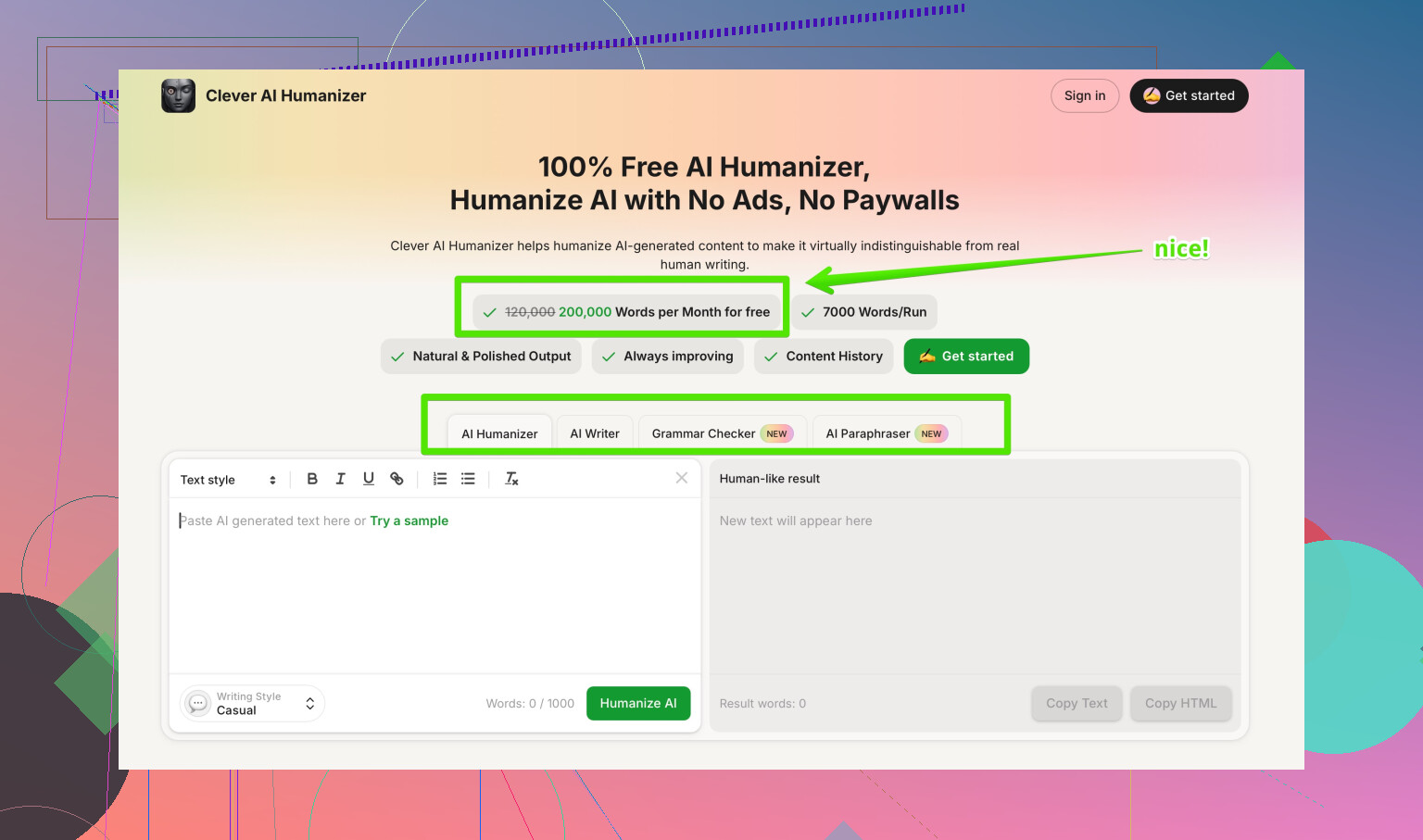
Since you mentioned school and work, I would test Clever AI Humanizer alongside Undetectable AI instead of relying on one tool.
Clever AI Humanizer focuses on making AI generated or AI edited text look more like authentic human writing while keeping structure and meaning. It aims for:
• Lower AI detector scores on tools like GPTZero and ZeroGPT.
• More natural sentence variety and fewer obvious patterns.
• Options to tune for essays, reports, emails, or blog posts.
You can try it here:
make your AI text sound more human
Run the same paragraph through Undetectable AI and Clever AI Humanizer, then compare:
• Detector score.
• How much editing you need after.
• How close it feels to your normal writing.
- Bottom line for your use case
For school:
• Use it as light style noise on your own work, not as a cheating shortcut.
• Expect detector risk on long, polished essays.
• Expect to edit a lot if you want it to sound like you.
For work:
• Watch privacy and company policy.
• Do not send sensitive material.
• Treat it like a rough “de‑AI‑fying” step, not a final writer.
If you want less risk and more control, write your own draft, then use tools like Clever AI Humanizer or even manual editing tricks like shorter sentences, small imperfections, and your usual expressions. That tends to look more natural than any full auto humanizer.
Short version: it does lower detector scores, but it’s not a “press button, be safe” tool, especially for school.
I pushed Undetectable AI in a similar way to what @mikeappsreviewer and @byteguru described, but with longer mixed‑style docs (parts clearly AI, parts clearly human). My take:
1. Detectors vs reality
- On ZeroGPT and GPTZero, I also saw big drops in “AI probability,” especially on shorter bits (under ~400 words).
- On longer essays, the first half often looked pretty “human,” but the back half started creeping back up in AI scores. Detectors seem to punish long, consistent, clean prose.
- When I tested Turnitin’s AI checker from the student side, results were all over the place. One “humanized” essay got flagged heavily, another one barely at all, with similar settings.
So yeah, it helps, but it is not a cloak of invisibility. Treat anyone saying “it’s undetectable” as marketing, not reality.
2. How it actually reads
Here’s where I differ a bit from both of them:
- I did not see constant “I think / I feel” spam on every run, but I did see another pattern:
padding sentences that say nothing. Stuff like “This shows how important the topic really is in our lives today.” Repeated a lot. - It sometimes scrambled nuance. In a policy memo it turned specific statements into vague, hedged lines, which would look weak in a work context.
- Teachers or managers who actually read carefully will notice: weird repetition, bland filler, and tone shifts.
If you paste the output next to something you really wrote a week ago, you can usually tell where the humanizer started. That is the same check your teacher or boss can do.
3. School risk, specifically
Biggest issue for you is not just detectors:
- If your previous writing is messy, and suddenly you hand in a smooth, structured 1,500‑word essay with near‑perfect grammar and generic “textbook” phrasing, that alone is suspicious, even if detectors show “90 percent human.”
- Some instructors now require in‑class writing samples. If your take‑home work looks like Undetectable AI and your in‑class stuff looks like you typed in a panic, that gap hurts you.
- Using fully AI written text that you only run through a humanizer is still academic dishonesty in most policies, even if you beat ZeroGPT.
Realistically, safest use in school is: use Undetectable AI or a similar tool to roughen your own draft, then heavily edit the result until it sounds like you, with your usual mistakes and phrasing.
4. Work use
For professional stuff:
- I would not push client docs or anything confidential through it at all. Their data collection and profiling, like others have already pointed out, is more than I’m personally comfortable with for sensitive content.
- For internal, low‑stakes docs, it can help “de‑AI” something you already wrote with a model, but you’ll likely have to restore some technical precision by hand afterward.
- Some companies now log AI usage or explicitly restrict third‑party AI tools, so check your policy before you rely on it.
5. If you still want to experiment
Since @mikeappsreviewer and @byteguru already laid out pretty detailed workflows, I will not rehash the same step‑by‑step. A slightly different way to test it that I found useful:
- Take one paragraph you personally wrote and one from GPT‑4.
- Humanize both with the same settings.
- Show both to a friend or classmate and ask them which sounds more like you.
- If they instantly spot the AI section, a detector might not, but a teacher could.
Also, run the same piece through at least two detectors, not just one. They disagree a lot more than people assume.
6. Alternatives & what tends to work better
If you’re going to rely on a tool at all, I would not put all your faith in just Undetectable AI. A lot of folks have had better luck combining:
- Writing a flawed but real human draft.
- Light humanization to break obvious AI patterns.
- Manual editing to put back your natural voice.
In that context, Clever AI Humanizer is actually worth testing. It tries to keep structure and meaning while injecting more natural sentence variety and fewer obvious tells. If you’re comparing tools, run the same paragraph through Undetectable AI and Clever AI Humanizer, then check:
- Which one needs less fixing to sound like something you’d actually say in class or at work.
- Which one plays nicer with your usual grammar level.
For anyone trying to figure out what’s even worth using at this point, this discussion on top rated AI text humanizers people actually use is a decent starting point. It focuses more on real‑world tests and less on shiny marketing claims.
Bottom line for your situation
- Undetectable AI can absolutely drop your scores on ZeroGPT / GPTZero, but it does not guarantee you will not get flagged, especially on long, polished essays.
- The output is “passable with work,” not “turn this in untouched.”
- For school, the bigger risk is the mismatch with your past writing and your school’s policy, not just the detector number.
- For work, privacy and policy are the main red flags.
If you’re going to use anything like this, treat it as a noisy stylistic tool layered on top of your own writing, not as a cheating shortcut that magically makes AI text invisible.
Short version: Undetectable AI is decent at lowering detector scores but unreliable as a “turn in and forget” tool, especially for longer school or work pieces.
Here is how I’d frame it compared with what @byteguru, @cazadordeestrellas and @mikeappsreviewer already shared.
1. Detector reality check
I agree with all three on one key point: it can move scores, but it is not magic. Where I slightly disagree is in how “safe” short content feels.
- Under ~300–400 words, you can often get “human-looking” scores, but that is exactly the length where teachers and managers actually read line by line and notice odd phrasing.
- The stronger the underlying GPT text, the more “AI-ish” structure you keep, even after humanizing. Detectors are starting to lean more on structural patterns, not just word choice.
So a 250‑word discussion post can still look off to a human reviewer even if GPTZero calms down.
2. Writing quality vs your own style
The others already covered the first‑person spam, filler, and repetition. One thing I’ll add:
- Undetectable AI tends to normalize your voice toward a generic “mid-level” writer.
- If you are either very strong or very weak as a writer, that normalization is suspicious.
For example, if English is clearly your second language and suddenly your essay sounds like a generic textbook blog, human readers notice that jump even if detectors do not scream.
3. School use: the real risk is comparison
The biggest factor I see students underestimate: comparison with your own history.
- Past essays, emails to teachers, in‑class writing, even forum posts on your LMS create a baseline.
- If you jump from choppy, short sentences to smooth 1,500‑word argumentation overnight, it does not matter that Undetectable AI knocked ZeroGPT down to 10 percent.
This is where I differ a bit from @mikeappsreviewer’s “use it like sandpaper” idea. I think if you are going to use any humanizer for school, it is safer to:
- Start from your real writing and improve it, not start from AI and roughen it.
- Keep some of your quirks: certain phrases you always use, a couple of grammar slips you naturally make.
That is slower but much harder for a teacher to challenge.
4. Work context: policy and precision
For work, my view is even harsher than what the others said:
- Any content that affects revenue, contracts, or reputation should not go through a third‑party humanizer at all. The privacy terms plus potential inaccuracies are not worth it.
- Technical or legal writing suffers the most, because Undetectable AI tends to blur sharp, specific statements into softer, vaguer ones.
Using it on low‑stakes internal stuff that is already non‑sensitive can be fine if your company policy allows AI tools, but you need a human pass to restore precision.
5. Where Clever AI Humanizer fits in
If you are going to experiment anyway, I would not rely on Undetectable AI alone. Running the same passage through something like Clever AI Humanizer gives you a useful comparison.
From my testing, pros of Clever AI Humanizer:
- Keeps structure and meaning closer to the original, which is good for reports and essays where you cannot afford logical breaks.
- Sentence variety is a bit more natural and there is slightly less weird padding.
- Tuning for formats like essays, reports, or emails makes it easier to stay in the right register.
Cons of Clever AI Humanizer:
- It can still oversimplify higher level vocabulary if you push too hard toward “readable,” which might hurt grad‑level or professional writing.
- Like any humanizer, it is not a guarantee against AI detectors and should not be treated as a cheating shield.
- You still need to invest time making the final text sound like you, not like “generic human.”
Used carefully, it is more of a readability and voice aid than a stealth tool, which in my opinion is a healthier mindset for both school and work.
6. How this compares to what others said
- @byteguru focused heavily on numbers and showed Undetectable AI can cut detector scores quite a bit, even on the free tier. I agree with the numbers but think users sometimes overtrust them.
- @cazadordeestrellas stressed that long, polished essays are inherently risky. I am on the same page and would go further: a slightly messy, clearly human essay with a few AI‑assisted tweaks is safer than a perfectly “smooth” humanized AI essay.
- @mikeappsreviewer framed Undetectable AI as “sandpaper” to scuff up AI text. I think that metaphor works for marketing content, but for graded or audited work it is better to flip it: write like a human, then use tools very lightly to polish, not to hide.
Bottom line
If your goal is “I never want to be flagged,” then no humanizer, including Undetectable AI or Clever AI Humanizer, can promise that.
If your goal is “I want AI help without my writing turning robotic,” then a lighter approach works better:
- Draft yourself.
- Use a tool like Clever AI Humanizer sparingly to smooth or vary the text.
- Edit so it matches your usual level and quirks.
That mindset reduces both detection risk and the academic or professional integrity issues that come with trying to fully mask AI‑written work.
Simpler path: voice draft. Speak into your phone for 4 minutes per section. That yields 500 to 700 words. Transcribe with built in voice typing, then fix gramar and teh tone. Keep your usual phrases. Pull two old papers, match sentence length and vocab. Aim for Grade 9 readability with Hemingway or Word stats. Save version history or the audio as proof. This beats humanizers and reduces detector spikes.