I’m considering Sora 2 for my next project but I’m hesitant because I’ve heard mixed reviews. It’s tough to find honest user feedback online, and I want to make sure I’m making the right choice. Can anyone break down the strengths and weaknesses of Sora 2 based on personal experience or reliable sources?
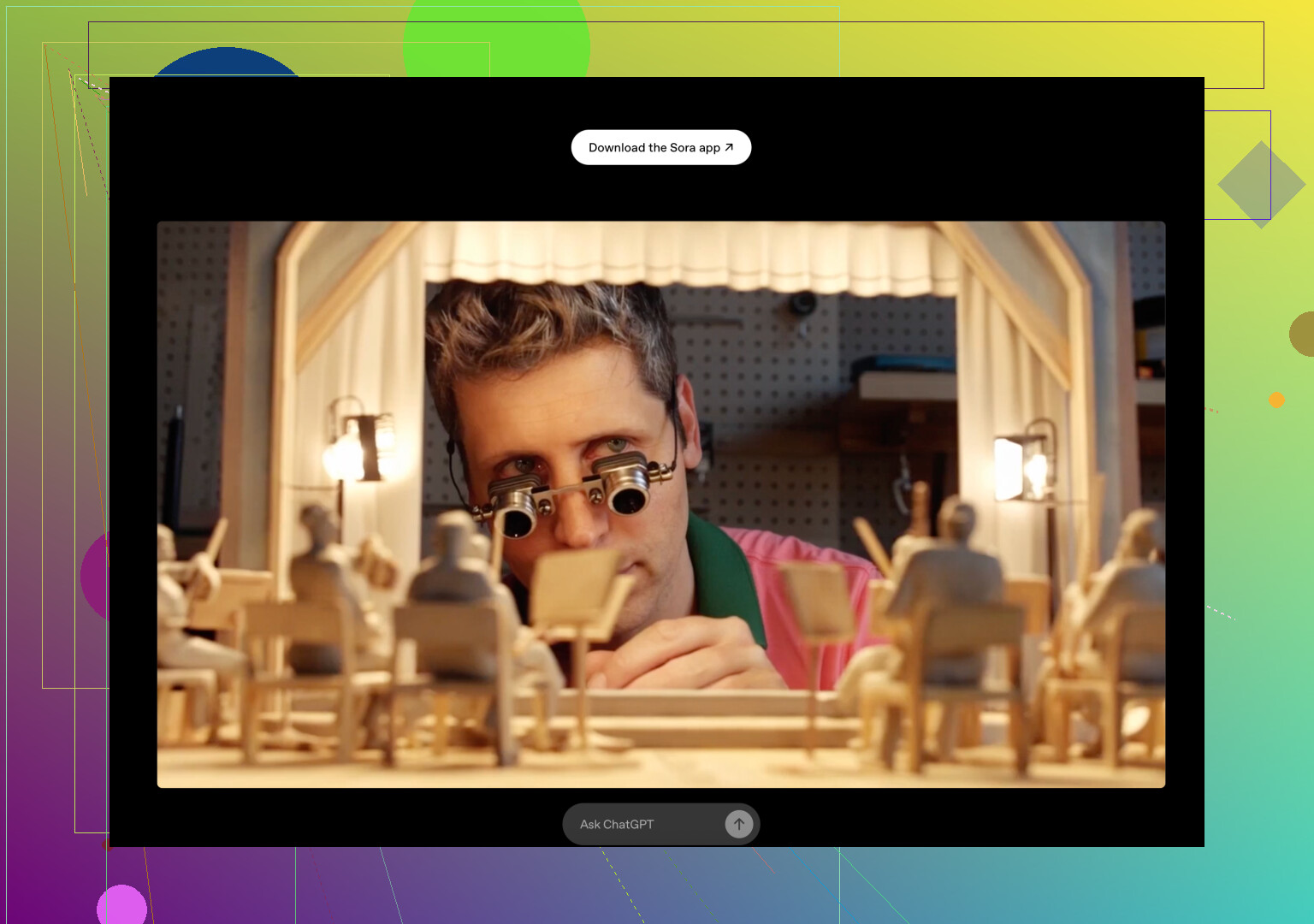
The Lowdown on Sora 2 (OpenAI’s Shiny New Video Generator)
Alright, here’s the scoop for anyone who missed the news: OpenAI just rolled out Sora 2, and honestly, it’s kind of wild how far this tech has come. Picture this—type something out (or toss in an image), hit go, and boom: Sora dishes out a short, realistic-looking video. It even handles audio and syncing on its own, plus it’s all packed into an app that feels like TikTok’s ambitious younger cousin. There’s a catch, though: for now, it’s only on iOS, only works in the U.S. and Canada, and you’ve gotta snag an invite to get in.
What Makes It Cool (and Kinda Fun)
- Moves Like a Human? — Animations are finally starting to look less like wobbly mannequins and more like actual people or things doing real stuff. Way less uncanny valley.
- Automatic Audio Synch — No more mismatched lips or clunky sound drops. Speech, noise, footsteps? It just lines up.
- You Get To Play Director — Feeling artsy? Pick your style. Sora 2 lets you drive the look and mood, so your stuff doesn’t all end up looking like everyone else’s.
- Cameo Mode — Want your friend’s face in the scene? Or your own voice dubbed in? There’s an option for that.
- Remix Madness — Make something, post it, let the hive mind riff on it. Sharing and collabing is baked right in.
- Tiny Learning Curve — You don’t need Final Cut chops. If you can write a prompt, you can make a video.
What’s Kinda Weak Right Now
- Blink-and-You-Miss-It Vids — Everything is super short. Like, you get about 10 to 16 seconds. Not enough for deep storytelling.
- Invite Club — Unless you know someone, or OpenAI picks you, you’re outta luck at launch.
- Meh Free Quality — The no-cost version spits out lower-res stuff, so don’t try to submit that to Sundance.
- Continuity Chaos — Characters or lighting sometimes change between frames. It’s like watching someone flip the channel mid-scene.
- Copyright/Digital Doppelganger Issues — Since it can copy looks and voices, there’s gonna be a lot of “wait, is that legal??” chatter.
- Pricing is a Black Box — Right now who knows what happens after launch? Usage limits or paywalls could drop any second.
Who’s Actually Gonna Use This?
Honestly, it’s a playground for meme-makers, artists, or folks prototyping ideas for campaigns, not for anyone who needs pro-level commercials, movies, or consistent branding (yet). If you just want to make something clever for socials, or sketch out concepts without wasting a weekend, that’s where Sora 2 shines.
And that’s about the size of it—neat toy, loads of potential, but not quite the blockbuster video tool some people might be hoping for (yet). If you get an invite, definitely poke around—you might end up with the next viral clip.
37 Likes
If you’re talking Sora 2, let’s not get starry-eyed too quick, no matter how hyped up it sounds on some posts (lookin’ at you, @mikeappsreviewer). My take after binging on Sora clips for a weekend—yes, cool party trick, but serious work? Yikes, not yet.
Here’s my unvarnished hit list:
Pros:
- Absolutely bonkers how easy it is if you’re just goofing around or trying to whip out meme-y vids fast. Interface is kinda brainless too (in a good way—not much reading/help needed).
- The “remix and share” factor, as already mentioned, is fun if you want your stuff to go semi-viral (or get riffed on by randos).
- No joke—the AI’s take on syncing sound and lips is probably better than early TikTok, though “better” still means “pretty weird” sometimes.
Cons:
- Sorry, not buying into the “human-like” animation hype just yet. If you’re used to animation suites or have an eye for realism, you’ll clock the uncanny factor and those random scene jumps instantly. I tried making a character walk across a street, and in one frame she looked like she’d seen The Ring.
- 16 seconds max? It’s like the Snapchat of AI vids—basically long enough for a bad joke, not enough for anything resembling a narrative, explainer, or product demo.
- The “invite-only” thing is annoying beyond words. I get it, beta test, blah-blah, but if you’re planning timelines for client projects—don’t. You could end up waiting by your inbox for nothing.
- Copyright/lawsuit territory feels super sketch. There’s no way I’d use anything for paid/professional work without ironclad permission/release forms, especially since Sora 2 makes copying faces and voices too easy.
- The convo about pricing is…nonexistent? Are they gonna gouge once it’s popular? Hope you like surprise invoices.
Personal exp: Used it for a fake ad for my band. The AI drums glitched twice, and our “singer” turned into something from a fever dream in the third render. Made for a funny post—would’ve been a nightmare if I’d been on a deadline.
TLDR: Sora 2, for now, is a toy masquerading as a tool. If you want pro results or real control, look elsewhere. If you want some weird AI-chaos, get an invite and laugh a bit. At least for now.
I’ll put it to you plain: Sora 2 is basically the AI love-child of TikTok and Dall-E, but—this can’t be stressed enough—it is NOT your shortcut to blockbuster glory. Yes, you can get freakishly decent video snippets from a sentence. Yes, rapid prototyping is wayyy easier than stringing together stock footage like Frankenstein’s monster. The hype about human-like movement? Meh, it’s better than last gen, but watch more than two clips and you’ll see plenty of rubbery limbs and freeform hairdos. People are calling out sync quality, and it’s true—audio lining up is frankly impressive and kills lip-flap memes dead. Just don’t expect your videos to pass for professionally directed work because sometimes Sora 2 will decide your characters need a mid-sequence wardrobe change (or an extra finger).
You want pros? Let’s crank ‘em out: freakin’ simple to use, quick for mockups & brainstorms, has a collab/remix energy that’s pretty contagious if you like creative ping-pong. You literally don’t need editing skills to get something out. As himmelsjager mentioned, Sora 2 crushes for meme potential & quick jokes.
Here’s the con avalanche: 1) It’s exclusive—invite-only is a buzzkill. B) Short max video length, so if your “project” is more than a bumper or meme, keep moving. 3) Weird continuity issues make it sketchy if you need brand consistency. D) Copyright’s the elephant in the room—the way Sora 2 can mimic voices/faces could be a legal quagmire, so using this commercially or in anything with a real audience is risky. Pricing is a mystery box poised to explode in your wallet.
I’ll actually disagree with some of the doom-and-gloom—it’s not just a toy. If you’re early-stage and want to visually pitch weird ideas or stir up your team with “imagine this” sketches, Sora 2 has some real value. But you’re rolling dice if you need anything more than a clever proof of concept.
Bottom line: Sora 2 is sort of a creative casino. Roll for a jackpot, but know there’s a whole lotta slots with lemons. If production deadlines, client budgets, or copyright headaches are on the table, it’s a hard pass til things mature or the wild-west invite system chills out. If you get in, treat it as digital improv, not a real extension of your workflow—yet. YMMV.
Sora 2: Quick Pros and Cons League Table
Pros:
- Stupid-easy to use: If you can string together a Tinder bio, you can generate a video.
- Animation leaps forward—humans don’t look like haunted crash-test dummies anymore, and facial/lip sync is actually NOT embarrassing for once.
- Remixing and cameo functions are a blast; collab on memes or ultra-quick protos with friends.
- Style control is surprisingly granular for a text-driven tool—think Canva for video concepts.
- Great for “What if we did THIS?” idea bombing (visual elevator pitches, vibe checks with teams, kicking off creative sprints).
Cons:
- Time cap slams the brakes. 16-second tops? Anything with a plot, character arc, or running gag gets squished into a meme vine. Think “Snapchat, but with speaking aliens.”
- Continuity roulette: Watch your protagonist morph into their evil twin mid-shot. Weird for brands, potentially hilarious for viral junkies.
- Free version means fuzzy, low-res exports: This ain’t your sizzle reel material—unless your “brand aesthetic” is VHS flea market.
- Copyright zone is sketchy AF—deepfake potential, voice cloning, you name it. Good luck getting clearance on anything important.
- iOS-only, invites only, U.S./Canada only… it’s cool if you like velvet ropes.
- Pricing? Might as well be NDA’d with secret sauce. Don’t budget for Sora 2 until OpenAI figures out what it’s selling.
Compared to competitors discussed by others, Sora 2 is more about creative chaos and prototyping, while you have stuff like Runway ML (slicker, longer videos) and Pika Labs (strong on motion/style) aiming toward pro territory—but with their own quirks and limits.
Hot take: Ignore the “final product” crowd; Sora 2 isn’t here for polished ads or Oscar shorts. It’s for rapid idea firebombs, visual jokes, or punchy creative spitballs. If you’re brainstorming, not broadcasting, give it a spin—just don’t mortgage the project on it resolving continuity or copyright tomorrow.
Sora 2 fits quick social clips, memes, and concept testing. It offers simple prompting, audio sync, remixing, and style controls. Weak points include short clips, unstable characters, limited access, unclear pricing, and legal risks around faces, voices, and copyrighted material. Skip it for client deadlines or polished long-form work.
Simpler option: run a one-hour tool test. Use the same three prompts in Sora 2, Runway, and Pika. Score output quality, render time, editing effort, and cost from 1 to 5. Pick the highest total. This gives you a real comparision based on your project, not mixed reviews.
Watch the watermark. Every clip you export off Sora 2 comes stamped, and if your plan is ‘quick social post,’ that stamp shows up in the corner of everything. There are people cropping or running it through cleanup tools, but that’s extra steps and the result looks rough. Nobody above mentioned it, and it kills the ‘just make a meme and post it’ idea faster than the 16 second limit does.
The other thing people keep glossing over is that the app is a feed, not a private editor. You’re not quietly generating clips in a corner. The default vibe is public and social, so if you’re prototyping something you don’t want floating around, keep that in mind before you type your client’s concept into it.
@swiftspark7201hq’s three-prompt test is the most useful thing in this thread, honestly. Same prompts across Sora 2, Runway, Pika, score them yourself. That beats any of our opinions because your prompts and your standards are what matter. I’d only add one column to the scoring: how much cleanup the export needs after the fact, because that’s where the watermark and the short length quietly eat your time.
I’ll push back a little on the ‘it’s just a toy’ crowd. It’s not a toy, it’s a narrow tool. If your job is ‘show a team what an idea could look like in 15 seconds,’ it does that fine. The mistake is expecting it to stretch into anything with a beginning, middle, and end. Match the tool to the job and you won’t be disappointed. Expect a video editor and you will be.