I need a professional headshot for my LinkedIn profile and job applications, but I don’t have the budget for a photographer right now. I tried a few AI headshot tools, and the results either looked fake or didn’t really look like me. I’m looking for advice on how to use AI to create a realistic professional headshot, what tools work best, and how to get better results from my photos.
Making AI Headshots Without Ending Up With a Weird Fake Face
I went down this rabbit hole because I needed a decent profile photo and did not feel like paying for a studio session. AI headshots are cheap, fast, and good enough for LinkedIn, resumes, internal company profiles, all of that. The catch is simple. Your results depend a lot on what you feed the app.
Start with normal photos, not ‘content’
What worked for me was boring phone photos. Plain stuff.
Use:
- clear shots
- a few angles
- window light or soft daylight
- no beauty filters
- no sunglasses
- no heavy editing
The cleaner and more natural your source photos are, the less likely the AI is to invent a different face. I tried mixing in one overprocessed selfie once. Bad idea. The output looked like my cousin pretending to be me.
The app matters more than people admit
After that, you upload the images into a generator. I tested a few. Eltima AI Headshot Generator is very easy to use, and from what I saw, it leans toward clean business portraits instead of overly polished plastic-looking faces. If your goal is something for LinkedIn or a CV, it does the job without much fiddling.
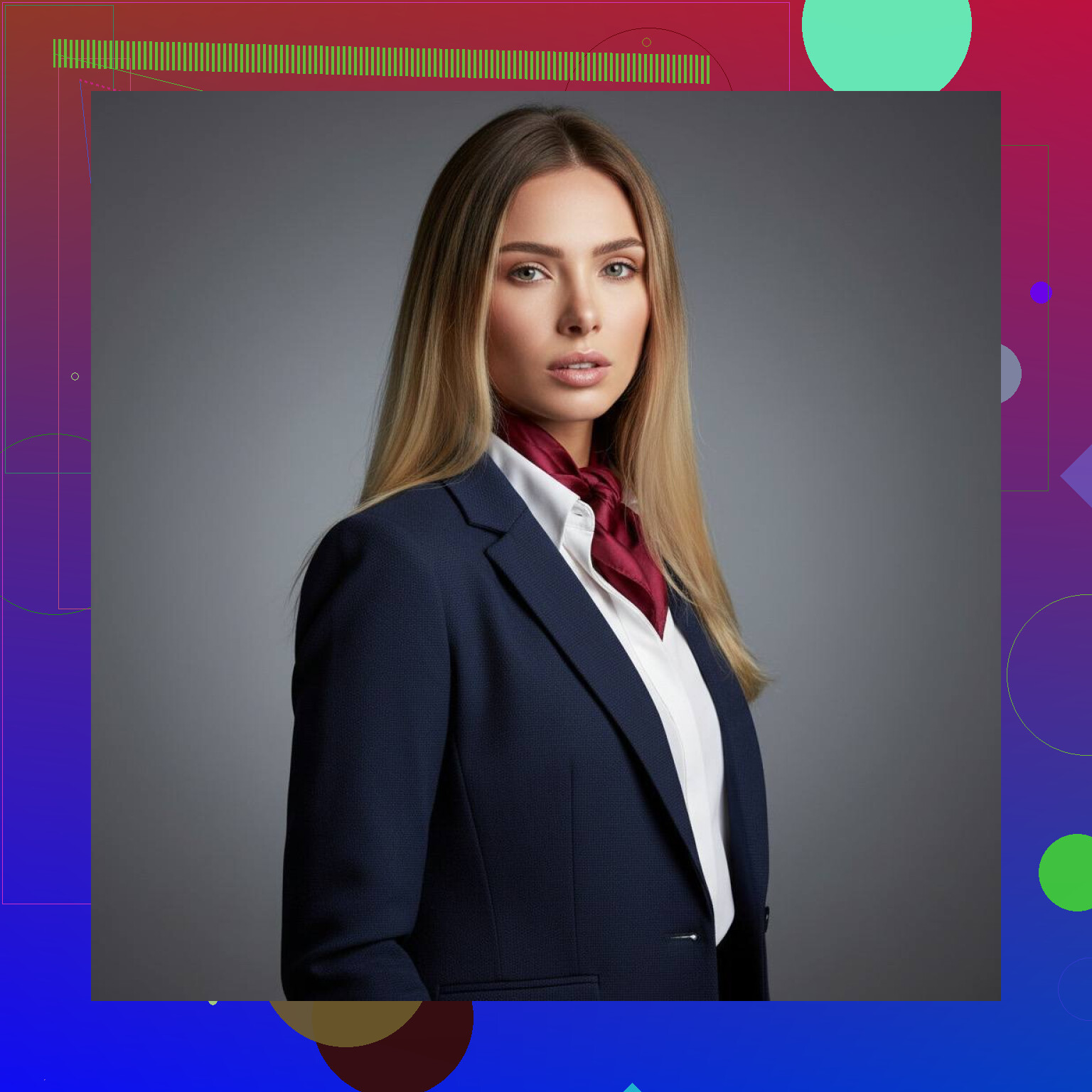
Here are a few I made with Eltima:

If you like tweaking stuff
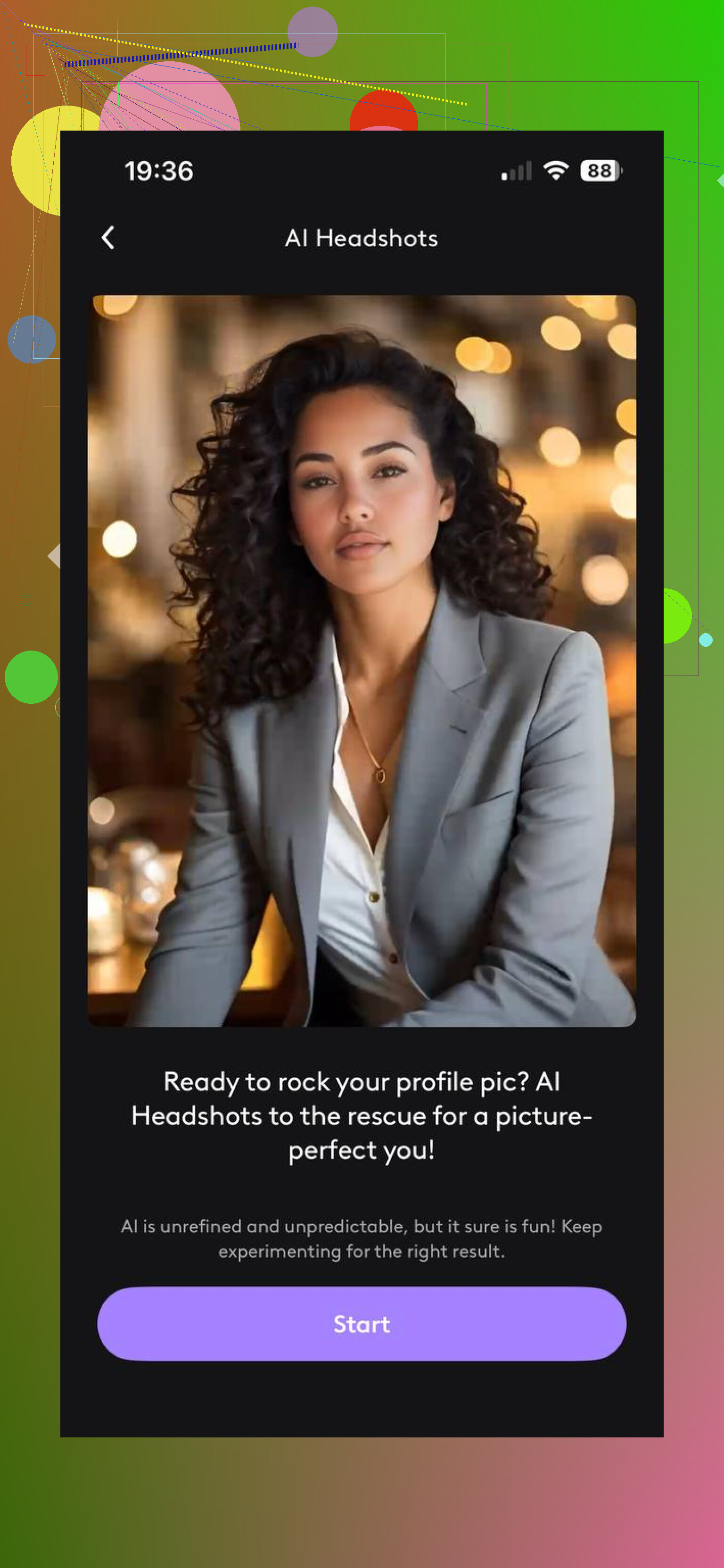
I also messed with other tools depending on what I needed.
- Photoleap, better if you want more say over the look
- Canva, useful for cleanup after the fact, like cropping or fixing a messy background
Pick a style that looks like a person with a job
Inside most generators, you choose a style preset. For professional use, I had better luck sticking to options labeled things like corporate or business portrait.
The artsy presets were a mess for me. Too polished, weird skin, strange suits, odd backgrounds, one of them gave me teeth I do not own. If you need a photo people will trust on sight, keep it plain.
First batch is often junk
This part annoyed me a bit. You usually do not get the keeper on round one.
I had to run a few batches before I found images where:
- the face still looked like me
- the expression felt normal
- the clothes looked believable
- nothing in the background was warped
So if your first set looks off, that seems normal. Try again with a tighter photo selection.
What I ended up using
Out of the tools I tried, Eltima AI Headshot Generator gave me the least awkward results with the least effort. It was quick, simple, and the faces usually stayed closer to real life than in a lot of similar apps I tested.
If you want your AI headshot to pass as a normal professional photo, the main thing is boring input photos, conservative style choices, and a little patience. That part made more difference than any app setting I clicked.
14 Likes
I’d do this a bit differently than @mikeappsreviewer.
AI headshot apps often fail because they try to invent a polished studio look from weak input. So skip the full generator first. Start with one solid photo of yourself. Use your phone’s rear camera, portrait mode off, chest-up framing, plain wall, indirect window light, neutral shirt. Then edit lightly in Canva or Photopea. Fix exposure, crop to 4:5, clean the background, sharpen a little. Stop there if it already looks pro.
If the base photo still feels too casual, then use AI for touch-up, not full face generation. Tools with background swap, wardrobe cleanup, and skin correction tend to hold your identity better. Full AI re-renders often drift. That’s why they look fake.
For LinkedIn, trust beats polish. Recruiters care more about “looks like the same person in the interview” than glossy output. One clean real photo usually beats an uncanny AI one. I learned this the hard way, lol. My first AI batch made me look 12 years younger and sort of unemployed.
Quick checklist:
- Face the window.
- Camera at eye level.
- Slight smile.
- No filters.
- Edit small stuff only.
- Test it as a tiny thumbnail.
If you want, post the kind of photo you have now, selfie, mirror shot, outdoor pic, and people here can tell you the best AI route from there.
I’d split the difference between @mikeappsreviewer and @sognonotturno, but honestly I disagree a little with both on one thing: people overestimate how much “AI generation” you need.
For LinkedIn, the safest move is usually this:
- take 20 to 30 normal photos first
- pick the best real one
- use AI only for cleanup, not identity creation
That means:
- remove messy background
- even out lighting
- fix flyaway hair
- maybe improve shirt/jacket appearance a bit
What usually makes AI headshots look fake is when the app starts rebuilding your whole face. Once it does that, you get weird skin, odd eyes, fake teeth, or that “sort of you but not really you” vibe.
My personal workaround was using a real photo, then running very light edits in a design editor plus a retouch tool. I also found it helps to wear actual interview-type clothes in the source pic, even if it’s just a plain dark top. AI is less likely to invent nonsense lapels and cursed business suits that way lol.
One underrated tip: check the image at tiny size first. Seriously. LinkedIn shows your photo small most of the time. If it looks clean and trustworthy as a thumbnail, it’s probly fine. If the eyes or smile look uncanny when small, toss it.
Also, do not chase “perfect.” A slightly plain real-looking photo beats a super glossy fake one every time. Recruiters are not grading you on cinematic lighting.
If you want the most natural result, I’d avoid full AI headshot generators unless your input photos are already very solid. For most people, light AI enhancement > full AI remake. That was the only way I got something usable tbh.
I’m a little less optimistic than @mikeappsreviewer about full AI batches for job hunting. If the photo gets you noticed for looking uncanny, that’s not helping.
My take: use AI like a finishing tool, not the photographer.
What I’d do differently from @sognonotturno and @viajeroceleste is run a quick “reality check” before uploading anything:
- show the final image to 2 friends for 2 seconds
- ask “does this look exactly like me?”
- if either hesitates, reject it
That tiny test catches most bad AI headshots fast.
If you do want an app, Eltima AI Headshot Generator is one of the cleaner options for business-style results.
Pros for Eltima AI Headshot Generator:
- simple workflow
- decent conservative office looks
- less fiddly than many tools
- useful if you need fast variations
Cons:
- can still smooth skin too much
- wardrobe generation may look generic
One extra tip nobody mentions enough: match the photo to your field. Finance, law, and consulting can support a more formal look. Creative roles usually look better with slightly more natural lighting and less “corporate brochure” energy.
So yeah, my rule is: believable beats impressive. A photo that looks 8/10 but unmistakably you is stronger than a glossy 10/10 AI portrait that feels off.