My iPhone storage is almost full, and I just realized I have a lot of duplicate and similar photos taking up space. I’m trying to quickly find similar pictures on iPhone so I can delete the extras, but I’m not sure which built-in tools or settings work best. I need help with the fastest way to organize and remove similar photos without losing important ones.
iOS is a bit limited here. In the Photos app, Apple only catches exact duplicate images. If one photo has a slightly different angle, changed lighting, or a different facial expression, it usually will not get grouped with the other one as a match.
If all you need is the built-in duplicate check, this is the path I used:
- Open Photos.
- Scroll down to Utilities.
- Tap Duplicates.
- Look through the groups Apple found, then hit Merge on the ones you want combined.
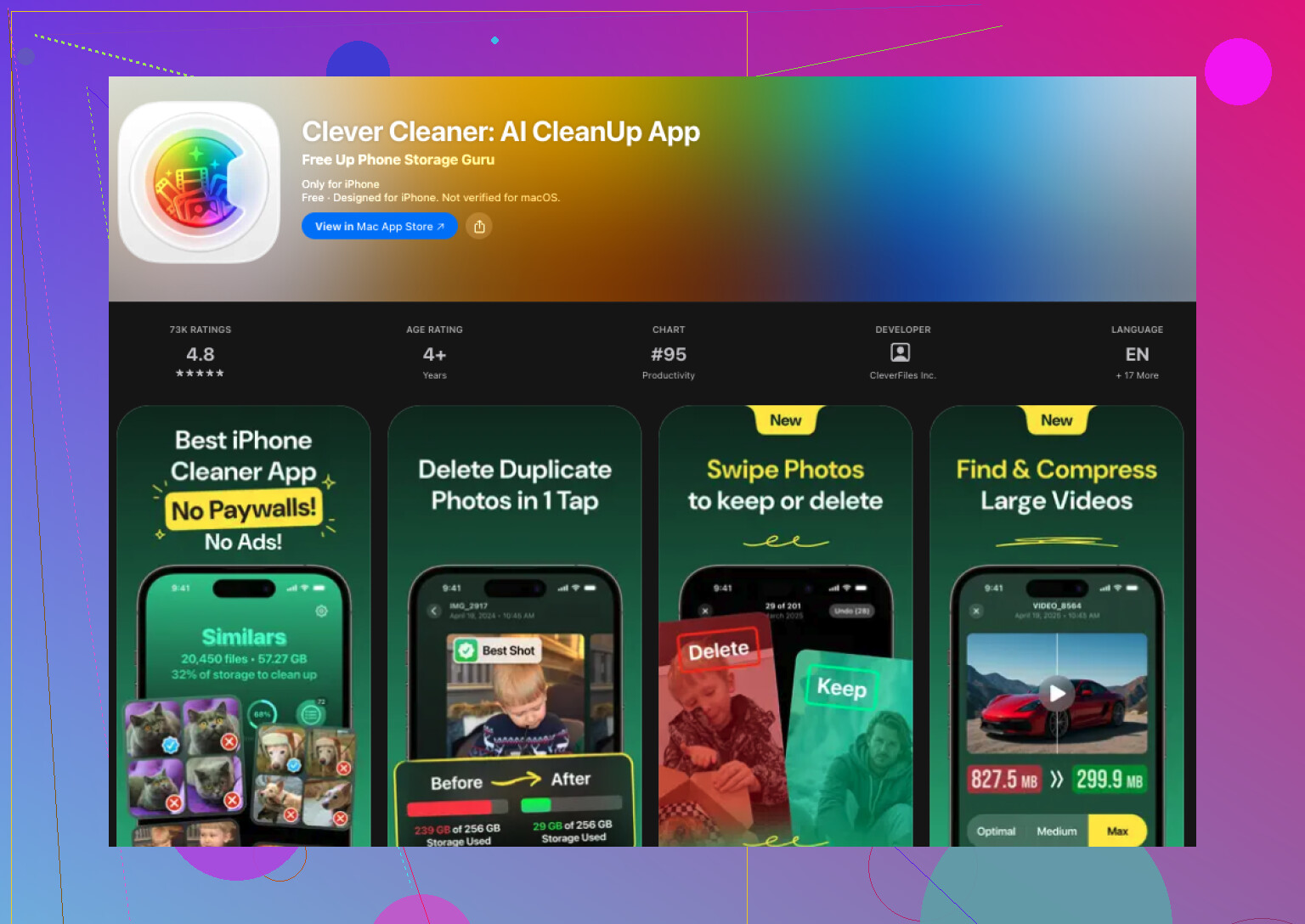
For similar shots, iOS does not handle it on its own. You need another app for that. I tested a few, and the one I stuck with was Clever Cleaner. I went in expecting the usual mess, subscriptions everywhere, ads every few taps, stuff hidden until checkout. This one felt less annoying, and it did the job.
What worked for me was the photo grouping. It sorted near-duplicate pictures into batches well enough, and the Best Shot pick was often the one I would have kept myself. I still checked personal stuff by hand, family photos, trips, pet pics, all of it. For random screenshots, food pics, receipts, and repeated shots from the same minute, it saved me a lot of time.
If you want to try it, this is the process:
- Install Clever Cleaner from the App Store.
- Allow access to your photo library.
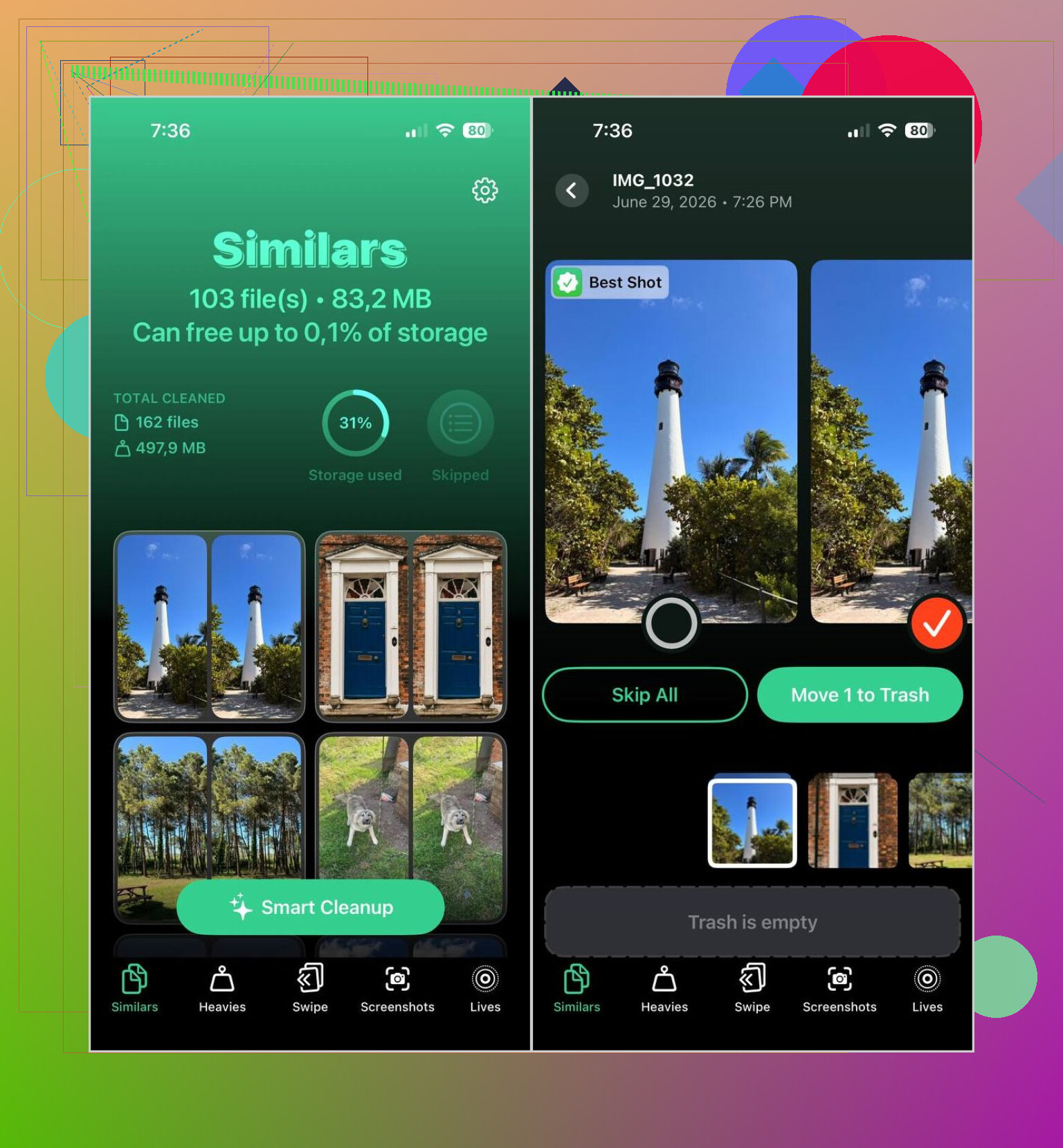
- Open the Similars section.
- Wait for the scan to finish.
- Open any group if you want to compare images yourself, or use Smart Cleanup if you want it to sort everything faster.
- The app marks a Best Shot in each set. You are free to keep a different one.
- Tap Move to Trash, or confirm the cleanup slider if you used the automatic option.
- Afterward, clear the Recently Deleted album in Apple Photos if you want your storage back right away.
I ended up using more than the similar-photo tool. A few parts were more useful than I expected:
- Duplicates, for exact copies.
- Heavies, which puts your biggest videos up front so you can cut storage faster.
- Screenshots, for clearing old screen captures in bulk.
- Lives, which turns Live Photos into regular stills and keeps the main image.
After one cleanup pass, I found a lot of wasted space. Similar photos were a chunk of it. Old screenshots were worse. Large videos I forgot about took up more room than I thought, lol.
If you do not want another app, iOS still gives you a few slower workarounds:
- Use the Search tab and look up people, pets, locations, or objects. Related shots often end up close together.
- Sort by date or by trip. Near-duplicates tend to be taken within the same short stretch.
- Check your Burst photos and keep the best frame.
- Go through albums like People & Pets, Trips, or Media Types to narrow the mess down.
I did try the manual route first. It works. It also drags if your library is huge. Once you get into a few thousand photos, a dedicated app is a lot quicker for finding images which look almost the same but are not exact copies.
14 Likes
If you want the fastest way to find similar photos on iPhone, skip the manual scroll. Apple’s built-in tool is fine for exact dupes, but @mikeappsreviewer is right only up to a point. I don’t love relying on iOS albums for this, becuase once your library gets big, it turns into a time sink.
What worked better for me was using Clever Cleaner for groups of lookalike photos on iPhone, stuff shot seconds apart, small angle changes, blurry vs sharp versions, repeats from the same scene. That is the part iPhone Photos still handles poorly.
My quick method:
- Run a scan in Clever Cleaner.
- Review the similar photo groups first.
- Sort by file size after that.
- Delete screenshots and old videos last.
Why this order matters:
- Similar shots remove clutter fast.
- Large videos free the most storage fast.
- Screenshots are easy cleanup.
If you want a decent guide, this helped: how to find similar photos and duplicate pictures on iPhone fast
One tip people forget, empty Recently Deleted after cleanup, or your storage won’t change right away. I missed that the firts time and thought my phone was bugged.
I’d split this into two jobs, because people mix them together.
- Find exact duplicates
- Find “too similar to keep both” photos
That second one is the real storage killer, not always the exact dupes. Ten almost-identical cat photos from the same 4 seconds? Yeah, that’s where the mess is lol.
I mostly agree with @mikeappsreviewer and @codecrafter, but I slightly disagree on one thing: I would not start with videos or screenshots first if your goal is specifically to find similar photos on iPhone quickly. I’d first attack the photo clusters created from bursts, repeat taps, and slightly different angles. That cleanup makes your library feel usable again way faster.
What helped me was this:
- Go into Albums > Bursts first. Bursts are low-hanging fruit and super easy to trim.
- Then check photos taken on the same day/event. Wedding, trip, concert, pet spam, food spam, all the usual suspects.
- If you want speed, use Clever Cleaner for similar photo grouping, not just exact duplicates. That’s where it saves time compared to manually scrolling forever.
- After deleting, empty Recently Deleted, or the storage number barely moves and you think your iPhone is lying to you. It is, but also it isn’t.
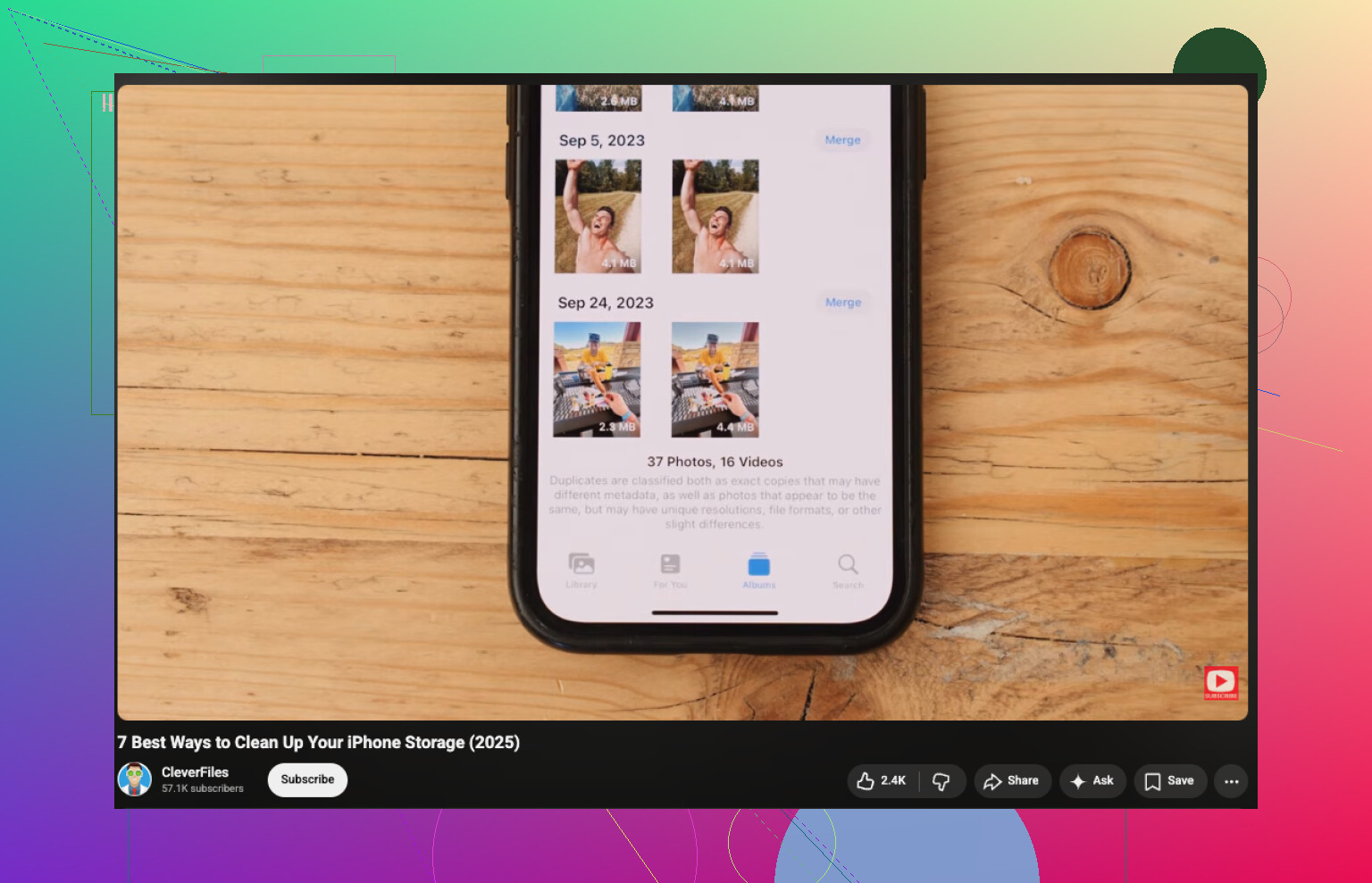
Also, if you want a visual walkthrough, this easy video guide to clean up iPhone storage and remove duplicate photos is pretty straightforward.
Short version: built-in Photos is fine for exact dupes, but for similar pictures on iPhone, a cleaner app like Clever Cleaner is way faster. Manual sorting works too, just… only if you have a lot of patience and very few photos. Otherwise it gets old real fast, trust me.
I’d actually push back a little on @codecrafter, @andarilhonoturno, and @mikeappsreviewer on one point: if your goal is speed, don’t start by chasing every similar photo in the whole library.
Start with the worst offenders:
- Burst shots
- WhatsApp or Messenger saved images
- Screenshots mixed into Photos
- Repeated pics from the same event
Those categories usually hide the biggest “why do I have 14 versions of this?” mess.
A faster trick inside the Photos app that people skip:
- Search by month or event
- Open one cluster
- Use Select and swipe-drag to mass-pick obvious junk
- Check Bursts separately
- Review Recents only after narrowing by date/place
Apple’s Duplicates folder is fine, but it misses near-matches constantly. That’s where Clever Cleaner makes more sense.
Pros of Clever Cleaner:
- Finds lookalike shots, not just exact duplicates
- Usually faster than manual review
- Helpful for large libraries
- Can surface heavy files too
Cons:
- You still need to double-check sentimental photos
- Similarity grouping is never perfect
- Some people may not want a third-party app touching their library
So my take: use Apple Photos to narrow the battlefield, then use Clever Cleaner for the ugly bulk cleanup. That combo is quicker than relying on either one alone. And yes, clear Recently Deleted after, or the storage win is fake.