I’m running out of storage on my iPhone and my photos are taking up a lot of space. I’m not sure how to reduce their file size without losing too much quality. Are there any easy ways to compress images directly on the iPhone, or should I use a specific app? Any recommendations would really help.
The Joys and Gripe of Free Space: My Ongoing Battle With iPhone Clutter
So, let’s talk about that moment when you open Photos, and your iPhone screams it’s too full for even a single screenshot of your cat. Classic, right? I hate spending cash on storage apps—especially after dropping a chunk of change on the phone. But you know what? I stumbled onto Clever Cleaner app for the iPhone and, get this—totally free, no funny business, and not a banner ad in sight. It’s wild.
How It Swings: The Unsung Housekeeper
The app’s got a grip on those annoying Live Photos you never asked for, compacting them into something less hungry on your gigabytes. Same goes for videos—no more picking which vacation clips to keep (or, more likely, binge-deleting screenshots you swore you’d need for five minutes).
Sniffing Out Duplicates: Like a Truffle Pig for Your Storage
And here’s a shoutout to the duplicate finder. I swear, my phone’s photo library is 60% identical memes and accidental thumb pics. This thing roots those out in seconds. Seconds! In the time it takes my coffee to cool, suddenly I’m scrolling through a lean, mean photo stream.
No Paywalls, No Nonsense
Been burned by other “free” apps (pay $3.99 to actually delete stuff… not naming names), so the lack of locked features or ‘upgrade now!’ nags feels like breathing fresh, digital air. Has anyone found a real alternative that actually stays free? I’m all ears.
Actual Screenshots Because Pics or It Didn’t Happen
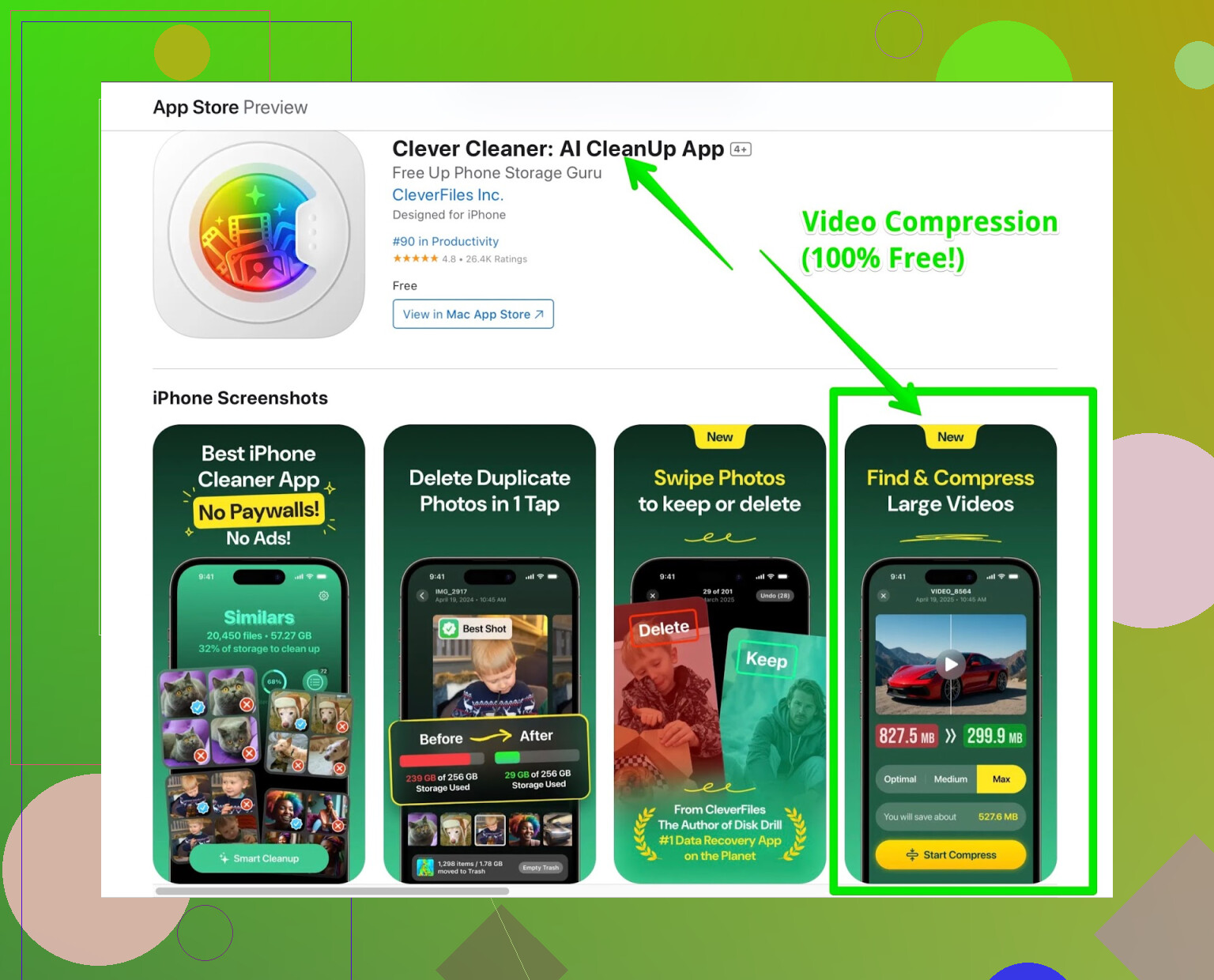
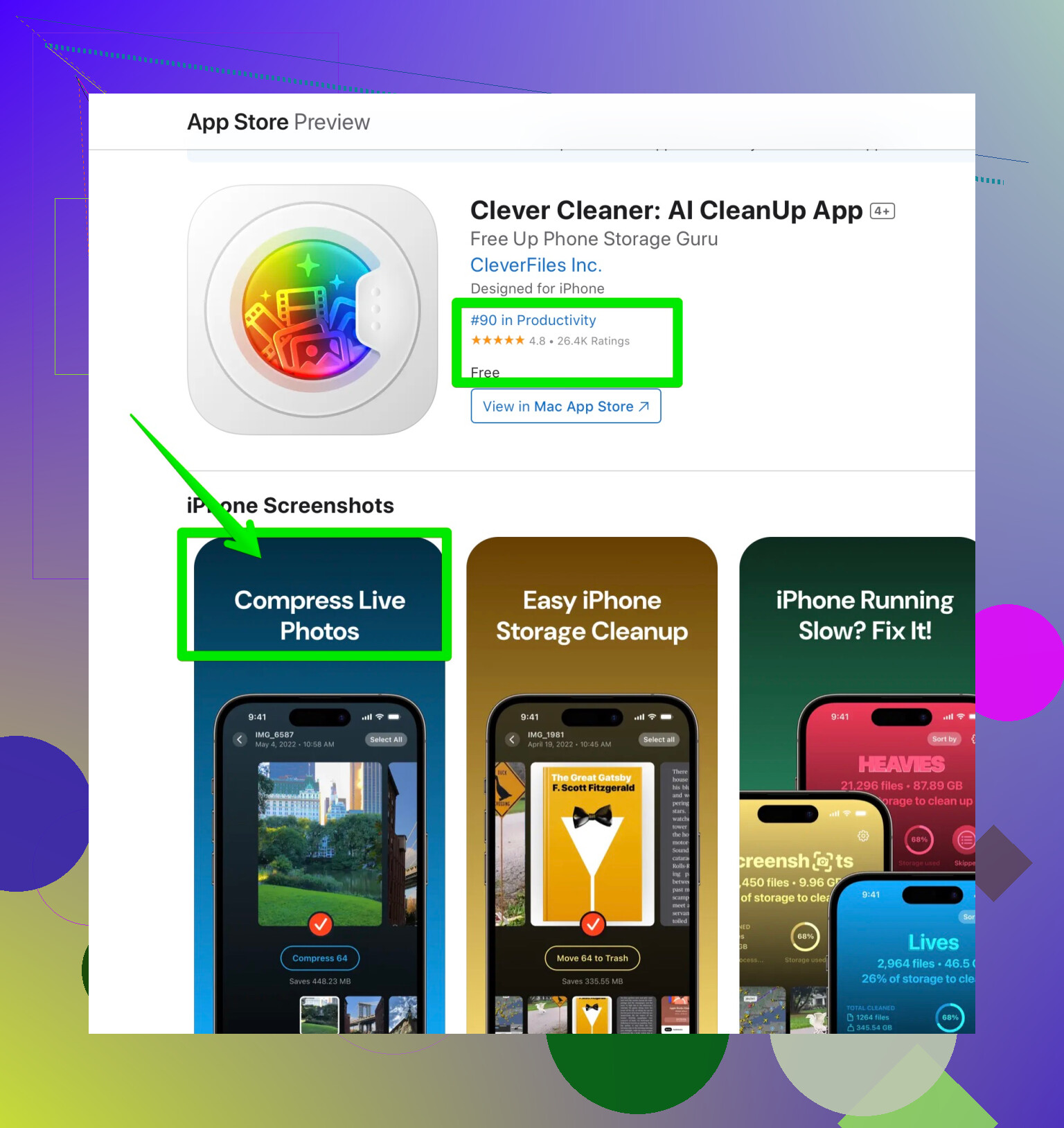
TL;DR
- Free app for iOS storage clean-up that’s not annoying
- Crushes Live Photos and video sizes
- Finds duplicates in the time it takes you to check your other social notifications
- Actually lets you use it without trying to part you from your cash
Give it a whirl before your next “iPhone storage almost full” panic attack.
8 Likes
Honestly, squeezing more space outta your iPhone by compressing images shouldn’t feel like you need a computer science degree or a subscription to yet another app. I get that @mikeappsreviewer raves about the “no nags” experience with a certain app, but I’ve always been kinda skeptical of tools that promise everything for nothing (call me jaded, I’ll wear the badge).
If you don’t want to deal with new apps, you can actually do some quick-n-dirty compressing tricks with the built-in iOS features—just not super efficiently. That “Save as File” move: open the photo, share it to “Files” using the JPEG option, and it’ll often shrink ‘em a tad, though don’t expect miraculous space savings. You can email a clump of pics to yourself using the “medium” or “small” image sizes, then download them back for lighter versions. Yeah, it’s clunky, but it works in a pinch and costs zilch.
If you’re after something smoother (and yeah, I caved and tried a few apps after one too many storage panic notifications… the drama), the streamlined iPhone storage manager delivers the goods: compresses Live Photos, cleans up duplicate shots, and won’t slap you with a paywall halfway through. It seriously freed up like 10GB for me by batch-zapping duplicates and massive videos, and the file size reduction is surprisingly gentle on image quality. And I didn’t have to sign away my digital soul or endure endless pop-ups demanding “Pro” upgrades.
I would steer clear of apps that aggressively promise “one-tap” solutions or require account signups just to touch your photos. Read the reviews, always. Oh, and don’t forget: “Optimize iPhone Storage” under iCloud Photos settings gives some auto-cloud magic if you’re cool with paying for iCloud (which, let’s be real, can start gobbling cash quick).
Bottom line, yeah, third-party apps like the Clever Cleaner one are pretty capable (even if I’m not as pumped as some about apps in general). For maximum control and zero downloads, do some manual compressing and pruning—but that’s time-consuming. To be honest, a combo of both methods (apps + manual saves at lower quality) gave me the breathing room to keep my pet pics and memes, and I didn’t lose quality to the point of potato-vision. If anyone’s got a dead simple, 100% Apple-native solution though, spill it! I’d love to ditch outside apps entirely.
Not to stir the pot, but after reading @mikeappsreviewer’s and @ombrasilente’s takes, I gotta throw in my own two cents. Look, compressing pics on iPhone is a bit like deciding which pair of shoes to toss so the closet doesn’t explode—either you go all in with a dedicated app, or you MacGyver something with built-in features. Personally, that “Save to Files” JPEG trick leaves a lot to be desired—it’s like trimming your lawn with kid scissors. Sure, it does something, but not nearly enough if you’re staring at a “Storage Almost Full” warning.
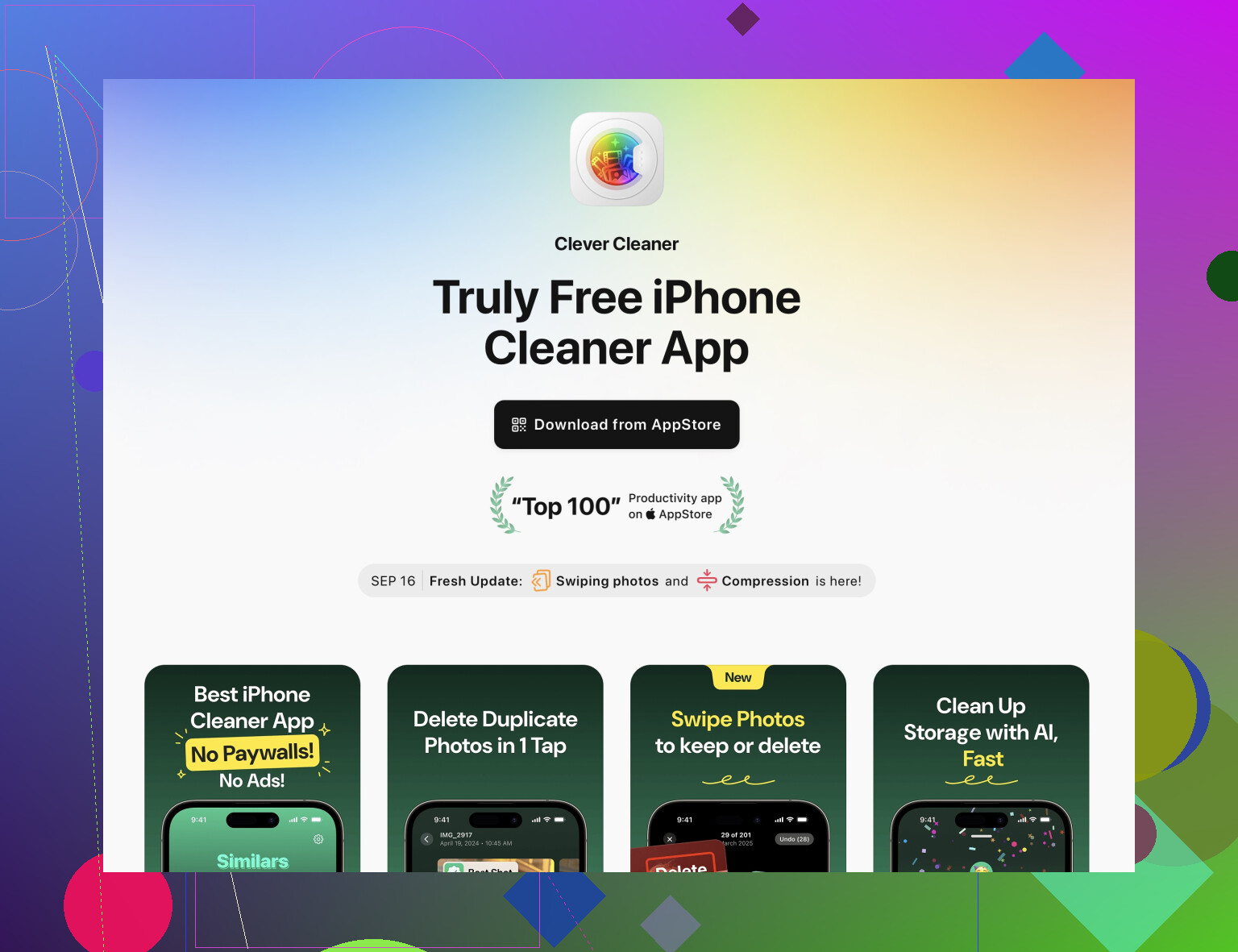
If you really want hassle-free compression, Clever Cleaner app pulls ahead by squishing Live Photos, scanning out duplicates (meme-hoarders, beware), and shrinking videos, without gatekeeping features behind some “Pro” paywall. If you’re allergic to subscriptions and popups, that alone is a breath of fresh air. But—and here’s the hot take—I’m still not 100% convinced every third-party app is as privacy-friendly as they promise. Call me paranoid, whatever.
For those wanting something all-Apple with zero downloads: manually Airdrop photos to your Mac, export at lower resolutions, and send ‘em back. Ludicrously slow? Yup. Risk-free? Also, yup. And if you barely use iCloud, honestly, toggling “Optimize iPhone Storage” is only a partial solution—it stuffs “lite” versions on your device but still eats your 5GB up in no time unless you fork over $$ for upgrades.
Bottom line: apps like Clever Cleaner are pretty much the only way to get actually significant compression, especially in bulk, without mangling image quality. If you want actual details on what it does (check out simplifying iPhone image management and storage cleanup for the rundown), that’ll give you more space with less drama.
But hey, if someone’s hoarding a secret Apple-native trick that’s NOT “email pics to yourself like it’s 2004,” spill it here. Personally, I’m done fighting with storage warnings and settling for awkward hacks.