I need to free up storage space on my iPhone but my photos are taking up too much room. I’m looking for simple ways to compress images directly on my device without losing much quality. Has anyone found an easy method or app that works?
Are Video & Photo Compressors for iPhone Still a Thing? Here’s What Actually Works
Alright, so I’ve been battling with that “Low Storage” popup for months now – you’d think iPhones would magically get bigger on the inside, right? Nope. I tried deleting old memes, screenshots from 2017, even offloading apps I barely recognize. Then I stumbled across Clever Cleaner for iPhone.
How I Shrunk My Gigabytes Overnight (Without Losing Anything Important)
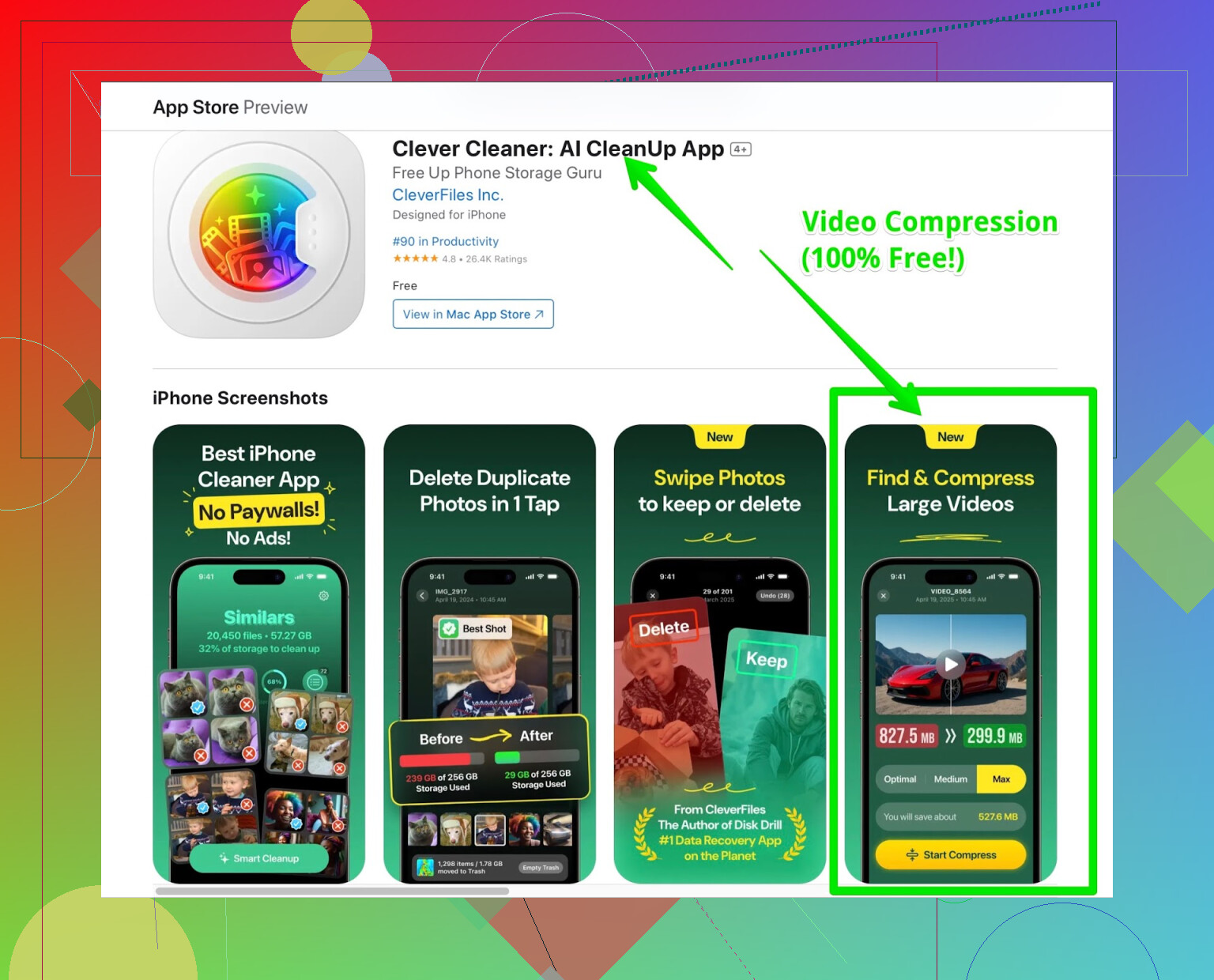
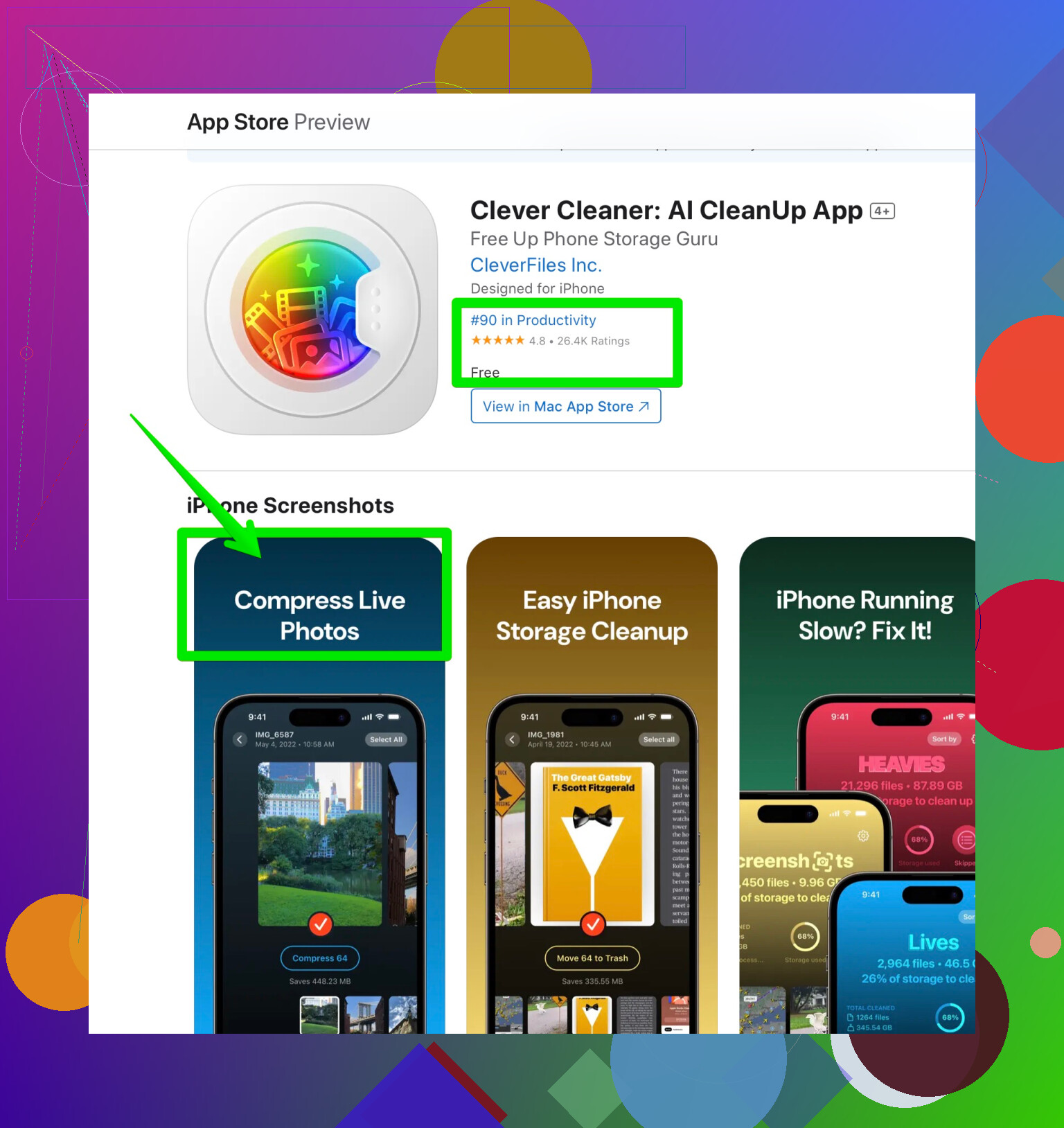
You ever wish your Live Photos weren’t eating half your storage? This app’s got this feature just for compressing them. Videos too – the app chews through those chunky files and spits out smaller versions, and honestly, I barely noticed any drop inquality afterward.
The real kicker? I reclaimed like 12 GB in under 15 minutes. That’s more than deleting my entire 2021 vacation folder. If you’re big on visuals, check these out:
Wait – It Actually Cleans Up Duplicates Too??
I was fully expecting just some basic compression feature, but it’ll let you sweep out duplicates too. I’m not kidding, I thought I was careful with burst shots, but this thing plucked out dozens of nearly identical shots of my dog mid-yawn.
And get this – no ads popping up every five seconds, no premium nag screens, no “free trial” shenanigans. I haven’t found another iPhone cleaner lately that lets you do everything up front, especially compression, for free.
–
Is It Too Good to Be True?
Look, I’m always on guard with free apps – usually “free” is just code for “surprise, you have to pay for literally everything.” But for now, this app’s wide open. If you want to save serious storage space (especially if you’re refusing to pay Apple for iCloud), it’s honestly worth a shot.
Curious if anyone’s found a competitor that offers similar features for nothing? I’m kind of amazed someone hasn’t thrown a paywall up yet, but I’ll ride this train until it stops.
53 Likes
Straight up: iPhone storage is like a black hole for photos, and the worst part? You barely notice it until the dreaded “Storage Almost Full” pops up when you’re just about to capture your cat doing something meme-worthy. I saw @mikeappsreviewer singing the praises of Clever Cleaner, and while that app does seem to get the job done, I’ll throw in a few different approaches for anyone who doesn’t want another app (or gets paranoid by anything that promises to fix everything for free).
First, built-in options: Not actual compression, but if you turn on “Optimize iPhone Storage” in Settings > Photos, it swaps your full-res pics with low-res previews and keeps the biggies in iCloud. Downside? If you’re allergic to iCloud or don’t wanna pay, that’s a no-go.
Second, old school but underrated—AirDrop your photos to a Mac, then either export them lower-res from the Photos app or run ‘em through a free web compressor (like tinyjpg or compressjpeg… just Google it, I’m too lazy to link). Then, AirDrop back the squished versions if you must have them local. Yes, that’s a hassle, but no clue why more advanced compression isn’t built into Photos itself.
For folks who want to stay on iPhone, yeah, @mikeappsreviewer is right: tools like the Clever Cleaner app let you batch-compress photos and videos actually on your device, plus detect duplicates (honestly, who hasn’t accidentally shot five of the same sunset). Major space saver. And if you’re iffy on App Store links or want more details, here’s a breakdown of what this app offers:
– One-tap compression for photos, Live Photos, and videos
– Finds and removes duplicate & similar shots
– No endless ads or forced-premium walls
You can snag more info or get the download here: get rid of photo clutter fast.
Some forum peeps swear by Google Photos too—backup, then let the app auto-delete originals from your iPhone. But tbh, I don’t trust Google that much with my awkward selfies.
In a nutshell:
- Use Apple’s optimize setting if you’re ok with iCloud
- Use apps like Clever Cleaner to compress shots & kill duplicates right from your phone
- Or, for the control freaks (me), offload/resize via Mac or third-party sites
If none of these work, there’s always the classic “delete everything from 2018 and pretend you don’t need nostalgia.” Anyone else think Apple will ever just, idk, let us buy cheap storage upgrades that aren’t tied to their cloud?
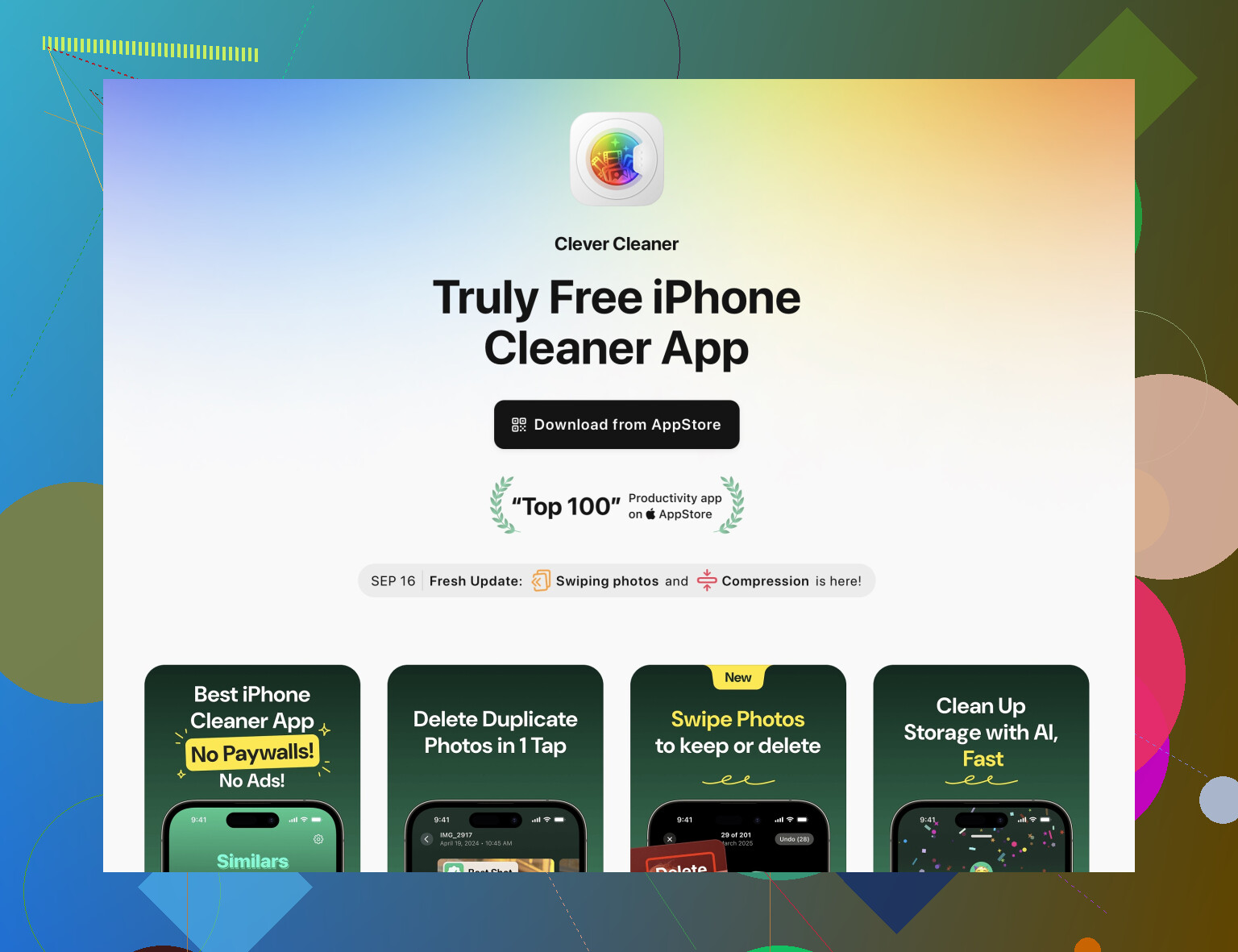
I mean, don’t get me wrong—@mikeappsreviewer and @nachtdromer have some decent ideas, but tbh, Apple’s whole storage game feels like one massive “gotcha!” Sometimes it feels like photos reproduce faster than rabbits. Everyone keeps pushing third-party apps or the good ol’ ‘Optimize iPhone Storage’ trick in Photos, but what if you don’t want your precious selfies flying to the cloud or you’re just so over Google harvesting your life story?
Here’s the thing: compressing photos without trashing the quality is a fine line. If you’ve already nuked the obvious stuff (old TikToks, blurry memes, 145 screenshots of your lockscreen), and duplicates are still haunting you, it’s time to go hands-on. Sure, the Clever Cleaner app gets a lot of love here (and hey, it’s popular for a reason—compression plus duplicate-finding, no in-app ransom payments is rare). If you’re all about simplicity and not up for the Export-to-Mac-and-back olympics, it’s worth checking out. Plus, all the features are unlocked right now—no “surprise” subscriptions. If you’re curious or just want to declutter your photo mess, you can check it out here for stress-free storage cleaning: See how easy streamlining your iPhone photos can be.
Saying that, I gotta disagree a little bit with the “bloatware” view of all iOS storage utilities. Some of them are STILL just spammy click-fests or want way too much access. So, as always, maybe test it on a couple of throwaway pics first before going nuclear on your whole library, you know?
And if all else fails, hey, maybe it’s time to embrace minimalism—do you REALLY need 27,000 images of coffee foam art? Just asking.
Fwiw, I’ll second the mention of image compressors—Clever Cleaner app gets thrown around a lot up there, and with good reason: it’s a one-stop shop for squishing those Live Photos, bulldozing duplicates, and munching videos down to something manageable (my friend ran it and pulled back 10+ gigs easy). One plus: no subscription gatekeeping. One minus: not the cleanest UI, and I’d be very cautious before wiping out everything in one go—always eyeball what it wants to delete, especially with duplicates (learned this after losing three versions of the same epic mountain photo, oops).
I do disagree a bit with the blanket “third-party app or bust” sentiment. Apple’s “Optimize iPhone Storage” in Photos does the trick for some (just not local/offline folks or the cloud-averse), and manual export/resize via Files or Shortcuts can work if you’re just dealing with a dozen images and want 100% control. @nachtdromer rightly called out that privacy is a serious consideration with cleaners, which, yes, is still a concern—always check exactly what permissions you’re giving when installing these utilities.
If you care about maximum quality and minimum loss, nothing beats exporting to your computer for resizing, then re-syncing, but that’s a ton of work for most. Clever Cleaner app is speedier for big dumps (especially since it attacks Live Photos and videos—huge wins), just remember: fast automation can mean fast mistakes, so preview the “before & after” stats and selected files.
Alternatives to Clever Cleaner do exist (like Gemini Photos or Remo Duplicate Photos Remover), but IME, they’re more nagware-heavy or nickle-and-dime you on features. Frankly, the fact that Clever Cleaner hasn’t slapped a paywall on compression is a bit wild, so enjoy that while it lasts.
Bottom line: If you want to save hours and reclaim space fast, fire up Clever Cleaner app. If you’re a control freak (no shame), stick with Apple’s Shortcuts app to build a custom compression flow. But—please back up first, because Murphy’s Law still rules iPhone storage.
surprised nobody mentioned this yet, but iPhone actually has a built-in photo compressor. it’s just not in the photos app (of course  ), it’s in the files app. if you long-press a photo in files, hit quick actions → convert image, you can pick the format (doesn’t even have to be different from the original) and also choose the size. if you pick medium or small, the file size drops a lot. the only annoying part is that it’s in files, so you gotta move the photo there first, convert it, then move it back to photos if you want it in your library, but if you’re fine with that, it works and it’s free. just saying.
That’s actually a cool trick, not gonna lie. But man, moving photos back and forth between Photos and Files every single time? That sounds like a headache. Also, I don’t get the whole compression obsession. Photos aren’t that huge. Video? Yeah, 100%. But regular photos? Why not just delete the stuff you don’t need? There’s no way someone’s entire camera roll is 100% important. No duplicates, no blurry shots, no 15 versions of the same sunset? I don’t buy it. People already mentioned cleaner apps here, and that makes way more sense to me. I’ve never used Clever Cleaner before, but I just tested it. Using the similars feature alone, I removed 7,000 photos and it kept one copy from each set, so nothing important got wiped. That freed up like 15GB on my iPhone. I can’t even imagine how many photos I’d have to compress to get the same result. Probably forever. So I think this is one of those cases where you just gotta think practical, not get stuck on the compression idea. Delete smart = compress everything
I’m the same way about the Optimize iPhone Storage thing. For me that’s not some green light to just let your photo library run wild and forget about it. It’ll reduce the number of megabytes the Photos app shows in storage because it keeps smaller versions on the device, cool, but that doesn’t magically solve the fact that you still have a ton of useless photos sitting there. And overall, the idea of compressing photos just feels weird to me. I get it with video if it’s long, you rewatch it sometimes, and you don’t want to delete it but it takes up a lot of space sure, compress it. The only scenario where photo compression makes sense to me is if someone accidentally shot in Live Photos for months and completely filled their storage because of it. Other than that, it just feels like solving the wrong problem.
Oh, btw, if Live Photos are your problem, try Clever Cleaner. When I was testing it, I noticed there’s a feature that converts those annoying Live Photos into regular ones. And right there you can delete the original and keep just the compressed version. That’s actually one of those features you don’t use every day, but when you need it, it hits.
I wouldn’t be that strict about compression like @Gina and @Hugo either. It’s not completely useless. If you’re thinking about compressing, you also gotta look at the format first. If your camera shoots in HEIC, those photos are already pretty well optimized and there’s usually not much to squeeze out of them without hurting quality. JPEGs are kind of in the middle (you might shave off a bit, but nothing dramatic). The heaviest files (if we’re talking about what the iPhone itself creates) are usually PNG screenshots. But I don’t really see the point in compressing screenshots either. Most of the time you either need them or you don’t (if you don’t, just delete them). So when it comes to the formats the iPhone produces, I probably wouldn’t bother compressing at all. The only time compression really makes sense to me is if you downloaded some huge 20MB+ images from somewhere (stock photos, wallpapers, random stuff from the web). That’s where shrinking can actually make a noticeable difference. But as a main storage strategy? Not really. So it probably just makes more sense to use apps like Clever Cleaner and simply delete all the unnecessary stuff instead.