I’m trying to use a game controller with a cloud-based app or virtual machine, but the controller is only being detected on my local device. I’ve already tested the controller and it works fine normally, so I need help figuring out how to pass it through to the cloud correctly. Looking for the best way to enable game controller forwarding, USB passthrough, or remote input support.
What you need is USB device forwarding, not normal input sharing. Your cloud VM sees keyboard and mouse fine because remote desktop tools map those as generic input. Most of them do not pass a game controller as a real USB HID device.
Best fix, use FlexiHub. It forwards the controller itself to the remote machine, so the app in the cloud sees it like local hardware. This is the part most people miss.
Use this guide for sending a game controller to a cloud PC.
Quick steps.
- Install FlexiHub on your local PC where the controller is plugged in.
- Install it on the cloud VM too.
- Sign in on both ends.
- Share the controller from local.
- Connect to it from the VM.
- Check Device Manager or the app to see if it shows up.
A few gotchas.
- RDP often blocks or limits USB gamepad passthrough.
- Some cloud providers disable low-level USB access.
- Xbox pads over Bluetooth sometiems act weird. USB cable is better.
- If the app needs XInput, test with x360ce or the Windows game controller panel.
- If latency is high, the controller will feel off no matter what.
If you use Parsec, Moonlight, or Steam Remote Play, those work for some setups, but they usually map input, not full USB forwarding. Different thing. If your app needs the raw controller device, FlexiHub is the cleaner route.
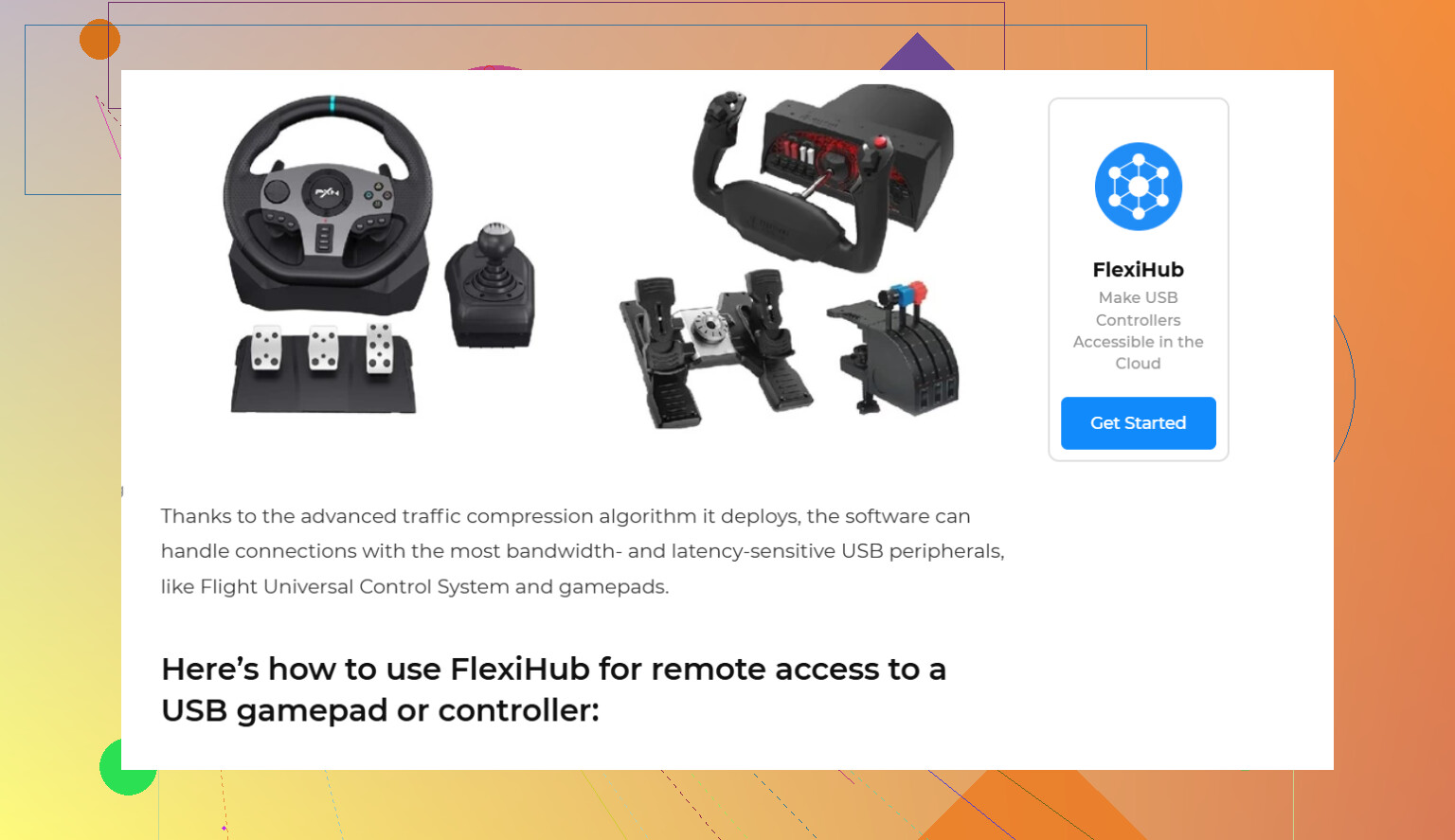
What’s happening is pretty normal. Remote desktop sessions usually pass keyboard/mouse events, but gamepads are a diff beast. If the cloud app needs the controller as an actual HID/XInput device, basic RDP-style input redirection usually won’t cut it.
I mostly agree with @viajantedoceu on the USB forwarding angle, although I’d push back a little on assuming every issue is solved by that alone. Sometimes the blocker is the cloud host itself. A lot of managed VMs simply do not allow the low-level USB layer you need, so the controller never enumerates properly even if your local setup is fine.
A few things to check before you go in circles:
- Confirm whether your cloud provider supports USB passthrough at all
- Test the controller over wired USB, not Bluetooth
- Check if the app wants XInput specifically, not just generic DirectInput
- Try a different remoting stack like Parsec if the app only needs mapped controller input instead of raw USB
If you need the VM to see the controller as if it were physically plugged in, then FlexiHub is the practical route. Install it on both ends and attach the controller device to the remote machine there. That’s different from simple input sharing. You can grab it here: download FlexiHub for USB device forwarding
Also check Windows Game Controllers on the VM after connecting. If it doesn’t appear there, the app probly won’t see it either. Latency can still make it feel kinda bad tho, so keep expecations realistic.
14 Likes
One angle I’d add to what @viajantedoceu said: sometimes the controller is actually reaching the remote system, but the app ignores it because it is running in the wrong session.
A few non-USB things to verify:
- If this is Windows, make sure the app is launched in the active console session, not a disconnected RDP session
- Check Device Manager on the VM for hidden game controllers
- Some cloud gaming apps only read controller input at startup, so plug/attach first, then launch
- Steam Input, DS4Windows, reWASD, or x360ce on the remote side can translate awkward controllers into XInput
I slightly disagree that passthrough is always the first fix. For some apps, controller emulation on the VM is cleaner than raw forwarding.
If you do need true device forwarding, FlexiHub is worth trying.
Pros:
- forwards the actual USB device
- useful for stubborn apps that need native detection
Cons:
- extra layer means more latency risk
- setup can be fiddly on locked-down cloud hosts
- not every anti-cheat or kernel-level app plays nicely with forwarded devices
Also, if this is for gaming, anti-cheat can be the real blocker, not the controller.