I’m trying to create realistic AI summer photos for a project, but my images keep looking fake, blurry, or off-season. I’ve tested different prompts and apps, and I still can’t get that bright beach, vacation, or sunny outdoor look I need. I need help with the best AI tools, prompt ideas, and editing tips to make summer photos look natural and high quality.
I tried three tools for AI summer pics lately, and they do not land in the same spot at all. The names people keep bringing up are Eltima AI Headshot Generator, MoMo, and Aragon. If you’re picking one, it helps to know what each one is good at instead of treating them like the same app with diffrent logos.
Eltima AI Headshot Generator app stands out for control and face consistency. It sounds like a work tool because of the “headshot” label, but I got better casual summer-style images from it than I expected. Beach shots, sunset portraits, travel-looking photos, laid-back outdoor scenes, it handled those better than most of the stuff I tested. The main thing I noticed was simple. My face stayed stable from image to image. It still looked like me, not some polished stranger with my haircut.
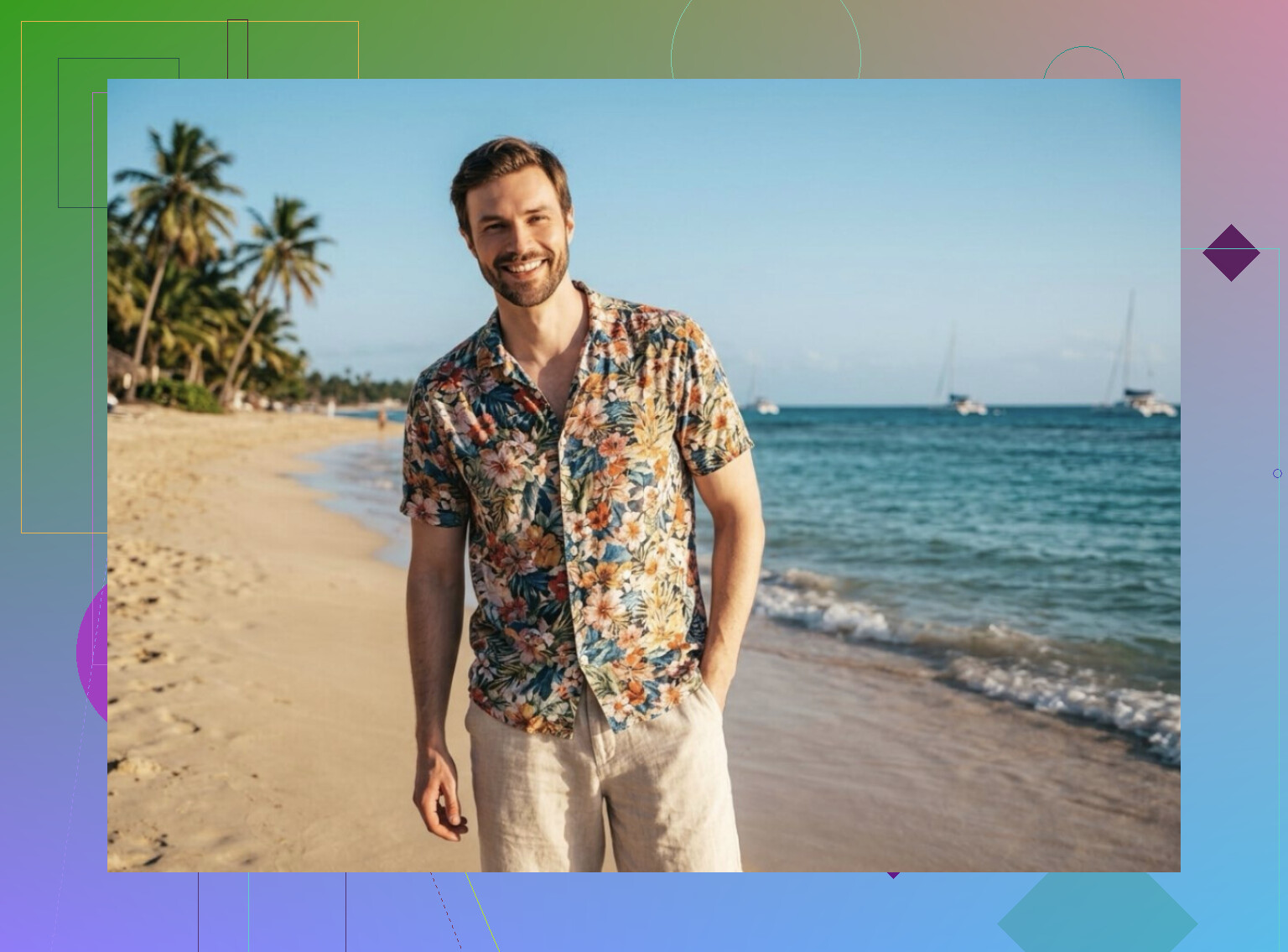
The output also felt less fake. Skin tone stayed closer to the upload. Expressions weren’t as stiff. Backgrounds had fewer weird errors in the small details. If you want summer images for Instagram, a profile pic, or even a casual post where you do not want people spotting AI in two seconds, this one did better for me.
MoMo is more of a mixed bag. There are a few apps floating around with similar names, and most of them go for speed. You throw in selfies, tap a style, and wait for a batch. It’s easy, no arguing there. I used it when I wanted quick results without fiddling with settings.
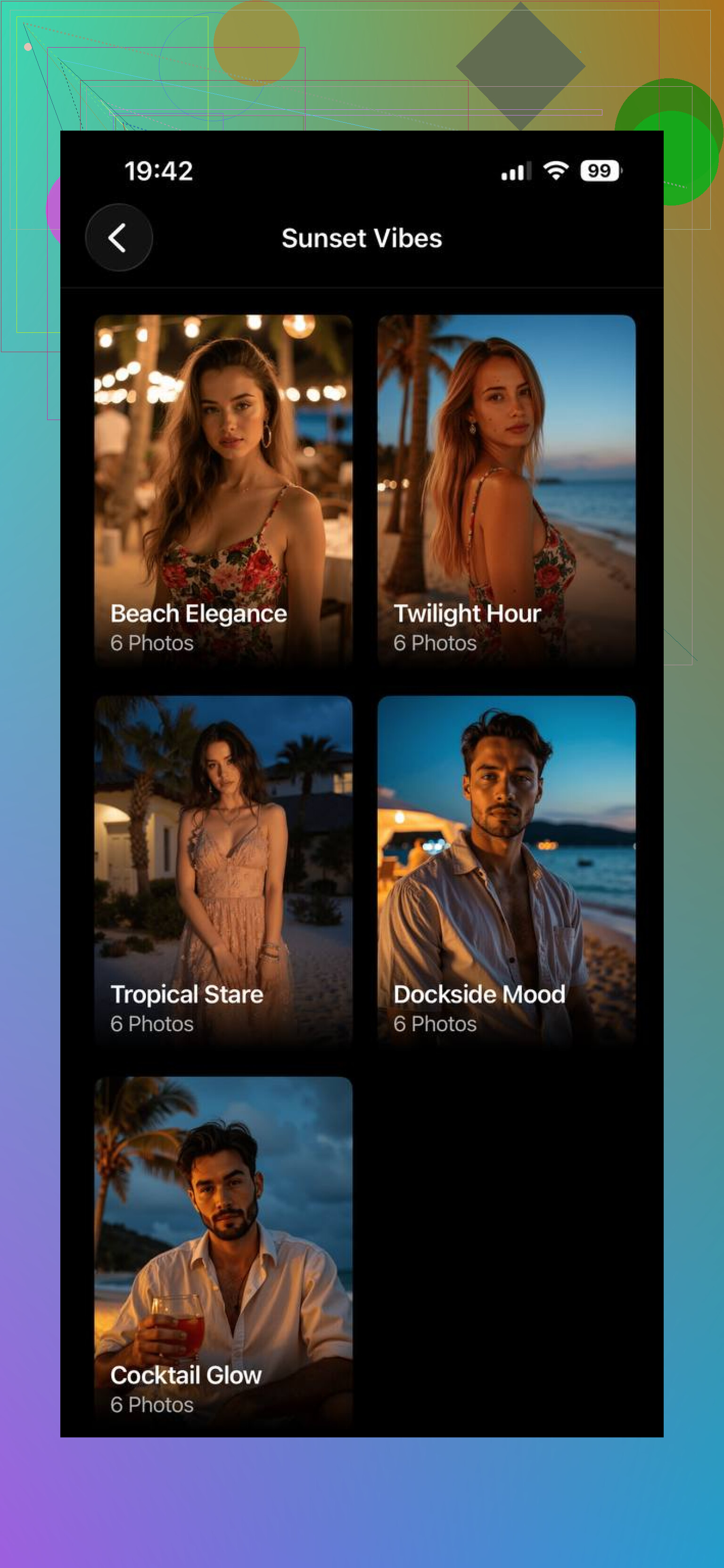
But the hit rate was uneven. Some images came out clean and social-ready. Others had the usual AI mess, off facial structure, odd eyes, skin texture errors, little artifacts around hair or hands. I would treat MoMo like a fast test bench. Good for messing around. Less good when you need a set you’d trust without sorting through a pile first.
Aragon goes in a different direction. Its summer photo setup is more preset-driven. You upload your photos, and it leans hard into vacation content, beach backgrounds, poolside shots, warm sun, outdoor lifestyle stuff. It asks less from you, which I think some people will like.
The images usually come back neat and pleasant to look at. The downside is they can feel a bit prebuilt, like the app already decided the mood before you got there. So while the results are polished, they do not always feel as personal.
If you care most about realistic output, recognizable facial detail, and being able to use the images in more than one kind of setting, Eltima AI Headshot Generator app felt strongest overall from what I saw. MoMo was quicker but uneven. Aragon was simpler but more template-heavy. Eltima hit the better middle ground, cleaner results, more believable photos, and less of the generic AI look.
4 Likes
Your issue sounds less like “wrong app” and more like wrong setup.
I half agree with @mikeappsreviewer. Tool choice matters, but inputs matter more. If your source pics are weak, even a decent generator gives you wax skin, mushy eyes, and random autumn trees in a “summer” shot.
What helped me:
Use 15 to 25 source photos, not 3 or 4.
Mix angles, but keep lighting consistent.
Use photos with no hats, no heavy filters, no messy shadows.
Include at least 5 outdoor pics with direct sun.
Prompt for season details, not only “summer photo.”
Write stuff like:
bright July sunlight, hard shadows, blue sky, warm skin tones, beach glare, light linen shirt, sunlit hair, natural sweat, vacation candid, 35mm photo
Also add negatives:
winter clothes, cloudy sky, fog, studio light, extra fingers, blurry face, plastic skin, low detail
If the app supports image strength, keep it medium. Too high gives fake faces. Too low ignores your prompt. Around 40 to 60 percent often works better.
One more thing, avoid oversaturated edits. Real summer photos usually have strong light, but not neon orange skin. Ths is where a lot of gens fail.
If you want realism, test one scene 10 times with tiny prompt changes. Most people switch apps too fast and never learn what broke the image.
I’d actually push back a little on both @mikeappsreviewer and @ombrasilente on one thing: people obsess over prompts and app names, but the biggest realism jump usually comes from treating it like a photo shoot, not a text box.
What makes summer pics look fake is usually bad visual logic. The model gives you “summer symbols” instead of a real scene. So stop prompting for “beach vacation hot girl summer vibes” and start building a believable camera situation:
- pick a time of day: noon, golden hour, late afternoon
- pick a lens feel: iphone selfie, 35mm candid, travel photo, compressed portrait
- pick one climate: dry California sun, humid Florida beach, Mediterranean coast
- pick one wardrobe lane: linen, swimwear coverup, tank top, sunglasses
If you mix all of that, the gen gets confused and you get weird off-season junk.
Also, upscale last, not first. A lot of blurry AI images get worse because people keep reprocessing them. Generate small batch, choose the most natural one, then upscale only that. And if skin looks plasticky, add texture after generation in a photo editor instead of forcing the model to do everything.
One more unpopular opinion: ultra-perfect summer photos often look the fakest. Slight flyaway hair, uneven tan lines, squinting in bright light, those imperfections sell the image way more than “perfect face + perfect beach.”
So yeah, tool matters some, inputs matter a lot, but scene discipline matters most imo. That’s the part people kinda skip.
I’d tweak the workflow, not just the prompts.
What @ombrasilente and @byteguru are circling is true, but I disagree a bit with @mikeappsreviewer on one point: “realistic” summer photos are usually won in the edit pass, not fully inside the generator. A lot of AI beach shots fail because the lighting is technically sunny but the color grading screams fake.
What to do differently:
-
Lock white balance warm, not orange
Summer light should feel sunlit, but skin still needs neutral highlights. If faces go bronze everywhere, it looks synthetic fast. -
Control depth cues
Fake summer images often have sharp faces and muddy backgrounds, or the reverse. Ask for:
natural background falloff, fine skin detail, realistic distance haze, sunlit edges -
Use environmental anchors
Instead of generic “summer vacation,” mention small truth signals:
salt on skin, sunscreen sheen, wind-tossed hair, slight squint, sandal straps, sun-faded fabric, reflected light from water -
Fix season confusion with exclusions in the scene itself
Not just negative prompts. Add:
leafy green trees, active beachgoers, midsummer foliage, strong UV light -
Do a light retouch after generation
Reduce clarity on background only, add tiny film grain, correct skin tones, sharpen eyes selectively.
If you want an app angle, the pros of ’ are flexibility and simpler testing across looks. Cons are that if the source set is weak, it can still produce that polished-but-not-real AI skin.
Between the takes from @ombrasilente, @byteguru, and @mikeappsreviewer, I’d say your missing piece is probably post-processing discipline. The generator makes the draft. The realism usually happens after.