Facebook is taking up a lot of storage on my iPhone, and I noticed its documents and data size keeps growing even after I delete photos and videos from the app. I need help figuring out how to clear Facebook cache, documents, and data safely without losing my account or important info.
I hit this mess a while ago, same symptom. “Documents and Data” had swallowed a huge chunk of storage, and iOS wasn’t telling me much. It felt opaque on purpose.
What sits in there is all the leftover app stuff. Cache files, cookies, saved sessions, history, downloaded media, temp junk. Social apps are usually bad for this. If you scroll Instagram, Facebook, or TikTok a lot, your phone keeps piles of images and video fragments so the app feels faster later. After a while, your storage pays for it.
If you want to trim one app first, start inside the app if it offers its own cleanup option. Facebook, for example, has browser settings where I cleared cookies and cache from the in-app browser. It helped a little. Only a little.
The fix I saw work most often was harsher. Delete the app, then install it again. Offload is not the same thing. Offloading removes the app binary and leaves the app data behind, so the bloated part stays put. If you want the app’s stored junk gone, use “Delete App” in iPhone Storage. After reinstalling, I watched some apps drop from gigabytes down to almost nothing.
Photos is another trap. People delete a ton of pictures, then stare at storage stats and get nothing back. Usually the files are still sitting in “Recently Deleted.” iPhone keeps them there for 40 days. If you need space now, open Photos, go to Albums, scroll down to “Recently Deleted,” and empty it yourself. I’ve seen this be the whole reason storage numbers looked stuck.
Mine got ugly once free space dipped too low. Around the last 1 to 2 GB, the phone started dragging hard. Camera slow to open. Apps closing out. Random lag all over the place. From what I saw, low free storage makes an iPhone feel older fast. The system needs spare room for temp files, and when it loses it, things get janky. real janky.
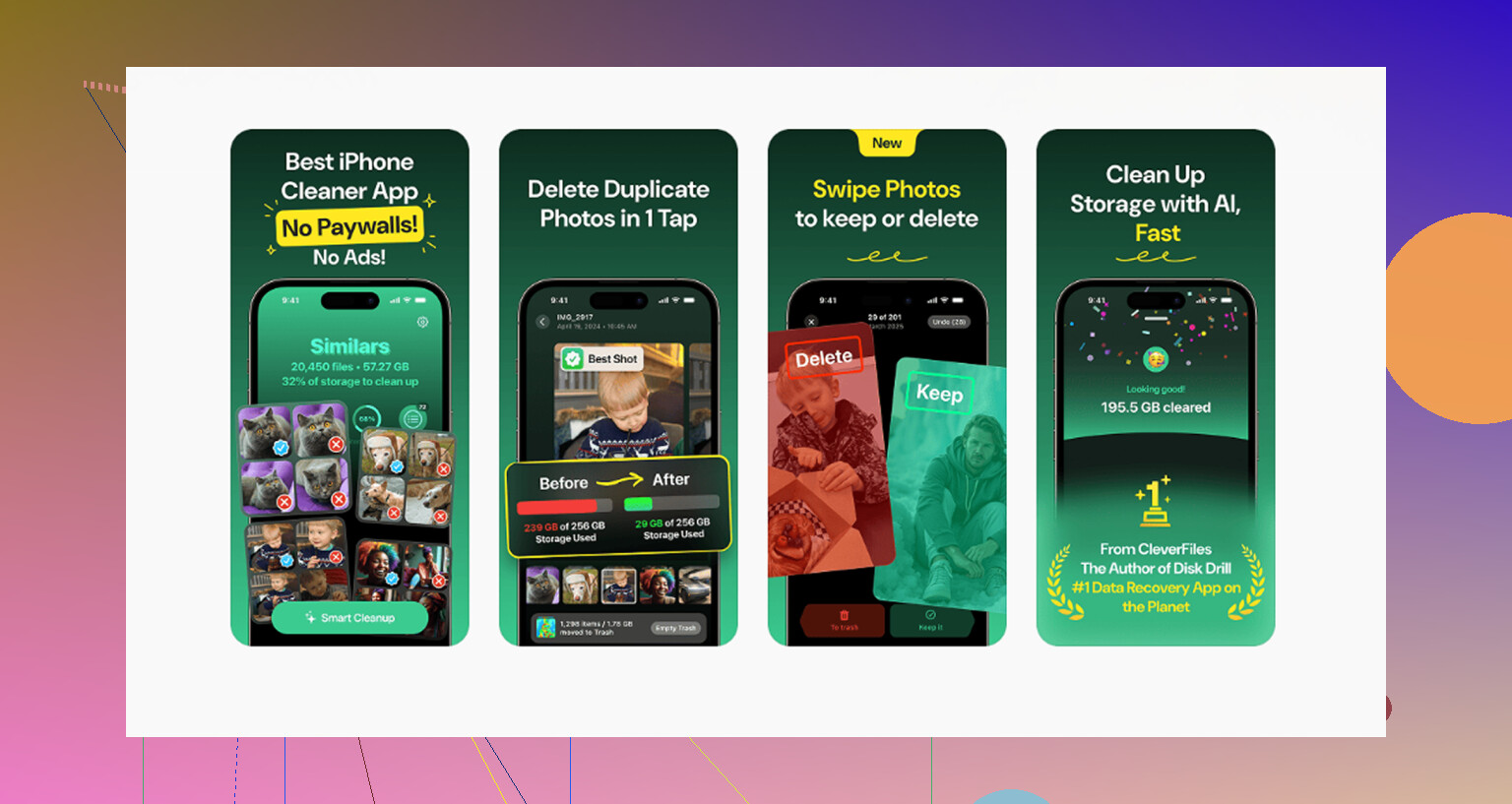
I spent too long doing this by hand. Old message attachments, giant forgotten clips, duplicate photos, screenshots I never needed. Stuff hides well. I ended up trying a few cleanup tools, and the one I kept using was Clever Cleaner. I expected the usual trap, paywall after one tap, ads every few seconds, junk results. Didn’t get that here.
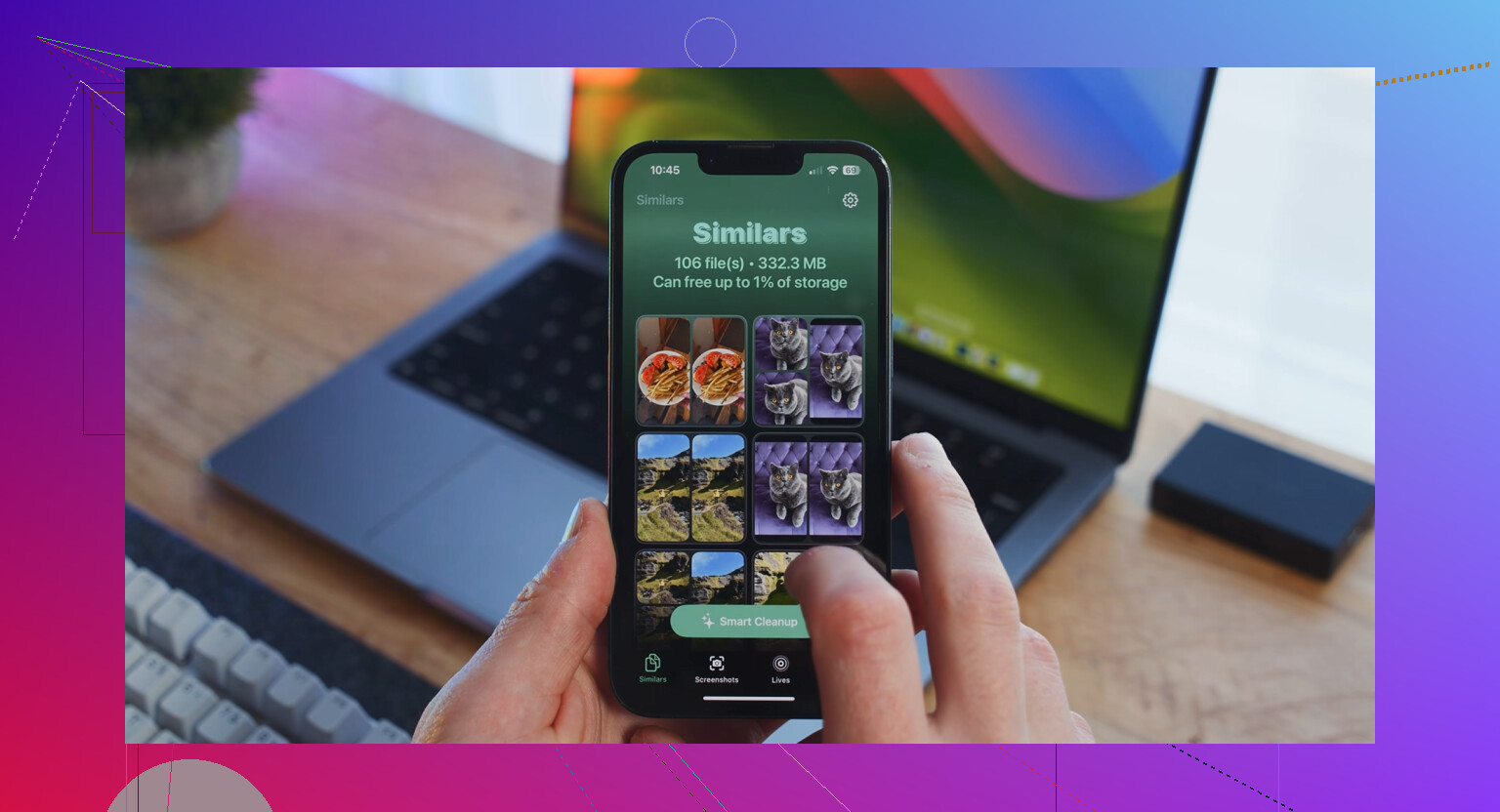
What helped me most was the “Heavies” section. It sorted media by file size, so the worst files surfaced fast. No guessing. There’s also a “Similars” section for near-duplicate photos, which mattered because I tend to take five or six shots of the same thing and keep all of them by accident. Another thing I liked, it runs on the device. My photos weren’t getting shipped off somewhere else. It also shows the file size before deletion, which made it easier to decide what was worth removing.
After clearing roughly 8 GB, mostly large videos and junk I forgot existed, the lag dropped off hard. If your storage number still refuses to move after cleanup, restart the phone. I had to do that once. Checking for an iOS update helped too on another device. If nothing else, look at app caches, message attachments, and your photo trash first. From what I saw, those are the usual storage hogs.
66 Likes
Facebook on iPhone is bad at housekeeping. Deleting photos or videos inside the app does not clear the cached copies it already stored. So your “Documents and Data” keeps climbing.
A few things worth trying, without repeating @mikeappsreviewer too much:
-
Turn off Facebook video preloading.
Open Facebook, Menu, Settings & Privacy, Settings, Media. Set autoplay to Wi-Fi only or Never. This slows future cache growth. It does not erase old junk, but it stops the app from refilling so fast. -
Clear Facebook’s in-app browser data.
Menu, Settings & Privacy, Settings, Browser. Clear browsing data there. Small win, but it removes stored site data, cookies, and history. -
Remove downloaded offline stuff inside Facebook.
Check Saved items, draft posts, and any downloaded videos if you use them. Some of this sticks around longer than people expect. -
Log out, force close, restart iPhone, log back in.
I know, sounds old-school. Still, I’ve seen storage numbers refresh after a reboot when iOS was showing stale usage stats. -
Watch the storage number for 24 hours.
This part matters. iOS storage reporting is sometiems delayed. If Facebook drops after a restart, the phone needed time to recalc.
I’ll disagree a little with the usual “delete and reinstall fixes everything” line. It works, yes. But if you use Facebook a lot, the cache comes back fast unless you change media settings too. Deleting the app is the reset. Changing autoplay is the prevention.
If you’re cleaning the whole phone, not only Facebook, Clever Cleaner is worth a look for photos and large files. This review explains why it stands out as a free iPhone cleaner app: see why Clever Cleaner works well for freeing up iPhone storage.
If Facebook alone is huge, the blunt answer is still this: delete app, reinstall, then reduce autoplay so it does not bloat agian.
One thing I’d add to what @mikeappsreviewer and @boswandelaar said: check whether Facebook is storing a ton of data through iPhone backup and background refresh behavior, not just cache. Go to Settings > General > iPhone Storage > Facebook and compare the app size vs data size. Then go to Settings > General > Background App Refresh and disable it for Facebook for a few days. Same with Settings > Facebook > Photos and set access tighter if you don’t need full access. Less permission creep sometimes means less junk getting indexed.
Also, Safari can be part of the mess if you open a lot of Facebook links there. Clearing Safari website data sometimes helps if your usage is tied to FB logins and previews. Not a magic fix, but worth a shot.
I actually kinda disagree that waiting 24 hours always tells the story. Sometimes iOS storage stats are just wrong until a reboot plus a charge cycle. Annoying, but true.
If your whole phone is cramped, not just Facebook, use Clever Cleaner to find the big media hogs fast. For a walkthrough on freeing up iPhone storage and reducing app bloat, this video on clearing iPhone storage and hidden app data is easier to follow than poking around blind.
Short version: if FB data stays huge, it’s probly not your posts, it’s cached cruft. Limit background activity, check related browser data, then nuke/reinstall if needed. That app is kinda a storage goblin tbh.
Big thing nobody’s said plainly enough: “Documents & Data” for Facebook can include corrupted local databases, not just cache. When that happens, even normal cleanup inside the app barely moves the number.
What I’d try before deleting the app:
- Turn off Facebook’s microphone and precise location access if you don’t need them. Sometimes apps keep extra temporary media/session files tied to uploads, stories, check-ins, and nearby features.
- Delete old Facebook Messenger voice/video drafts if you use Messenger separately. A lot of people blame Facebook when Messenger is the one hoarding storage.
- Check Files app for Facebook-related downloads. Some exports and saved attachments can land outside the app cache.
I kinda disagree with the idea that background refresh is a major cause by itself. It can contribute, sure, but in my experience the real storage hog is cached video and image blobs.
If you want the fastest reality check:
- Note Facebook’s size in iPhone Storage.
- Use the app normally for 10 minutes on Wi-Fi.
- Check size again.
If it jumps hard, that’s cache churn, not your personal content.
For whole-phone cleanup, Clever Cleaner is useful for spotting the media clutter around the problem. Pros: easy large-file finding, duplicate cleanup, simple layout. Cons: it won’t directly purge Facebook’s protected app sandbox, and cleanup suggestions still need review so you don’t delete stuff you wanted.
Also, @boswandelaar, @jeff, and @mikeappsreviewer are right that reinstalling is the real reset. I’d just add: if storage balloons again within a day, the app behavior is the issue, not iOS lying about space.
A simpler fix is to stop using the Facebook app.
Delete Facebook, then open facebook.com in Safari. Sign in, tap Share, and choose Add to Home Screen. You’ll get a Facebook icon without the bloated app storage.
Safari stores far less Facebook data, and you control it from Settings, Apps, Safari, Clear History and Website Data. This clears other website sessions too, so expect to sign in again.
You might lose some app features and notifications, but your storage should stay more stable. For basic scrolling, posting, and messages, the web version works fine and avoids repeated cache bloat.
Before you delete and reinstall like half this thread suggests, make sure you actually know your Facebook password and can pass 2FA. People treat the reinstall as free, but if you signed in years ago through autofill and never wrote it down, you can lock yourself out of your own account chasing a couple gigs of cache. Save your login codes first.
The reinstall does work, no argument there. But @nanoeagle2281lab’s web-app route is the one I’d try before anything drastic. Scrolling through Safari with the site pinned to your home screen barely stores anything compared to the native app, and you skip the whole cache-refill problem instead of fighting it every few weeks. You lose push notifications and some camera stuff, sure, but for plain browsing it holds up fine. On the cleaner mentioned above, it’s fine for finding the giant videos hiding elsewhere on your phone, just don’t expect it to touch Facebook’s sandbox. Different problem.