You can start troubleshooting unreliable WiFi by checking your current channel usage. We all know how today’s densely populated neighborhoods can start clogging WiFi channels, slowing down the network.
1. Built-In Router Tools: Many modern routers have a built-in network analyzer. You can log into your router’s management page (usually found by typing something like 192.168.1.1 in your browser), and then look for network/channel analysis tools. This will show you which channels are currently the least crowded, which can be a quick way to identify a better channel.
2. WiFi Analyzer Apps: On your laptop or mobile devices, there are some good apps that scan WiFi channels and list the least crowded ones. For Android, “WiFi Analyzer” is great. iOS doesn’t have a great free option due to restrictions Apple implements, but there are some paid apps like “WiFi Explorer”.
3. NetSpot
Site Survey Software: This one’s a bit more advanced but also more systemic. NetSpot is a comprehensive tool that can help you analyze the WiFi environment in detail and give solid recommendations on which channel to switch to. It breaks down signal strength, interference, noise levels, and more, so you can really dig into the details. I’ve used this personally for a small business, and it was a lifesaver in diagnosing our issues. You can check it at https://www.netspotapp.com.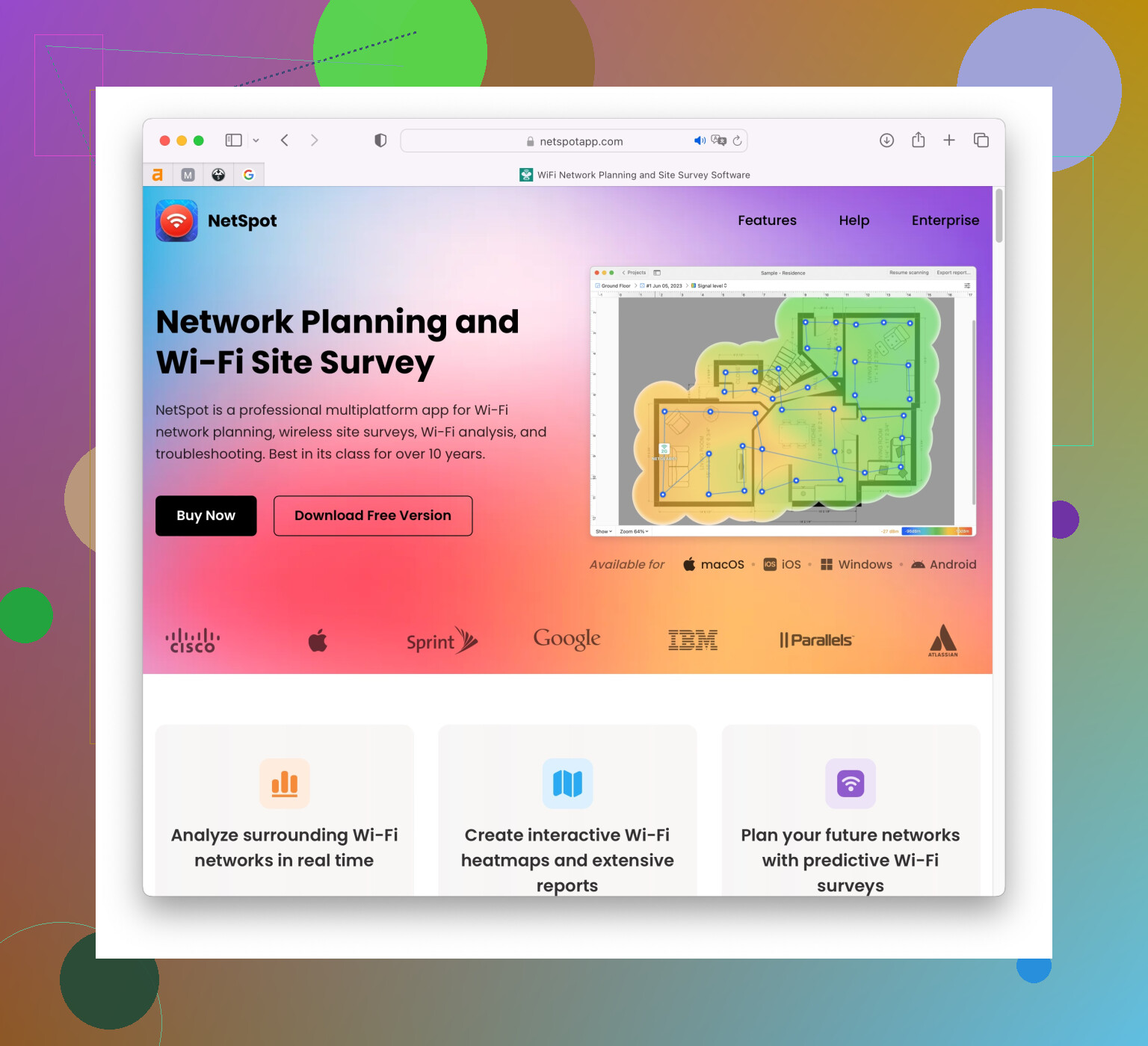
4. Command Line Tools: If you’re comfortable with the command line, on macOS, ‘Airport Utility’ can scan networks and provide detailed information on channels in use. Type sudo /System/Library/PrivateFrameworks/Apple80211.framework/Versions/Current/Resources/airport -s in Terminal to get a list of nearby networks and their channels.
5. Trial and Error: Sometimes, just changing your channel randomly can do wonders. Switching to a lesser-used channel can be an immediate fix.
Remember, channels 1, 6, and 11 are the most recommended on the 2.4GHz band because they don’t overlap with each other, reducing interference.
Lastly, consider dual-band routers if you’re not already using one. The 5GHz band has more channels and is less crowded, though it has less range. If most of your devices support 5GHz, shifting over there can drastically improve the overall network experience.
Keeping your router firmware updated is essential too, sometimes software updates can handle signal optimizations automatically.
Good luck! Sometimes just a small tweak can make a big difference.