I need advice on how to take a professional LinkedIn headshot that actually looks polished and approachable. I tried using a phone photo at home, but the lighting looked harsh, the background was distracting, and the final picture didn’t feel professional enough for my profile. I’m updating my LinkedIn for job searching and want tips on lighting, outfit choices, background, and posing.
A bunch of people are making LinkedIn headshots with AI now, and yeah, the results have gotten decent. I tried it too. The funny part is the old rules still run the show. AI saves time.
I made this with AI:
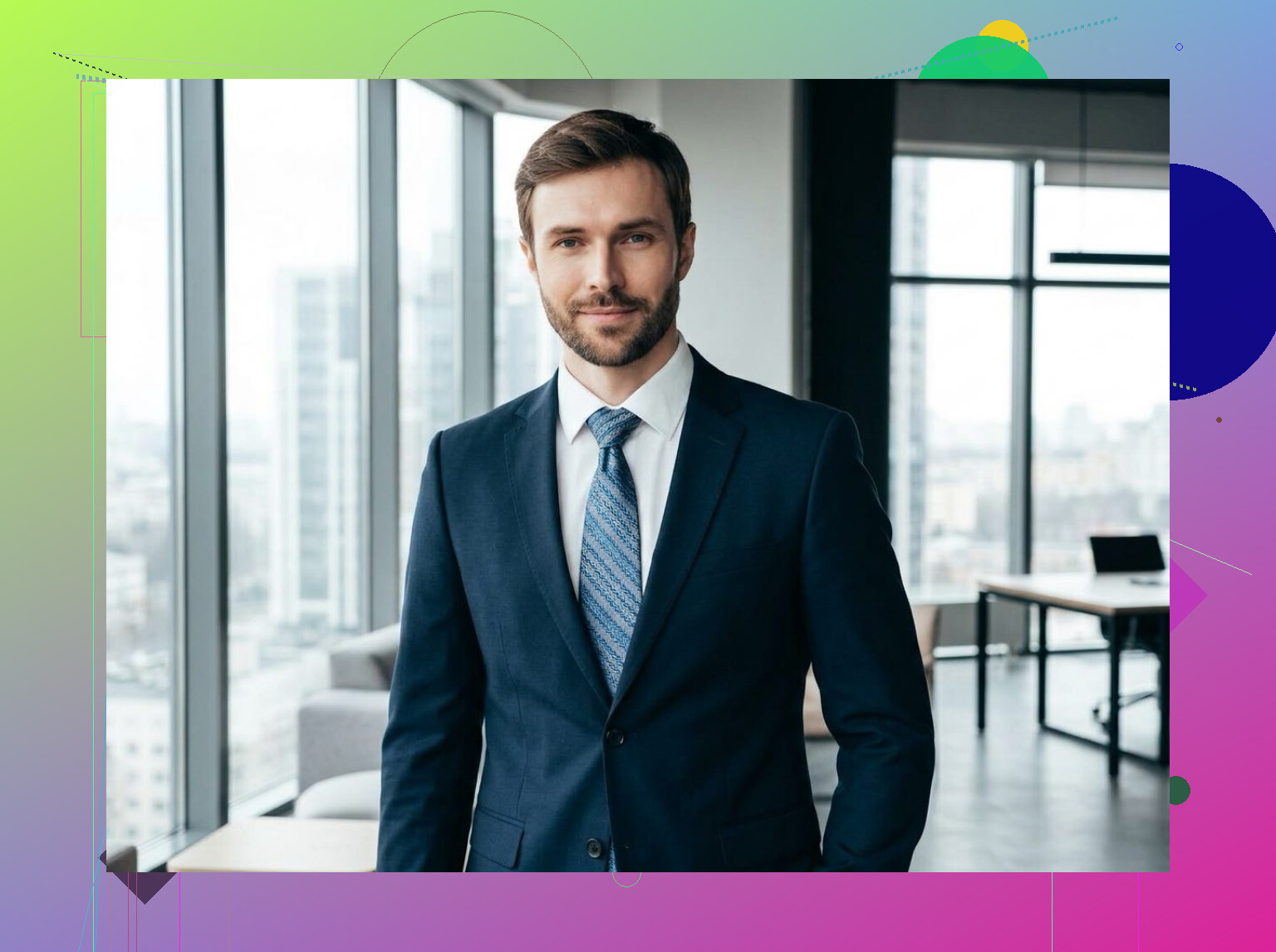
What mattered most when I tested it was lighting. Window light beat indoor ceiling light every time. I stood facing a window, kept the shadows soft, and skipped the harsh yellow room light. Even when the final image was AI-generated, the source shots looked more believable when the light was soft and normal.
Background is one of those things people ignore until the photo looks off. Keep it plain. Neutral walls, simple office-like setups, nothing busy. If your background starts pulling attention, your face loses.
Framing matters too. Go close enough so people see you fast, usually shoulders and up. LinkedIn is not the place for a full-body photo where your face takes up ten pixels.
Same with expression. I got better results when I looked relaxed instead of forcing a huge smile. A calm, natural look reads better than something posed to death. You want to look easy to talk to, not like you got dragged into a catalog shoot.
This is where the AI tools help, sort of. If your starting photo is decent, they clean things up well. If your starting photo is bad, the tool keeps the same problems and polishes them. I tested stuff like the Eltima AI Headshot Generator, and the output looked clean, almost studio-like, when the base image had good light, a solid angle, and a normal expression.
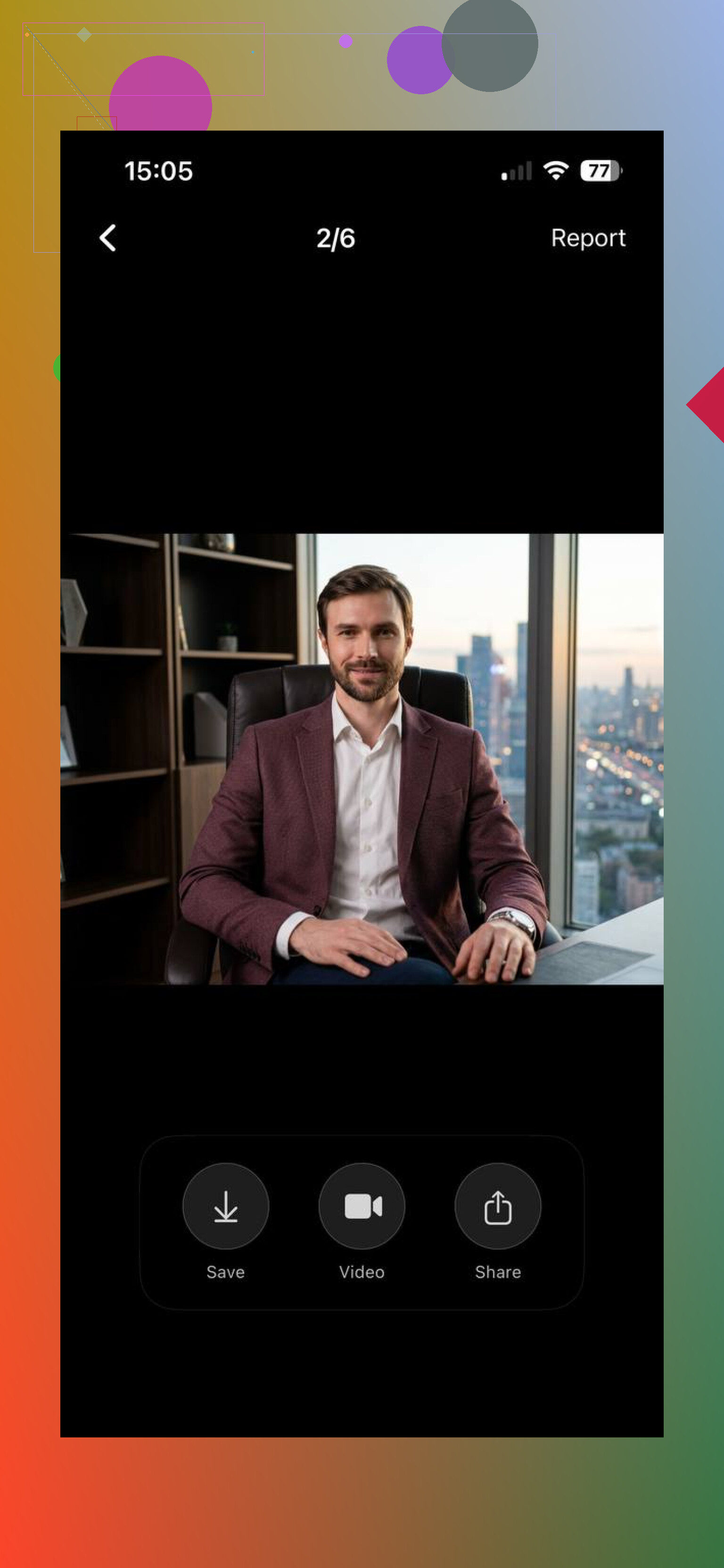
So if you want a solid LinkedIn photo, the checklist stays boring and useful. Good light. Clear face. Simple background. Natural expression. AI speeds up the process, sure. The basics still decide whether the final LinkedIn headshot looks right or looks fake.
You can also explore this article on Medium for advice on taking a high-quality LinkedIn profile photo.
16 Likes
I agree with @mikeappsreviewer on light and framing, but I would push wardrobe higher up the list. Clothes change the whole photo fast. Wear a solid color. Mid-tone blue, gray, green, burgundy. Skip bright white if your phone blows highlights. Skip tiny stripes too, phones hate them.
Also, put the phone lens a little above eye level, not straight on from chest height. Chest height gives you the “bad Zoom call” look. Eye level or a bit higher looks cleaner.
Use the rear camera, not the selfie cam, if you can. The rear lens is sharper on most phones. Set a 3 second timer and step back 4 to 6 feet. If your phone has portrait mode, test it, but check the ears and hair after. Those edge errors look cheap.
One trick people miss, clean the lens. Sounds dumb, fixes a lot. Smudges wreck contrast.
For editing, keep it light. Reduce exposure a touch, lift shadows a little, lower warmth if your skin looks orange. Do not smooth your face into plastic. LinkedIn is still your face, lol.
If your background at home is messy, hang a plain sheet or stand 3 to 5 feet from a wall so it blurs more. That hack works beter than trying to crop around clutter later.
I’d add one thing neither @mikeappsreviewer nor @shizuka really hit hard enough: posture and chin position. That alone can take a photo from “taken in my apartment at 6:12 pm” to actually professional.
Most people stand too stiff, square up to the camera, and tuck their chin back without realizing it. That creates the DMV effect. Turn your body about 20 to 30 degrees, then bring your face back toward the camera. Push your forehead slightly forward and down just a little. Feels weird, looks better. Not joking.
Also, don’t overdo the “approachable” part. I kinda disagree with the idea that you need some super soft friendly expression all the time. Depends on your field. Sales, recruiting, client work? Sure, warmer smile. Finance, law, tech leadership? Calm and confident usually plays beter than smiling like you just won a gift card.
Another underrated fix is taking way too many photos. Like, a dumb amount. The first 15 are usually awkward because you’re still figuring out your face. Somewhere around shot 40 you stop performing and start looking normal.
And if you wear glasses, tilt them slightly or raise the light source so you don’t get glare. That’s a huge one ppl miss.
Honestly, a polished LinkedIn headshot is less about fancy gear and more about avoiding the little mistakes that scream “phone pic.”
One thing I’d add to @shizuka, @techchizkid, and @mikeappsreviewer is this: stop thinking “photo” and start thinking “thumbnail.” On LinkedIn, your image is tiny most of the time. If the face does not read clearly at postage-stamp size, the shot fails even if it looks nice full screen.
So after you take a few options, zoom way out in your gallery grid. Pick the one where your eyes are clear first. Not the one with the prettiest background blur.
I also slightly disagree with the “portrait mode helps” idea as a default. Sometimes it cuts shoulders, hair, or glasses weirdly. A clean normal photo often beats fake blur.
Another underrated thing: match the photo to your industry. Creative fields can get away with more texture and personality. Corporate roles usually benefit from cleaner contrast and less stylized editing.
If you want to use an AI headshot tool, try it only after you already have a decent base shot. Pros for the AI Headshot Generator: faster cleanup, more polished finish, easy background simplification. Cons: can over-retouch skin, mess up facial details, and make you look slightly not-you. Good for testing, not magic.
Big test: if a coworker would recognize you instantly, it works. If they’d say “nice pic, but that’s not really you,” redo it.