Looking for recommendations for reliable alternatives to Serial Port Splitter. I need to connect multiple applications to the same serial port on Windows, but Serial Port Splitter isn’t working well for me. Has anyone found another tool that works better or has more features?
Wrestling With Serial Ports? Let Me Save You the Headache
Ever tried splitting up a serial port so multiple programs can tap into the same stream of data? Yeah, it’s a pretty niche problem—but if you’re debugging, running industrial gear, or trying to play nice with some crusty old equipment, you know the world of port splitters gets messy fast.
Honestly, I used to swear by the stuff Fabula churns out because, well, it works. But then their interface hit me with a wall of options—you know, the kind that makes you wish there was just a giant GREEN BUTTON labeled “Just Do The Thing.” And the price tag? Let’s just say my wallet broke out into interpretive dance before surrendering.
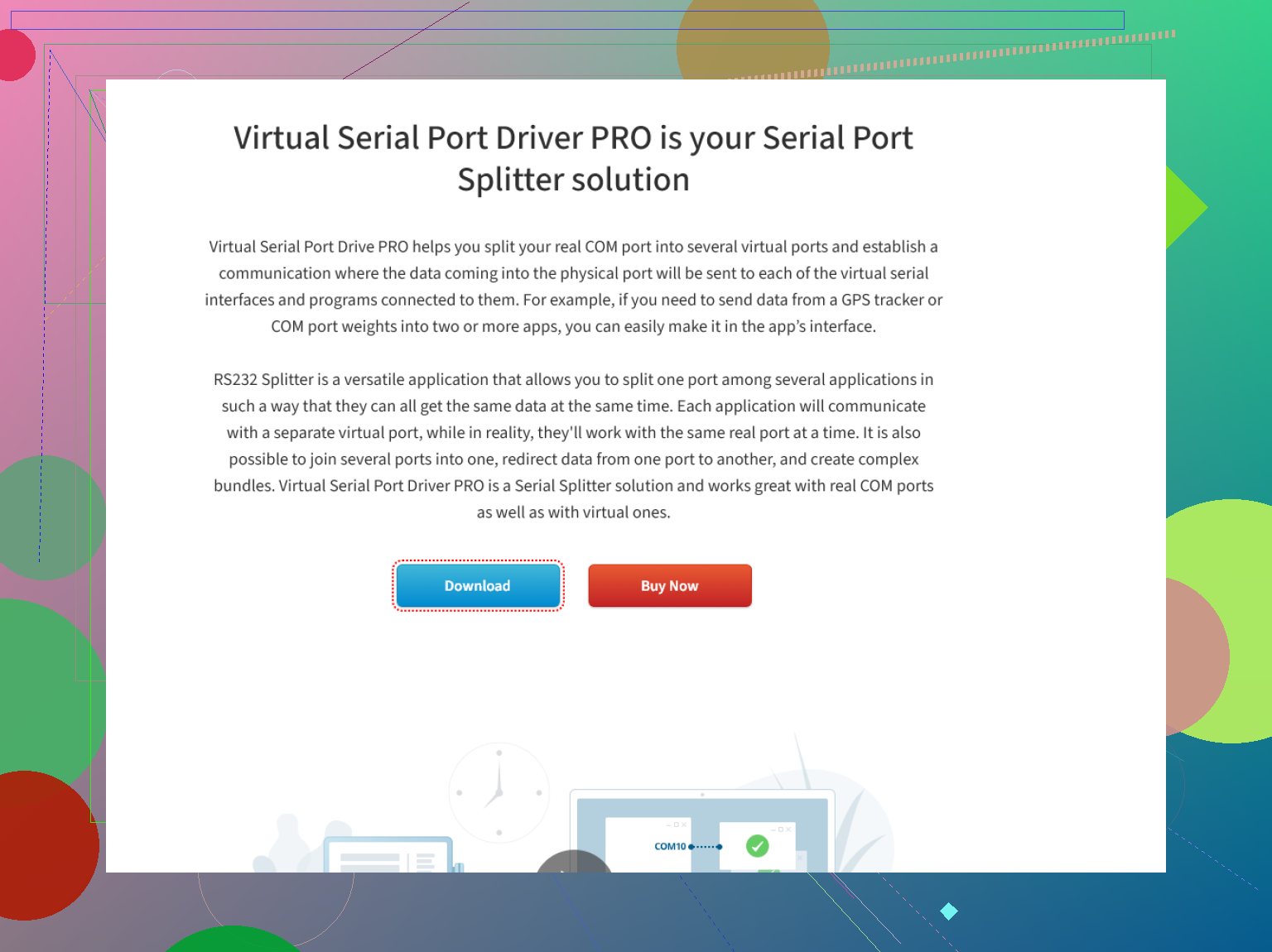
So here’s what saved me: I stumbled on this thing called Virtual Serial Port Driver. No need to muck about with ten layers of menus or decipher cryptic icons. The setup is basically: install, pick your port, split it, done. Left me actually focusing on my project instead of googling “why is COM3 not working?”
Best part? Cost less than two takeout pizzas, and hasn’t crashed on me once. If you’re in the market for an easy and reliable serial port splitter, give this a shot. Your circuits (and your patience) will thank you.
43 Likes
Let’s be real—searching for the best alternatives to serial port splitter software is a trap I feel like every engineer or tinkerer falls into at some point. Serial Port Splitter has its uses, but I’ve also hit those weird stability issues and random config headaches. @mikeappsreviewer shouts out Virtual Serial Port Driver (VSPD)—and honestly, worth looking at—but here’s my take with a bit of skeptical seasoning.
For me, VSPD did the job, but there are a couple of other options worth checking out if you’re still hunting for the right fit or want to compare features:
1. com0com
Free and open-source, but kinda rough around the edges. It lets you create virtual serial port pairs, and with the additional “hub4com” utility, you can split ports to several applications. The documentation is a bit old-school, so expect to spend some time on forums deciphering setup guides from 2008. Still, zero dollars is a good price.
2. Eltima’s Serial Port Splitter
Not to be confused with VSPD, also from Eltima, this is basically the “official” alternative—sometimes more focused on raw splitting, not as much on other virtual port wizardry. Last time I tried, it lacked some flexibility, especially with more modern devices, but maybe newer versions fixed that.
3. VSPE (Virtual Serial Ports Emulator)
This one’s another community favorite for advanced setups; offers a free 32-bit version, paid for 64. Nicer UI than com0com but still not what I’d call intuitive. Powerful, but the learning curve’s real.
One place I’ll slightly disagree with @mikeappsreviewer—the “install, pick your port, split it, done” point. That worked for me…until I had weird compatibility issues with a really ancient industrial PLC. Sometimes nothing but com0com+hub4com got the job done, as gnarly as it was.
In summary:
- If you want the fastest path to multiple apps sharing the same COM port on Windows, try the new simple serial port virtualization tool.
- Want something free and are okay with command-line tinkering? com0com isn’t dead yet.
- Still striking out? VSPE or Eltima’s own splitter might do the trick, but it’s a bit of a coin flip depending on your hardware.
Serial comms on Windows is always a roll of the dice, no matter what tool you go with. Don’t uninstall Serial Port Splitter just yet—you might find yourself crawling back during a 2 am troubleshooting session… like I totally haven’t done, nope, not me.
Honestly, anyone who’s wrestled with Windows serial port splitting knows it’s less “plug and play” and more “plug, pray, rage, then maybe play.” So, seeing all the love for Virtual Serial Port Driver from @mikeappsreviewer and @techchizkid—yeah, solid pick, and I agree it covers most scenarios. But I’m a firm believer that having just one tool in your toolbox is asking to get bitten, especially if you’re mixing ancient hardware (read: some piece of gear that should’ve retired in the Clinton era) with anything modern.
Here’s my two cents after burning too many hours on this problem and nearly frying my brain: If VSPD doesn’t meet your specific use case—and like others have said, it CAN choke on some legacy/industrial devices—consider an actual hardware splitter (yep, physical RS232 Y-cable or a little box). Software’s nice until Windows does Windows things, and then, no amount of virtual trickery fixes driver weirdness. Not pretty, but sometimes reliability > “fancy.”
I’ll add one more to the software stack: TCP-Serial bridges. I’ve had luck running something like com0com with socat or HW VSP3. It’s extra steps, but if your two apps can deal with talking over TCP (and you’re not locked into ancient “COM or bust” stuff), sometimes this is the least rage-inducing combo.
And for those talking about com0com—let’s be real, it’s the Linux of serial port splitters: free, powerful, and deeply, deeply unfriendly unless you love forum archaeology.
Lastly, for people searching “download serial splitter,” skip the sketchy third-party files and head to a safe spot like explore reliable serial port solutions right here. No point bricking your system on some dodgy installer from 2012.
tl;dr:
- Virtual Serial Port Driver = works for most, not all
- Check hardware options if software splitting fails
- TCP bridge/virtual port combos for advanced/modern setups
- Download from verified sources unless you like living dangerously
- No, you’re not the only one shouting at Device Manager at 3am
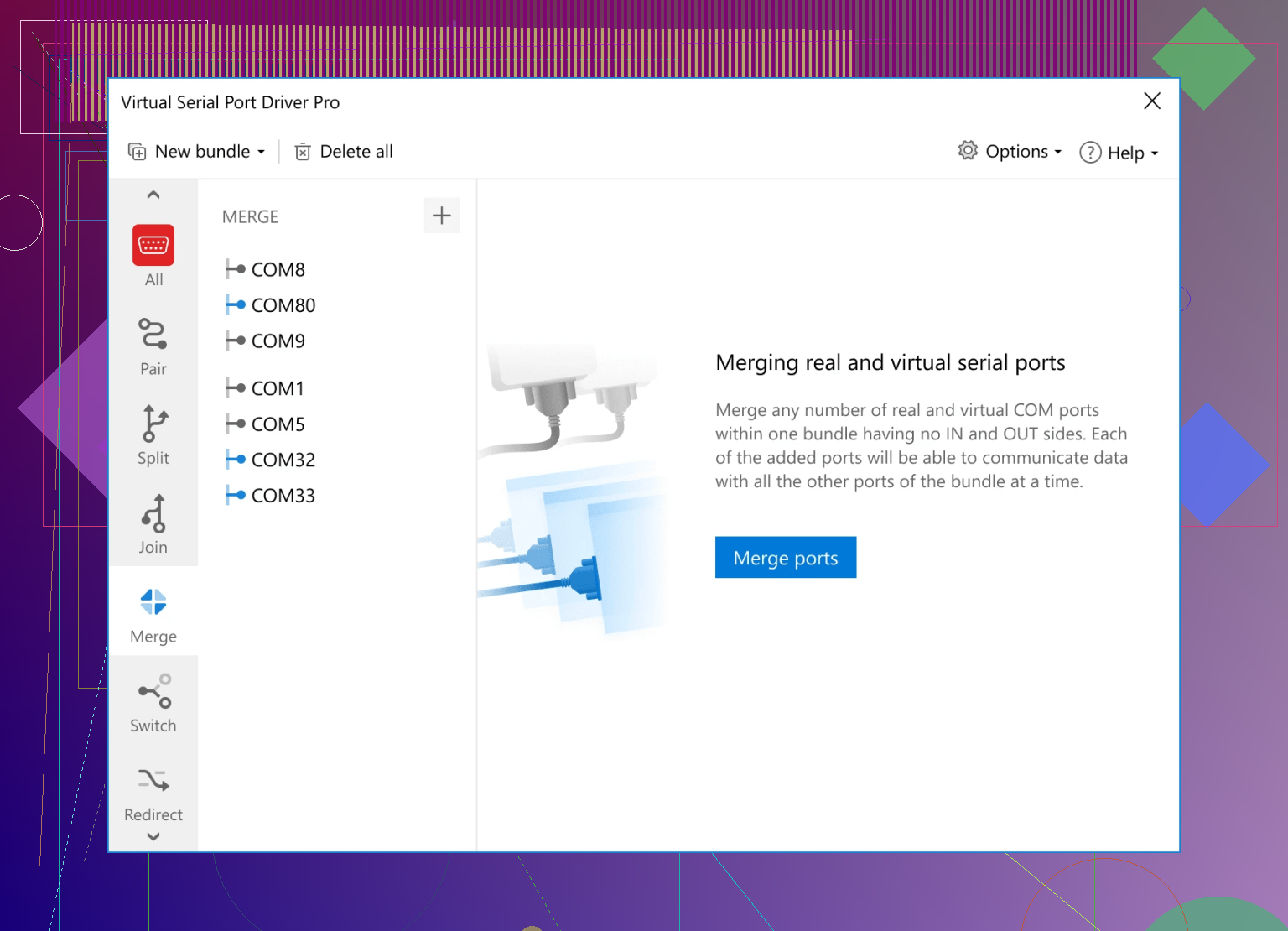
If you’re chasing alternatives to Serial Port Splitter, let’s break it down fast—sometimes, you just need a minimal, clean solution that doesn’t make your life harder. Yes, as others said, Virtual Serial Port Driver is a solid top pick: works out of the box, rarely crashes, and is simple to use. It’s perfect for situations where you want one port feeding multiple apps, and you don’t want to dig through complicated settings every time. Huge pro: quick install and setup, good documentation, and it “just works” on most Windows flavors. Downside? Not free, and sometimes it’s a bit overkill for simple jobs, plus, in trying to be stable, it’ll sometimes lock you out of odd, highly-custom hardware edge cases.
Competitors brought up a good point mentioning actual RS232 Y-splitters or hardware dongles—super reliable, but you’re dealing with more real messiness: cables, adapters, and sometimes driver headaches if you’re dongling legacy gear together. Others (like com0com or HW VSP3) step in as options, but be ready for command-line gymnastics and even more frustrating documentation. Those are great if you’re doing quirkier TCP bridging or networking virtual COMs between machines, but learning curve is real.
Frankly, while Virtual Serial Port Driver is what I circle back to for speed and sanity, don’t hesitate to go hardware or mix options as needed. The only real “wrong” move is blindly downloading random shareware splitter apps from sketchy sites. Trust me, learned the hard way.
Use a small serial-to-TCP bridge instead of splitting the COM port. Run one local service, such as ser2net through WSL, to read COM3 and publish the data on localhost. Point each application to the same TCP stream if it supports network input.
Example: COM3 feeds 127.0.0.1:7000, then three apps connect as clients. This avoids driver conflicts, port locking, and virtual COM setup. It also makes logs and reconnection easier. Test baud rate, parity, and flow control first. For receive-only monitoring, this setup is simpel and stable.
Watch the write direction before you commit to any of these. Most of this thread talks about splitting like it’s one problem, but read-only splitting and two-way splitting are completely different animals. If you’ve got several apps just listening to the same stream, almost anything here works fine, including a plain TCP bridge. The second two apps both try to send data down the same physical port, you’re going to get interleaved garbage unless the tool actually arbitrates writes. That’s the part that quietly breaks setups and nobody notices until a command gets mangled.
@nanolynx5324 is right that ser2net or a serial-to-TCP setup dodges a lot of driver pain, and I’d lean that way too for monitoring. But it comes with the same catch. Multiple clients writing to one TCP endpoint that maps to one COM port still collide. It’s clean for receive-only, messier the moment control traffic goes both ways. Worth being honest about that before someone points three control apps at 127.0.0.1:7000 and wonders why the device acts possessed.
The Virtual Serial Port Driver mention above makes sense as the low-effort option, mostly because it handles the write arbitration for you instead of leaving it as your problem. I wouldn’t treat it as magic though. If your gear is picky about timing or does anything non-standard with RTS/CTS, a virtual layer can add just enough latency to upset it. That’s usually where people end up back at @sterrenkijker’s hardware Y-cable idea, and honestly for pure passive listening a physical tap is hard to beat for reliability.
My actual rule of thumb: figure out first whether you need one talker and many listeners, or many talkers. One talker, many listeners is easy and any tool here does it. Many talkers is where you stop shopping for software and start thinking about who is allowed to write and when. Solve that logic first, then pick the tool. Skipping that step is why half these threads exist.