You can read Reddit users’ opinions in these threads: What’s the best Mac apps for programming? and Must-have apps/tools for programming in the MacBook Pro M4 Pro?
But as for my opinion, right now I’m bouncing between three different editors plus a bunch of helper tools, and somehow it all hangs together… barely.
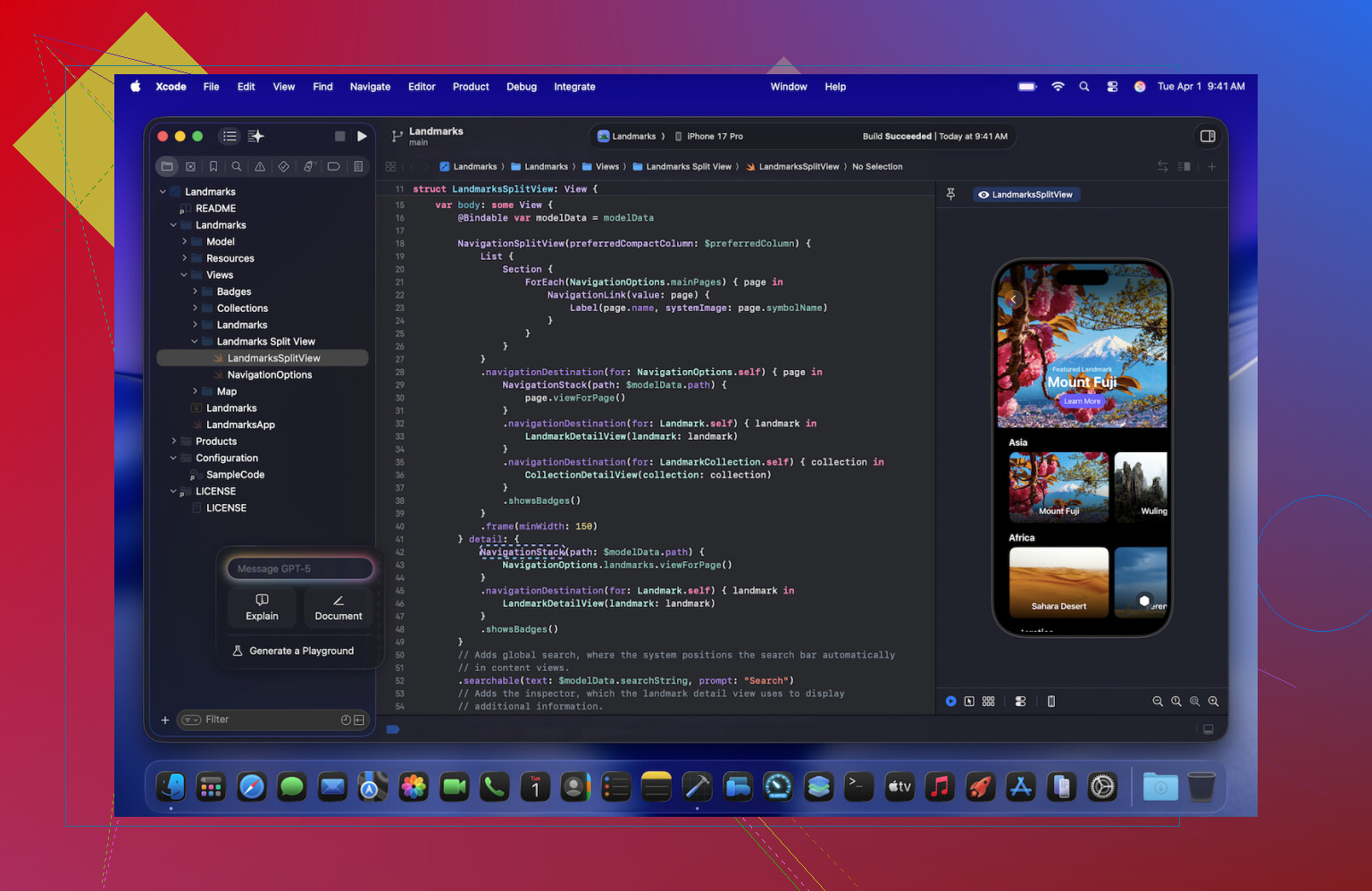
Xcode: The Heavyweight I Can’t Escape
I only open Xcode when I’ve run out of excuses not to.
Xcode feels like installing an operating system inside your operating system. It does everything, which is also the problem. Half the time I open a project and forget which sidebar controls what.
The new AI bits in the latest version are weirdly competent. It will happily autocomplete half a function I haven’t fully thought through yet. I don’t trust it, so I treat every suggestion like an intern’s pull request: helpful, but inspected line by line.
Still, if I want anything to actually land on an iPhone, I end up back here, waiting for builds, watching the little progress bar crawl across like it’s 2009.
Sublime Text: The Panic Button
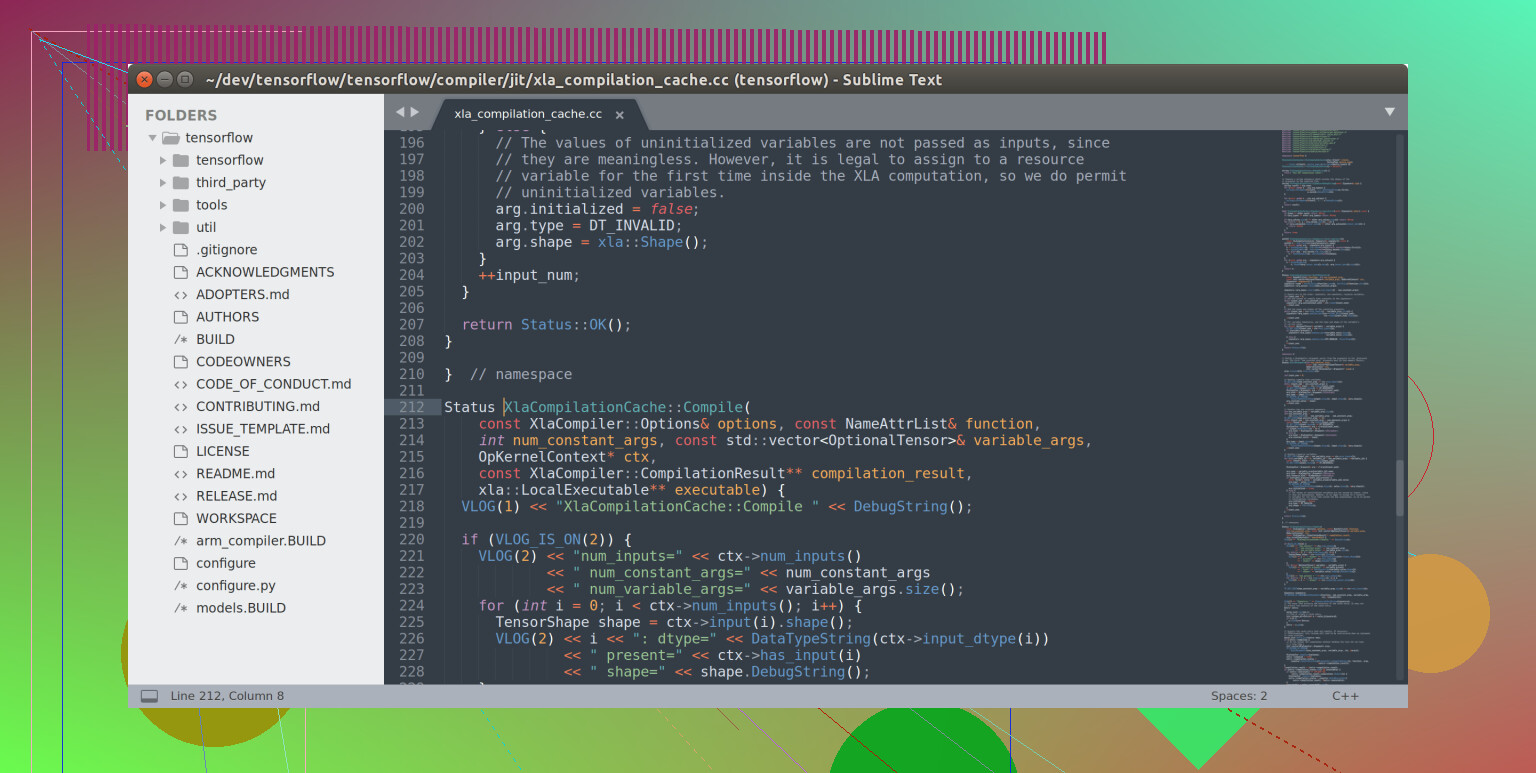
Sublime Text is the editor I forget exists until everything else is on fire.
Last week I had to open a 500 MB log file. VS Code tapped out. Xcode pretended it had other plans. Sublime? Opened it like it was a grocery list.
That’s pretty much its whole personality: it’s fast, ignores drama, and opens stuff nothing else wants to touch. The “Goto Anything” feature is still hit or miss for me. When I nail the right key combo and jump straight to the line I need, I feel like I actually know what I’m doing. When I miss, I just mash keys until something useful happens.
CodeRunner: The “What Happens If I Do This?” Box
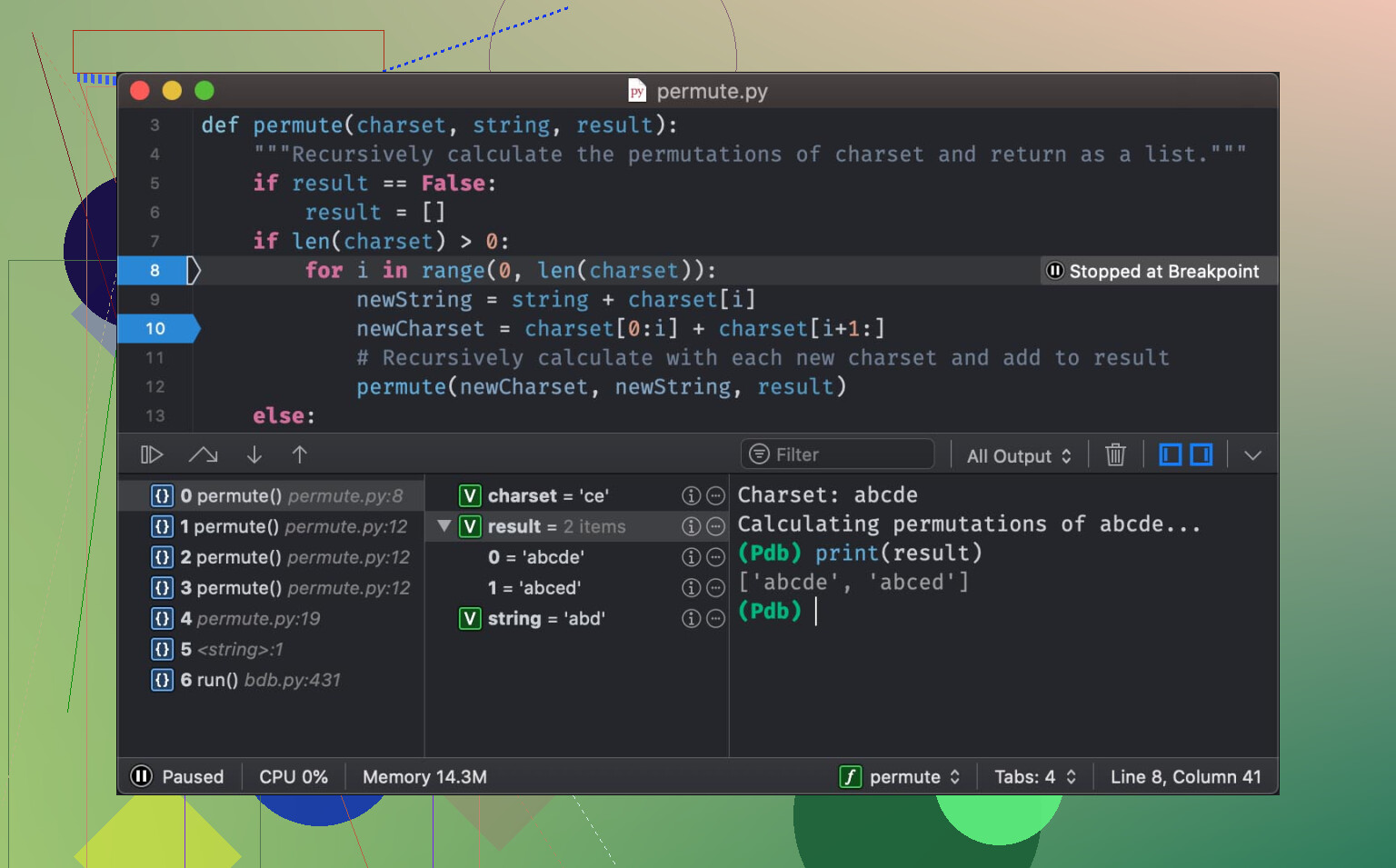
CodeRunner is where my bad ideas go to see daylight.
It’s perfect for those tiny experiments that are too small to justify a full project. Little one-off scripts, a random Swift function, a three-line Python thing I want to sanity check before I embed it somewhere permanent.
I paste it, hit run, and the output just shows up in the console, no build steps, no project structure, no nonsense. It feels like using a REPL that ate its vegetables and decided to grow a UI.
I use it when I’m trying to answer questions like:
- “Will this regex actually match what I think it will?”
- “Is this off-by-one or am I just tired?”
- “What does this API call actually return if I feed it garbage?”
Every time it runs without a full compile cycle, I feel like I’ve cheated time a little.
TeaCode: Tiny Spells for Boring Stuff
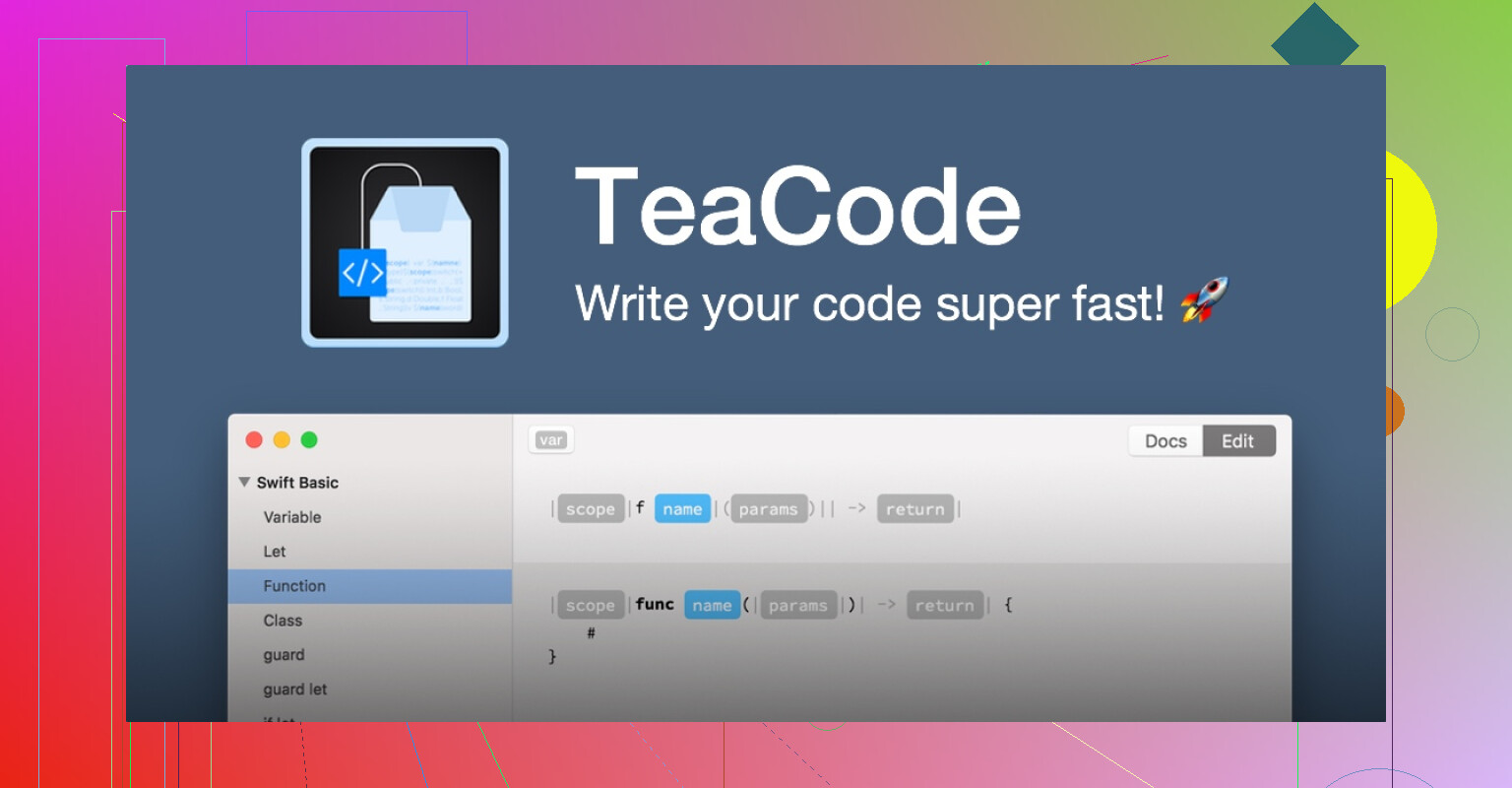
TeaCode is one of those tools that sound boring until you use it for real.
It’s not just text expansion like “brb” turning into “be right back.” It’s more like building little templates for patterns you’re sick of typing from scratch.
I set up a shortcut for a full HTML skeleton: three characters, hit the trigger, and suddenly there’s a whole doc with <!DOCTYPE>, <head>, <body>, the works. It felt like pulling a tablecloth off a table and having everything still standing, except in a good way.
Once you get used to it, your fingers start to hesitate before typing boilerplate, like, “Wait, don’t we have a spell for this now?”
SnippetsLab: External Hard Drive for My Brain
I don’t know what it is about regex, but my brain treats every solution like a temporary file.
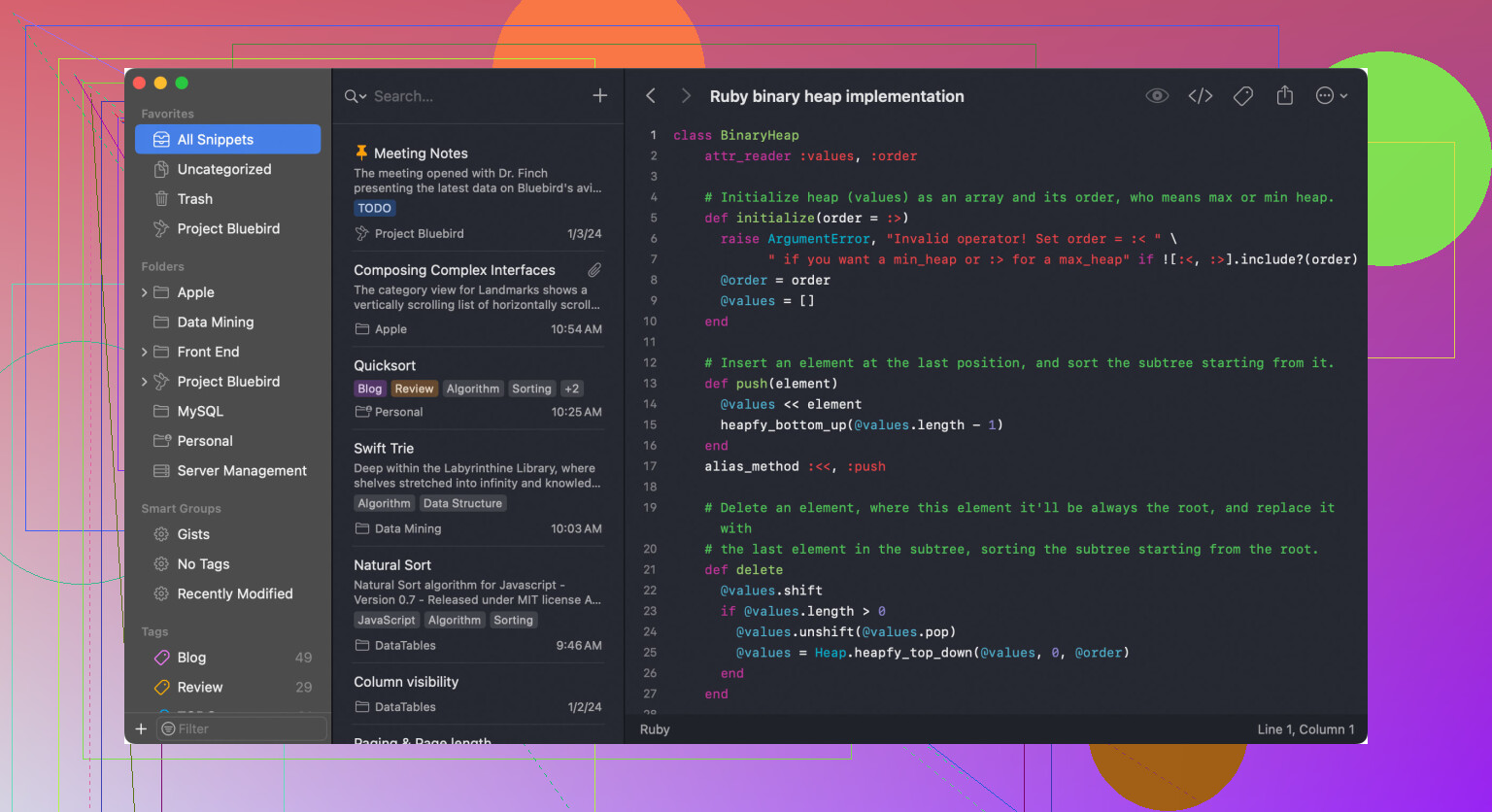
So I started dumping all those fiddly little solutions into SnippetsLab (that’s the app, if anyone’s curious). Anything I don’t want to Google again goes in there:
- That one shell command I use twice a year
- The exact incantation for some obscure Swift API
- JSON samples I know I’ll need to fake again later
The reason I actually use it: the menu bar. One click, search a keyword, paste. If I had to summon a full window every time, I’d absolutely just open a browser and type the same Stack Overflow question all over again.
Commander One: Where I Accidentally Spend Half My “Coding” Time
At some point I realized a lot of my “development session” is just dragging files around like a glorified filing clerk.
So I quietly demoted Finder and started using Commander One for dev work.
Two things sold me on it:
1. Server Stuff Without Being Fancy About It
I used to juggle dedicated FTP/SFTP apps. They all felt like that one printer in the office that works 70% of the time and throws cryptic errors the rest.
In Commander One I just mount my staging servers like they’re extra drives and use the dual-pane view:
- Left: local build folder
- Right: remote server directory
Then I drag the dist folder from left to right and can literally see what’s going where. No mystery, no “which window is which machine” guessing. It also seems to avoid the weird lag that some other clients get when listing big directories.
2. Terminal, But Where I Already Am
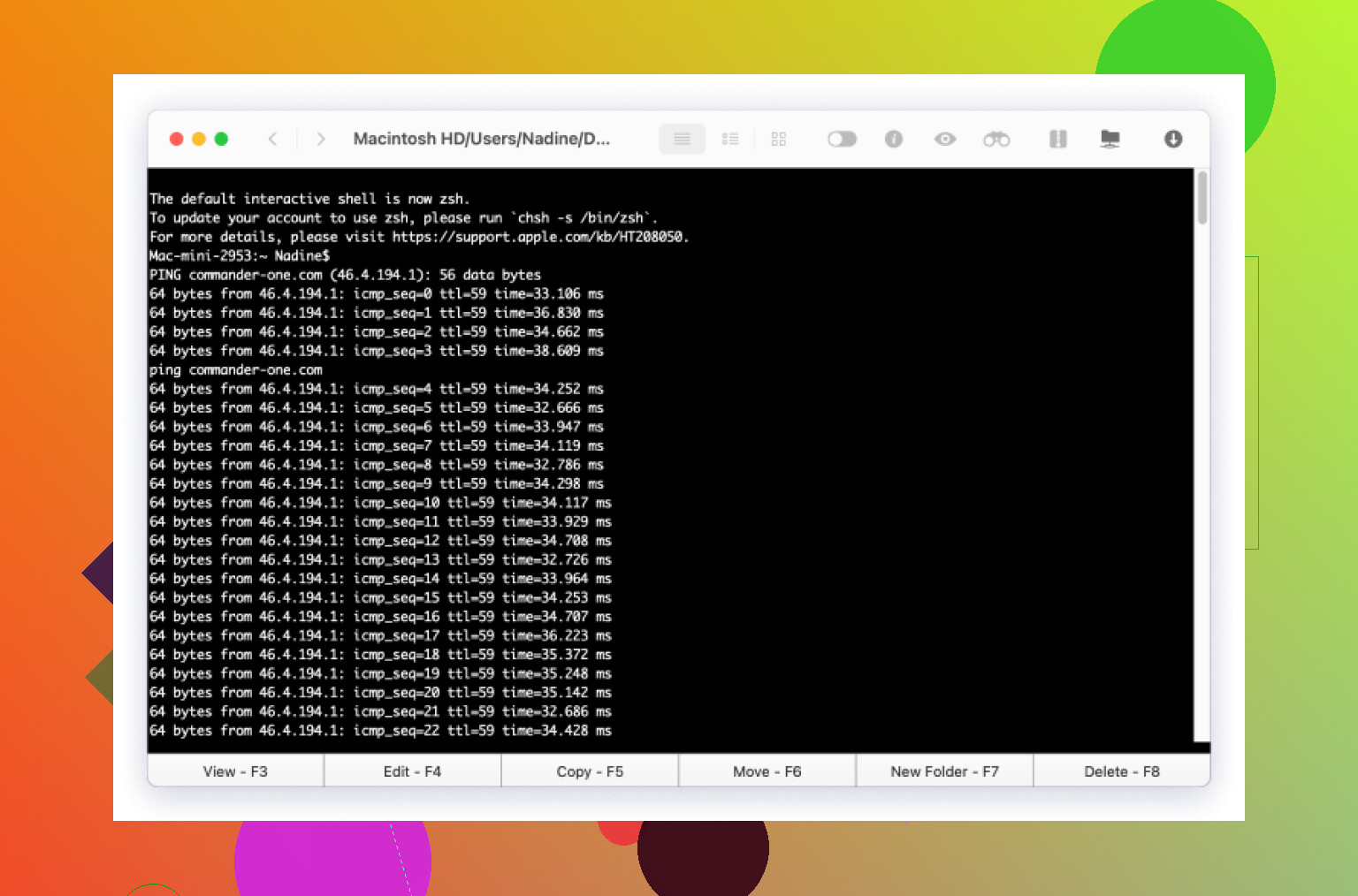
The integrated terminal at the bottom turned out way more useful than I expected.
No more switching to a separate terminal app, cd-ing five levels deep, and only then running a command. I just hit a hotkey, terminal drops down inside the same window, already in the directory I’m looking at.
Yesterday I:
- SSH’d into a remote box
- Did a quick
git pull - Checked a log file
All without leaving the file manager. Nothing special, but it removed a bunch of tiny context switches that usually eat time and attention.
Where This Leaves Me
If history holds, I’ll probably have a completely different setup by next summer and pretend this era never happened.
For now though, this strange combination actually works:
- Xcode for anything that has to be blessed by Apple
- Sublime for stupidly large files and quick edits
- CodeRunner for “does this idea compile at all?” moments
- TeaCode to avoid typing the same scaffolding 400 times
- SnippetsLab so I don’t reinvent the same regex twice
- Commander One as the command center for moving stuff around and touching servers
It’s just enough structure to keep my desktop from turning into a pile of half-installed apps and forgotten .dmg files. If you’re looking for similar recommendations, it’s worth checking a few other places as well.