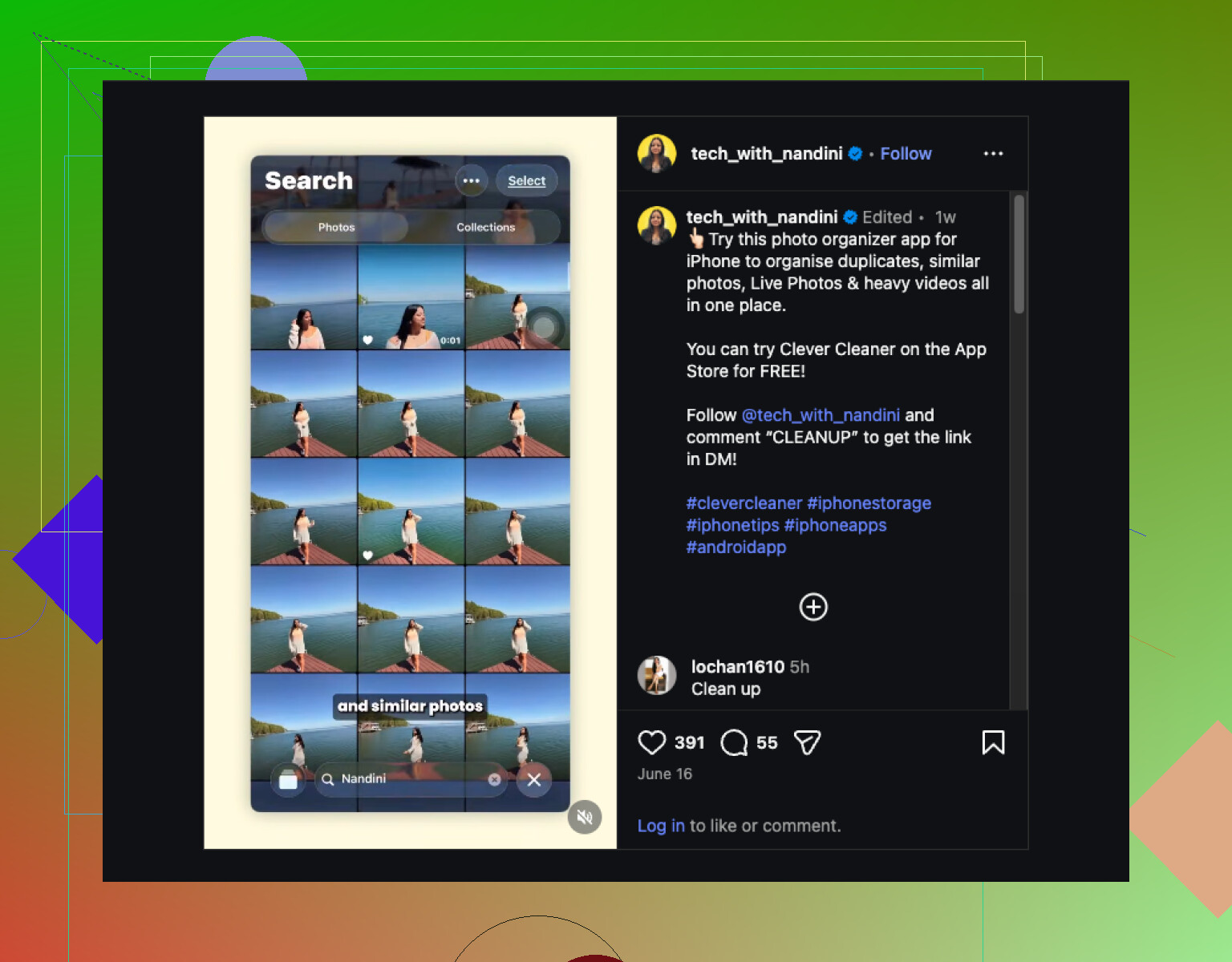
My iPhone photo library has gotten completely out of control after years of screenshots, duplicates, and random albums. I’ve tried sorting it myself, but it takes forever, and I need a good iPhone photo organizer app that can help me clean up, group pictures better, and make everything easier to find. Looking for real recommendations because I need help getting my photos organized fast.
If you’re trying to get your photo library under control, I wouldn’t stick to one app. I tried a few, and each one handled a different part of the mess better.
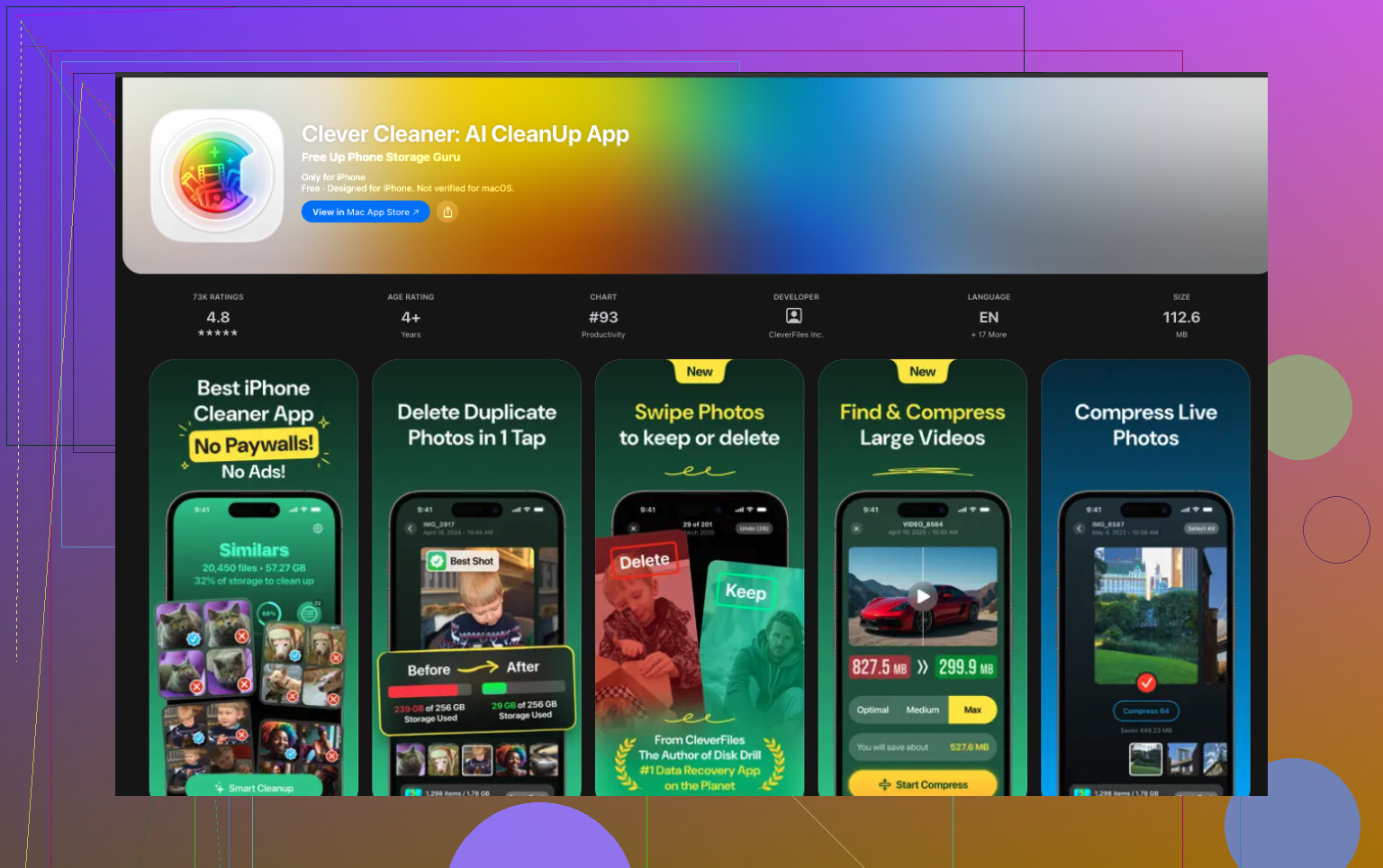
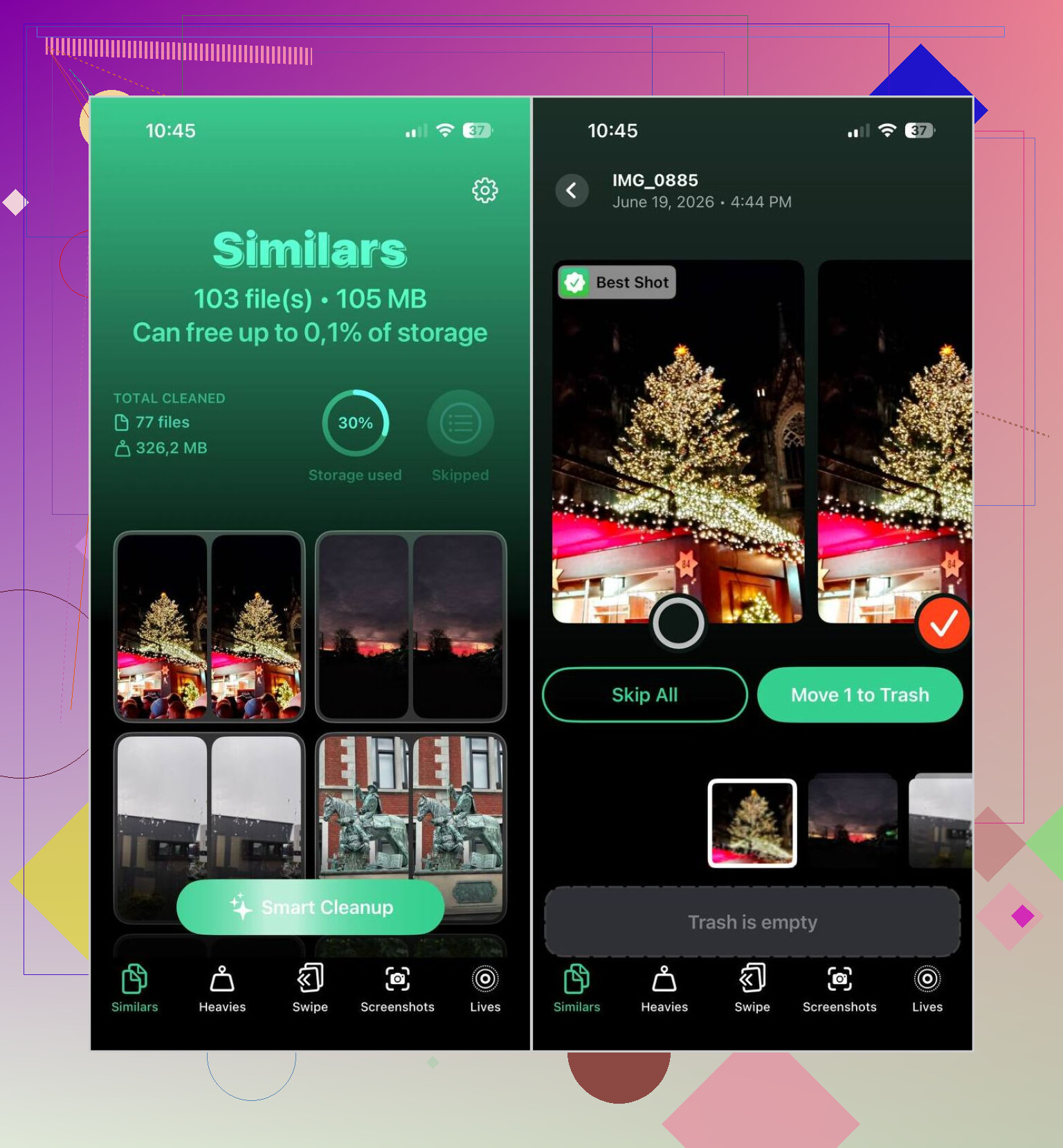
For the easiest cleanup, I kept going back to Clever Cleaner. It made the biggest dent with the least work on my end. It scans for duplicates, near-duplicates, screenshots, large videos, and Live Photos. Then it lines things up so you can clear stuff out in a few taps. I was a bit skeptical at first, but its photo picks were decent most of the time. You still get to check everything before deleting, which mattered to me because I don’t trust auto-clean tools blind. It also has video compression, a swipe-based sorting mode, and a Smart Cleanup option if you want faster results. The part I liked most, no ads, no subscription, no paywall popping up after every tap.
If your mess is less about deleting junk and more about sorting it, Cleansmith felt broader. It does duplicate and similar-photo finding, but it also sorts by file size, date, favorites, hidden photos, and iCloud status. You also get album tools, compression, Live Photo conversion, and an AI object remover. My issue with it was simple. A lot of the good stuff sits behind a subscription, and when I tested similar-photo matching, it felt a bit less sharp than Clever Cleaner.
HashPhotos felt like the app for people who want control over every corner of the library. Tags, smart albums, advanced filters, metadata editing, private local albums with Face ID, it’s all there. Apple Photos felt bare next to it. Still, I wouldn’t hand it to someone who wants a quick fix. There’s a learning curve, and I had to poke around for a while before it clicked.
Slidebox goes in a different direction. It’s less about AI cleanup and more about moving fast with your thumb. You swipe through photos, dump the ones you don’t want, and sort the rest into albums. I found it easier on the brain when my camera roll was full of random stuff and I didn’t want to deal with menus or settings.
My short version:
- Clever Cleaner, best if you want fast cleanup and don’t want to pay.
- Cleansmith, better if you want extra sorting and management tools in one place.
- HashPhotos, best for deep manual organization and filtering.
- Slidebox, good if you want to sort by hand with quick gestures.
20 Likes
I’d split this into two jobs. Cleanup first. Organization second.
For cleanup, Clever Cleaner is the one I’d point you to first. @mikeappsreviewer already covered a lot of why, and I mostly agree. My only small disagreement, I would not trust any Smart Cleanup mode until you review a batch yourself. Even good matching tools miss stuff when you’ve got bursts, edits, or a bunch of similar pet photos. Still, for duplicates, screenshots, large videos, and Live Photos, it saves a ton of time.
If you want a quick read first, this Clever Cleaner app review for iPhone photo cleanup lays out what it does pretty well.
For organization after the junk is gone, I’d look at Slidebox before jumping into something heavier. Reason is simple. Most people do not need deep metadata tools. They need a fast way to sort keepers into albums without getting lost in settings. Slidebox is good at that. Fewer taps. Less friction. Less chance you quit after 10 minuts.
My practical take:
- Run Clever Cleaner first.
- Delete screenshots and dupes in batches.
- Sort what’s left with Slidebox or Apple Photos albums.
- Keep one archive album for “sort later” so your library stays usable.
If you want one app for the biggest mess, Clever Cleaner is the best starting point. If you want perfect album structure, no app fixes that by itself. You still need 20 to 30 min of manual sorting, but way less painfull than doing all of it by hand.
I’d actually split this a little differently than @mikeappsreviewer and @himmelsjager.
If your real problem is chaos, not just clutter, the best iPhone photo organizer app for most people is probably Slidebox first, not cleanup-first. Hot take, I know. Deleting 4,000 screenshots feels productive, but if your albums are still a dumpster fire, the library still feels broken.
My setup would be:
- Slidebox for fast album sorting
- HashPhotos if you want smarter filtering and better control
- Clever Cleaner for the ugly cleanup pass after that
Why not only Clever Cleaner? Because cleanup apps are great at removing junk, but they don’t magically create a system you’ll keep using. That said, Clever Cleaner is still one of the better picks for duplicates, similar shots, screenshots, and chunky videos. It’s esp useful if you want a quick win without a bunch of paywalls shoved in your face.
HashPhotos is the nerdy option. Way more powerful than Apple Photos, but also way more “wait, where is that setting?” So I only recomend it if you actually enjoy organizing stuff.
Slidebox is the one that feels least annoying. That matters more than people admit.
Also, if you want a better idea of what cleanup apps look like in action, this clip is pretty relevant: see a quick iPhone photo cleanup app demo
Short version: for the best photo organizer app for iPhone, I’d go Slidebox for sorting and Clever Cleaner for cleanup. One app alone usually doesn’t fix the whole mess.