I accidentally deleted important files from my hard drive and need help recovering them. Can anyone recommend the best data recovery service or software that has worked for them? I’m feeling pretty desperate and would appreciate any advice you can offer.
I’ve been there, and it’s no fun, but try not to stress too much. One option that I found really helpful is Disk Drill. It’s a powerful data recovery software that can help you get back those important files you accidentally deleted from your hard drive. Disk Drill has a user-friendly interface, and it supports a variety of file systems, which makes it pretty versatile for different recovery scenarios.
A few months ago, I accidentally wiped a whole chunk of my project data. I was in a real panic until someone recommended Disk Drill. The recovery process was straightforward, and it managed to retrieve almost everything. The deep scan feature is particularly thorough, so even if your files were deleted a while ago, there’s a good chance of getting them back.
Of course, there are other tools out there like Recuva, EaseUS, and R-Studio. Each has its pros and cons, but from my experience, Disk Drill really stood out in terms of ease of use and effectiveness. It even offers a free version that allows you to recover up to 500MB of data, which is great if you just need to get a few critical files back.
If you’re unsure or need more advice, you might want to check out the Data Recovery Community on Reddit. It’s a great resource where you can get personal recommendations and support from others who’ve been in your shoes.
Keep calm, and good luck with the recovery!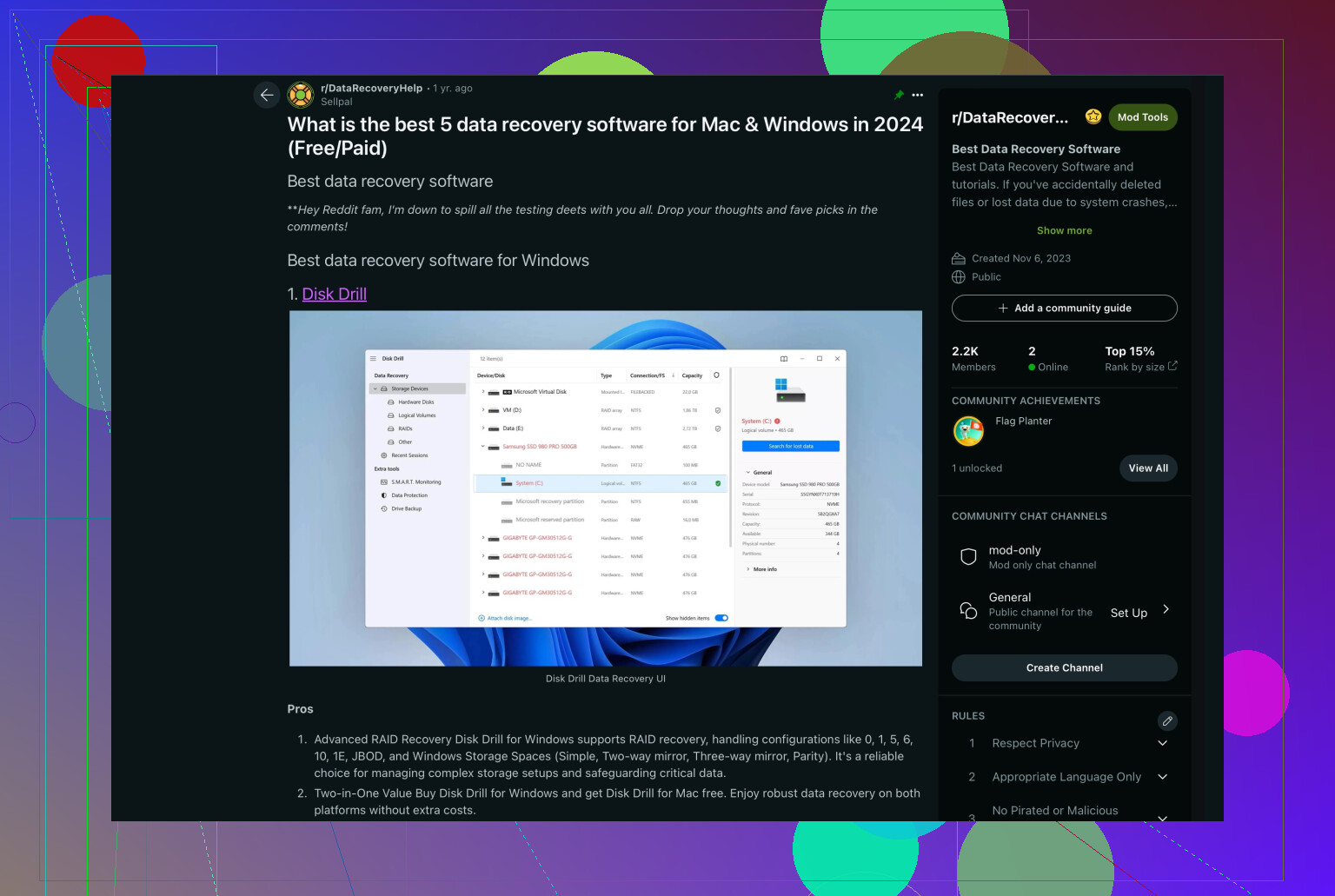
36 Likes
I hear ya, losing important files can be a total nightmare. While I totally get the love for Disk Drill that @reveurdenuit mentioned, I’ll add my two cents based on what worked for me. I had a similar situation—accidentally nuked a project folder with months of work. After trying a few tools, I found Stellar Data Recovery to be a lifesaver. It has an intuitive interface and supports a wide range of file types.
The big win for me with Stellar was its ability to recover not just files but entire partitions. When I lost my data, I also messed up the partition table. Stellar’s deep scan mode was super thorough and got back almost 95% of my files. Both the free and pro versions are worth checking out depending on your needs.
Also, if you’re looking for some credible advice from the community, you could check out the discussions on the Data Recovery Community on Reddit. You can get a variety of tips and tricks from people who’ve been through the same ordeal.
In any case, try a few options if Disk Drill or Stellar aren’t hitting the mark. Recuva and EaseUS deserve a mention too. Recuva is solid and more straightforward if you’re not a tech geek, while EaseUS offers some advanced features for more complex recoveries. Finally, ensure you’re not writing new data to the disk from which you’re trying to recover files—it reduces your chances of getting everything back.
So breathe, stay calm, and know that there are multiple good options out there to help recover your data. Good luck, and keep us posted on how things go!
Best Data Recovery Software: When it comes to recovering lost files, selecting the best data recovery software is crucial. Whether due to accidental deletion, drive corruption, or formatting, having the right tool can save the day. Among the top choices, ‘Best Data Recovery Software’ is frequently recommended for its efficiency and user-friendly interface.
I’ve only used one professional service before SalvageData, and I can recommend them. They managed to recover my entire set of work files from a completely dead HDD. As you can imagine, it wasn’t exactly cheap, but I didn’t really care, couldn’t afford to lose those.
That said if you just deleted some files and your drive still works, you definitely don’t need to the pro route yet. Like @ReveurDeNuit mentioned earlier, try Disk Drill or R-Studio first. Any decent recovery software will cost a fraction of what a full lab recovery does, and both tools are solid for home users.
one thing nobody’s mentioned yet: don’t use that drive for anything else until you scan it. The more you write to it, the smaller your chances of recovery (even the best data recovery service won’t be able to salvage overwritten files ). Just leave it as is, run the scan and save recovered files to a different disk. That’s what worked for me.
@Ivy This! Totally agree about Disk Drill and R-Studio, especially Disk Drill. I actually tried both when I accidentally deleted a folder with my college assignments. R-Studio looks a bit rough with all the menus and tabs definitely more technical, but it’s clearly a capable tool once you get the hang of it.
Disk Drill, on the other hand is super simple. It’s basically scan, preview, and save your files. And unlike R-Studio, I was actually able to recover my files without a license. It restored my entire folder of projects for free and everything was perfectly intact.
So can definitely recommend it. It’s not only a fraction of the price you’d pay for a recovery service, but you also save a ton of time. With a service, you’d need to find one near you or ship your drive. Not exactly convenient.
@Sternenwanderer gotta say, I personally had a bad experience with Recuva recently. Yeah, it did find my deleted files and even saved them, but like half of those files wouldn’t open afterward. Total mess.
I did some reading online later, and it seems I’m not the only one, a ton of people reported the same issue with unusable recovered files. So sure, it’s free, but honestly, what’s the point if the files don’t actually work after recovery?
By the way @Finn you could try rescanning those with something better like Disk Drill. If one tool recovers unusable or corrupted files, it doesn’t always mean the data is gone for good- sometimes the recovery software just doesn’t rebuild the file structure properly. A second scan with a stronger tool can often get working versions of the same files.