My drive has started acting up with slow access and occasional file errors, and I’m worried it could get worse. I’m looking for advice on the best disk repair tool to try first for fixing hard drive errors without risking data loss.
For most people, I’d worry about the data before worrying about “fixing” the drive. A lot of repair tools can make a bad situation worse if the disk is already unstable, so the safer move is to copy or recover your files first.
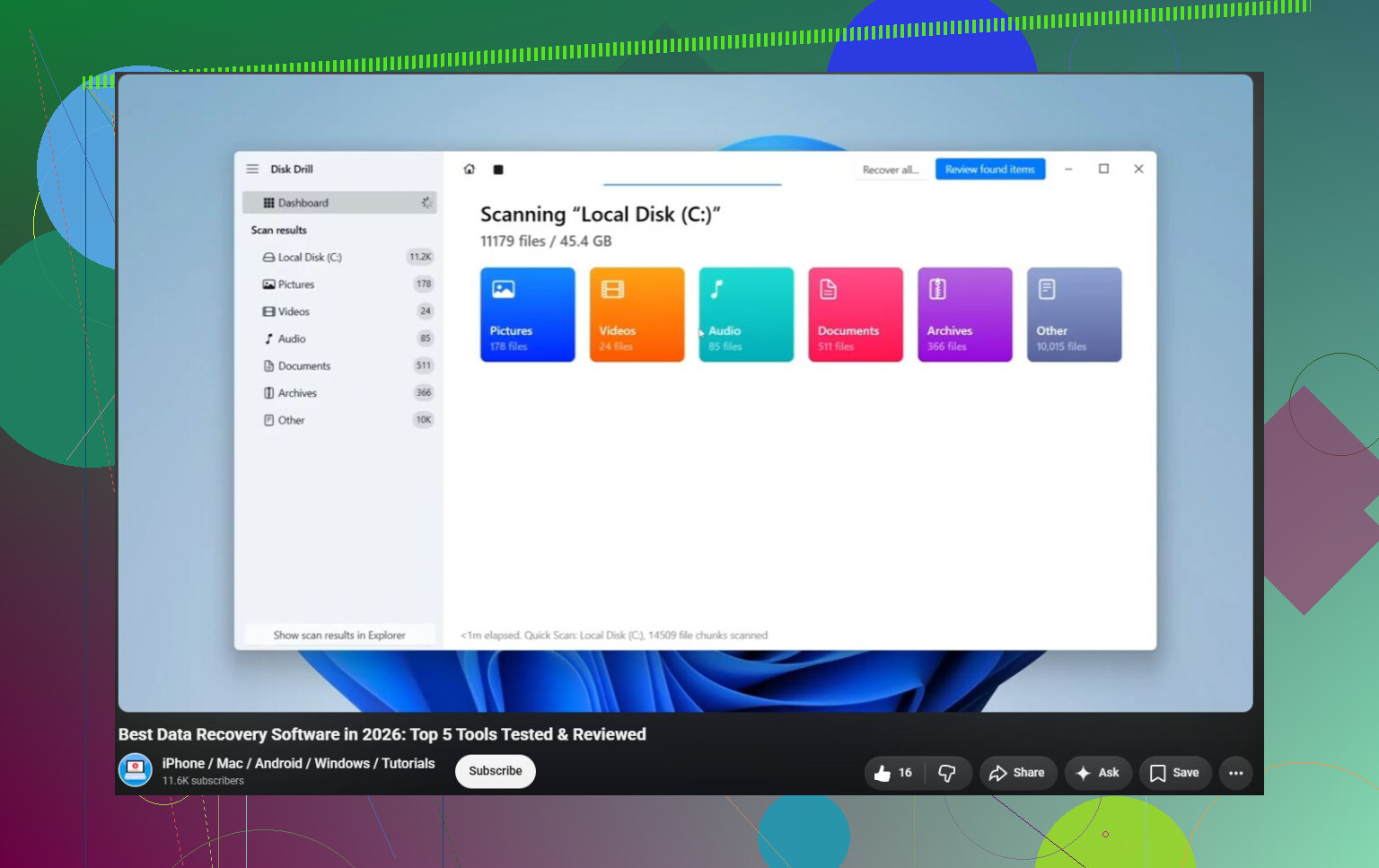
That’s why I’d probably start with Disk Drill. It’s not some magic tool that repairs every drive problem, but that’s kind of the point. Disk Drill is mainly useful for getting files back from drives that are corrupted, RAW, formatted, or won’t boot. It also has S.M.A.R.T. monitoring, so you can get a better idea of whether the hardware itself is starting to fail.
The disk image feature is a big plus too. If the drive is acting flaky, you can image it first, then try recovering from that copy instead of hammering the original drive over and over.
A couple other tools are worth knowing about, depending on the problem:
- TestDisk is great if you’re dealing with a lost partition, a messed-up partition table, or a damaged boot sector. It’s free and very capable, but it’s text-based and not exactly beginner-friendly. I wouldn’t make it the first stop unless you’re already comfortable working around partitions.
- Hard Disk Sentinel is more for monitoring than recovery. It reads S.M.A.R.T. data, watches temperatures, and can warn you when a drive starts showing signs of trouble. Useful if you want to catch problems before Windows starts complaining.
The main thing to keep in mind is that software can’t fix physical failure. If the drive is clicking, grinding, buzzing, randomly disappearing, freezing during reads, showing more bad sectors, throwing S.M.A.R.T. warnings, or giving repeated I/O errors, don’t keep running repair attempts just to see what happens.
At that point, get whatever data you can off the drive and plan on replacing it. Once a drive starts becoming unreliable at the hardware level, it usually doesn’t get better.
If the drive is completely undetected, making loud mechanical noises, or the data is too important to risk, I’d stop with the DIY attempts and talk to a professional recovery lab. They can work on the electronics, replace failed parts, or recover data from the platters in a clean-room setup. It can get expensive, with logical recovery often around $300–$700 and serious mechanical failures more like $1,000–$2,500+, but sometimes that’s the only realistic path.
My basic order would be: recover the important files first, check the drive health, only try repairs if the disk looks stable, replace it if there are hardware warning signs, and use a recovery service if the drive has physical damage or isn’t recognized at all.
10 Likes
A slow drive with a few file errors is different from a drive that disappears, clicks, or freezes the whole PC. In the first case, I’d start boring: copy the important stuff, check SMART, then consider a read-only recovery pass or image with something like Disk Drill before running “repair” tools. In the second case, I would not run CHKDSK first, even though Windows makes it tempting, because it writes changes to the file system and can make recovery messier if the drive is already failing. CHKDSK is fine after you have a backup or image, but as a first move on an unstable disk it’s a gamble, not a rescue plan.
Don’t expect any utility to turn a dying hard drive back into a trustworthy one. At best, software can repair file system damage or help you copy data off before the drive gets worse. If the drive is slow and throwing file errors, my first “tool” would be whatever gets your important files onto another disk with the least amount of stress on the bad one.
I agree with the caution about CHKDSK, but I’d be even more boring before picking a repair program: try a different cable, USB port, enclosure, or SATA port if this is an external or secondary drive. Bad USB bridges and flaky cables can look a lot like disk failure. Then check SMART with something simple like CrystalDiskInfo or Hard Disk Sentinel. If SMART shows reallocated sectors, pending sectors, or read errors climbing, stop thinking repair and think replacement.
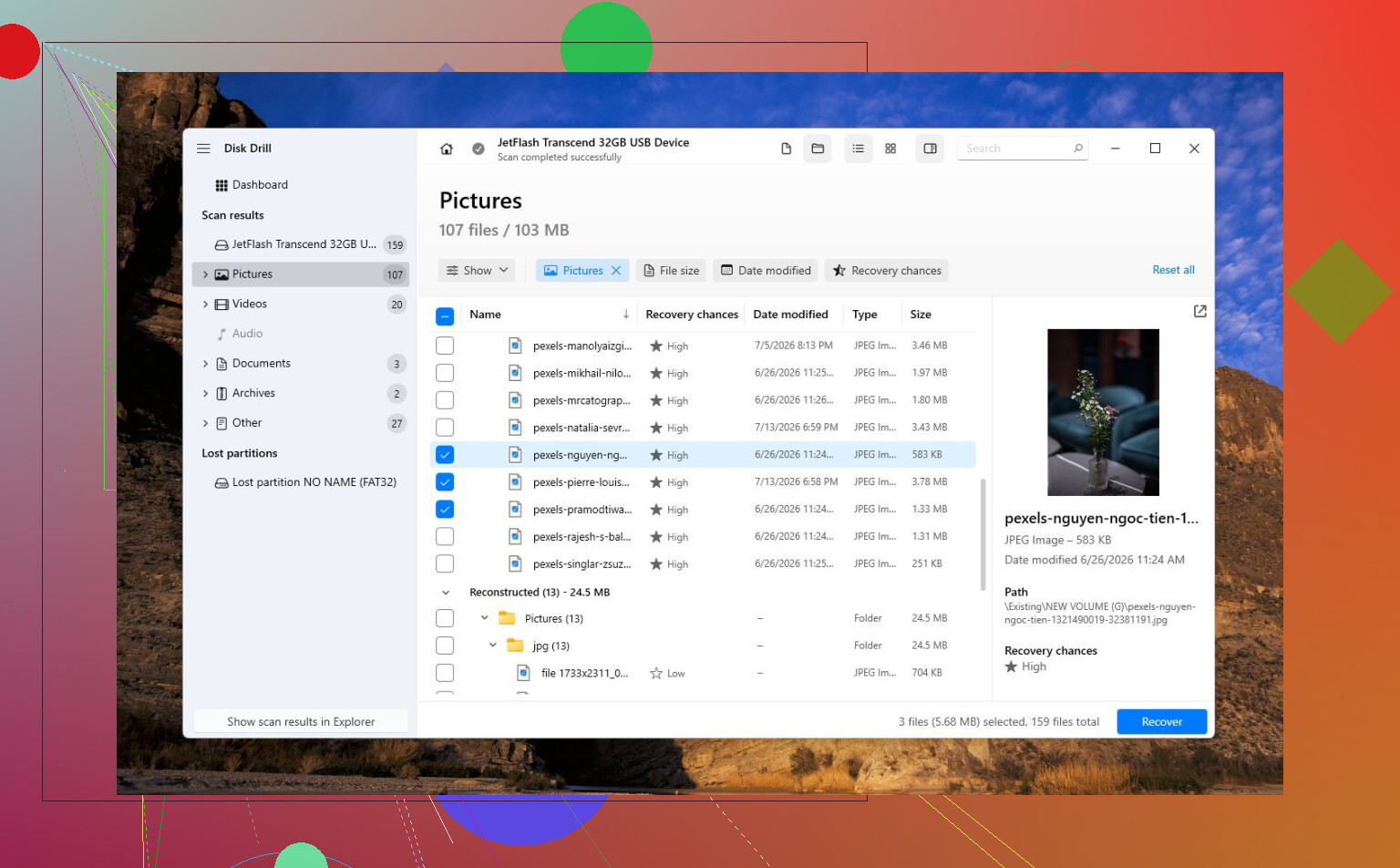
Disk Drill makes sense as an early option if you need to recover files or create an image first. I would not treat it as a “fix my hard drive” button, though. Recover or image first, then run CHKDSK or TestDisk only after the data is safe. If the errors were caused by a bad shutdown or corrupted file system, repair tools may help. If the drive is physically failing, the successful outcome is getting your data off and retiring the drive, not putting it back into daily use.