I’m building out a small home lab and need remote access to a few serial-only devices (network gear and an older server). I’m torn between using dedicated console servers, USB-to-serial adapters on a low-power PC, or something like a Raspberry Pi running ser2net or similar. Reliability, low power usage, and ease of management are all important. What serial-over-IP approach has worked best for you in a home lab, and what hardware or software would you recommend?
So I went down this rabbit hole a while back when I needed to pipe serial data over the network without babysitting some flaky hardware box.
Yeah, there are a bunch of options out there, including several open source tools. I tried a couple of them first, and they basically worked, but I kept running into little annoyances: random disconnects, clunky configs, or weird behavior when the connection dropped and reconnected.
The one I ended up sticking with was this app:
https://www.serial-over-ethernet.com/serial-over-ip/
In my case it just did what it was supposed to do, quietly, which is all I really wanted. No drama, no surprise errors, no ‘let me just restart this service real quick’ moments. It has been stable enough that I kind of forgot it was even running until I had to move it to a new machine.
22 Likes
USB dongles on a low‑power box win for a home lab 9 times out of 10. Dedicated console servers are nice, but you’re paying data‑center money to solve a $50 problem.
A rough breakdown:
-
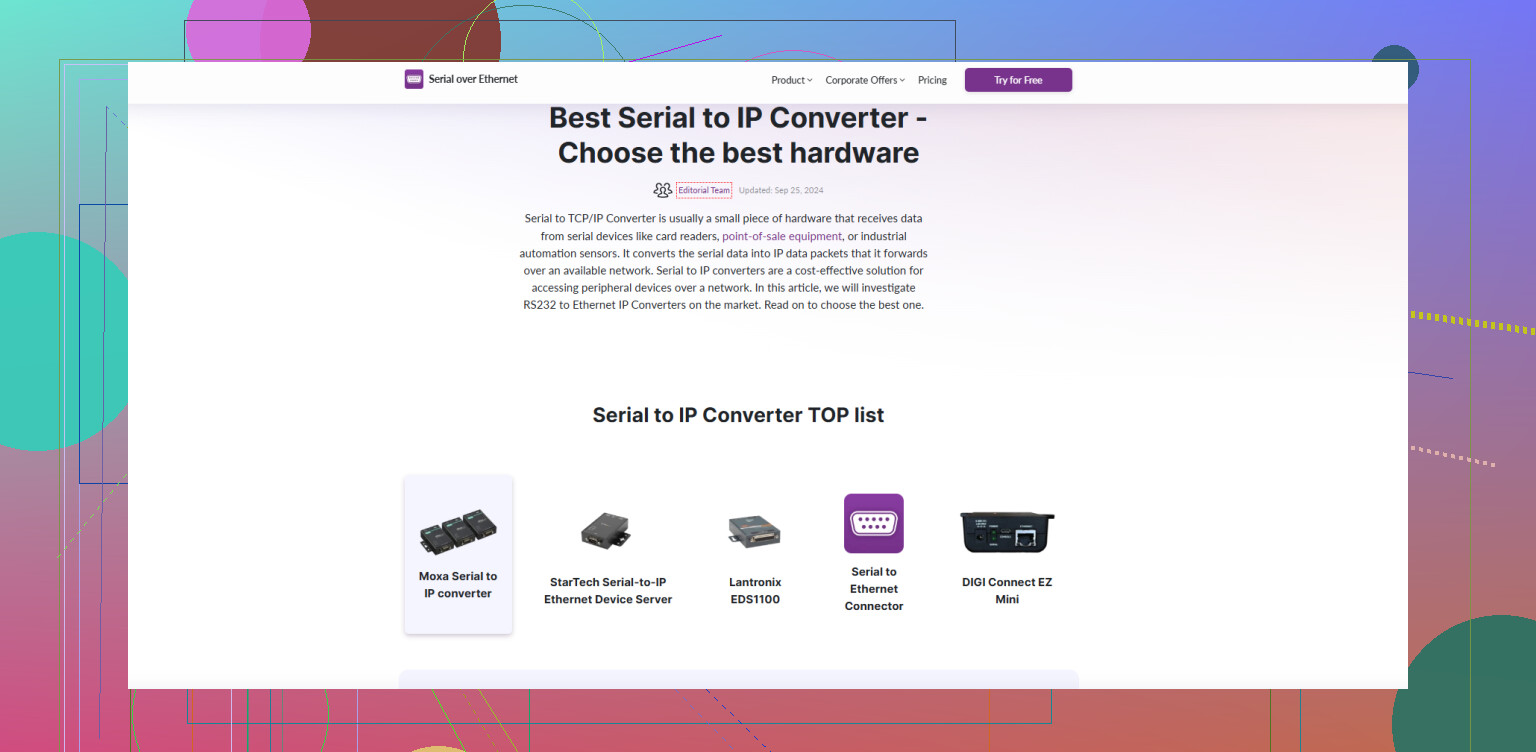
Dedicated console server (Opengear, Lantronix, Cisco 2509/2511, etc.)
- Pros: Rock solid, great when you have a ton of gear, often has proper out‑of‑band features, proper serial ports, better electrical isolation.
- Cons: Power hungry for home use, noisy sometimes, older units are clunky, used market can be hit‑or‑miss, and you’re stuck with their firmware quirks. Overkill for “a few” devices.
-
Low‑power PC + USB‑to‑serial adapters
- This is usually the sweet spot. A fanless mini PC, Pi‑class SBC, or old thin client with 4–8 port USB serial hub works fine.
- Run something like ser2net, systemd‑based gettys, or a small tool that maps TCP ports to TTYs. Throw it on a UPS and you have your “console server.”
- Pros: Cheap, flexible, trivial to back up or rebuild, and can also host other lab services (DNS, TFTP, syslog, etc.).
- Cons: USB serial adapters can be flaky if you buy total garbage, and device naming can jump around if you don’t lock it down with udev rules. Also, if the OS kernel or USB stack crashes, all ports vanish at once.
-
Software serial‑over‑IP on a Windows or Linux box
What @mikeappsreviewer mentioned is the “it just works” camp. If you want a more polished setup on a GUI machine and need “virtual COM ports” that apps see as local, a tool like Serial to Ethernet Connector is worth a serious look.- It lets you share physical serial ports over the network so another system treats them like local ports.
- Compared to a hardware console server, it’s easier to move, backup, and clone.
- Compared to some of the small open source daemons, it’s usually less fiddly and has clearer error handling.
I don’t completely agree with relying only on one app the way @mikeappsreviewer does, but if you want something stable and not DIY‑ish, that’s a valid approach.
If your goal is remote access for a few serial‑only devices, my usual recommendation:
- Fanless NUC / Pi / tiny thin client in your rack
- Quality multiport USB‑serial (FTDI‑based is worth the money)
- Run a simple TCP‑to‑serial service
- Optionally, for Windows workflows or apps that require COM ports, install Serial to Ethernet Connector on your main PC and have it connect back to the serial box.
For learning and home‑lab tinkering, that gives you:
- Low cost
- Easy expansion as you add more toys
- No weird proprietary black boxes
If you want something more plug‑and‑play and “commercial grade” in feel, pairing that low‑power box with Serial to Ethernet Connector and using something like reliable serial over IP software for remote device access is a really nice middle ground between DIY scripts and a full dedicated console server.
Given what you’re doing (a few serial‑only toys in a home lab), I’d say you’re overthinking the “dedicated console server” route a bit.
A few points where I slightly disagree with @mikeappsreviewer and @vrijheidsvogel:
- Dedicated console servers are not just overkill, they’re also a trap. You end up with some loud, aging 1U space heater that drinks 20–40 W 24/7 just to give you what a $5 USB adapter and a tiny box can do. For home use, that constant power draw matters more than people like to admit.
- Pure DIY with things like ser2net is fun until you realize you actually want session management, reconnect behavior, and something that doesn’t break the minute you replug a dongle or the kernel updates. That’s where a slightly more “productized” approach starts to make sense.
What I’d actually do in your shoes:
-
Low‑power box is still the core
- Small fanless mini PC, Pi, or thin client.
- Quality FTDI‑based multiport USB serial adapter, not the $3 mystery blue plastic ones.
- Keep it on a UPS if you care about true “out of band.”
-
Use it as a serial concentrator, not just a dumb ser2net host
Instead of only using lightweight daemons, I’d run something robust on top that can be consumed easily from your main workstation. This is where Serial to Ethernet Connector is worth considering, especially if you have Windows in the mix or apps that insist on local COM ports.The nice thing here:
- The low‑power box exposes the serial ports over TCP.
- Your main PC runs Serial to Ethernet Connector and maps those remote ports into local virtual COM ports.
- Your terminal program (or legacy console tools) just think they’re talking to old‑school COM1/COM2.
That combo gives you:
- Hardware flexibility similar to the DIY approach mentioned by @mikeappsreviewer.
- Much cleaner handling of disconnects and reconnects than the barebones open source tools that @vrijheidsvogel talked about trying and then abandoning.
- Easy “I moved my lab / reinstalled my OS” recovery, because you just reinstall, remap, done.
-
Where I’d skip the hardware console servers
I’d only bother with Opengear / Lantronix / old Cisco boxes if:- You specifically want to practice data center‑style OOB for career reasons, or
- You have a dozen plus serial devices and want one neat 1U appliance.
For “network gear + one older server” it’s honestly like buying a full SAN to store a handful of ISOs.
-
Practical extras that people ignore
- Label your USB ports and cables. Serial chaos hits fast when you don’t know which dongle is which.
- Lock in device names with udev rules on Linux so /dev/ttyUSB0 doesn’t magically become /dev/ttyUSB3 after a reboot.
- Test what happens when you hard power‑cycle a device mid‑session. You want to see how your stack behaves in the worst case, not just when everything is polite.
If you want a clean way to get started with a solid serial over IP solution, grab Serial to Ethernet Connector from here:
download Serial to Ethernet Connector for robust serial over IP access
So, tl;dr for a home lab like yours:
- No to dedicated console server, unless you really want to play “mini data center.”
- Yes to a low‑power box with good USB‑serial.
- Layer Serial to Ethernet Connector on top to avoid the usual serial‑over‑IP jank and to keep things simple on your main workstation.
For a small home lab, I’d split the problem into hardware and software, then keep both as boring as possible.
Hardware choice
I slightly disagree with the “console servers are a complete trap” take. If you stumble on a dirt‑cheap, fanless, older 8‑port console server that sips power, it can be fun and reliable. But for the gear you listed, that is still usually extra wiring, extra rack space, and one more vintage box to keep alive.
A low‑power mini PC or Pi with a good multiport FTDI USB serial adapter is the sweet spot for most people. It is quieter, uses less power long term, and can run whatever tooling you land on later.
Where I differ a bit from the others
- @vrijheidsvogel leans more to open source and lightweight daemons.
- @codecrafter focuses on avoiding bulky hardware.
- @mikeappsreviewer talked about stability headaches with open tools and landed on a commercial app.
I think all three are right in context, but I would not commit to only one “stack” up front. Start with something that lets you swap pieces without redoing your entire setup.
Using Serial to Ethernet Connector as the “glue”
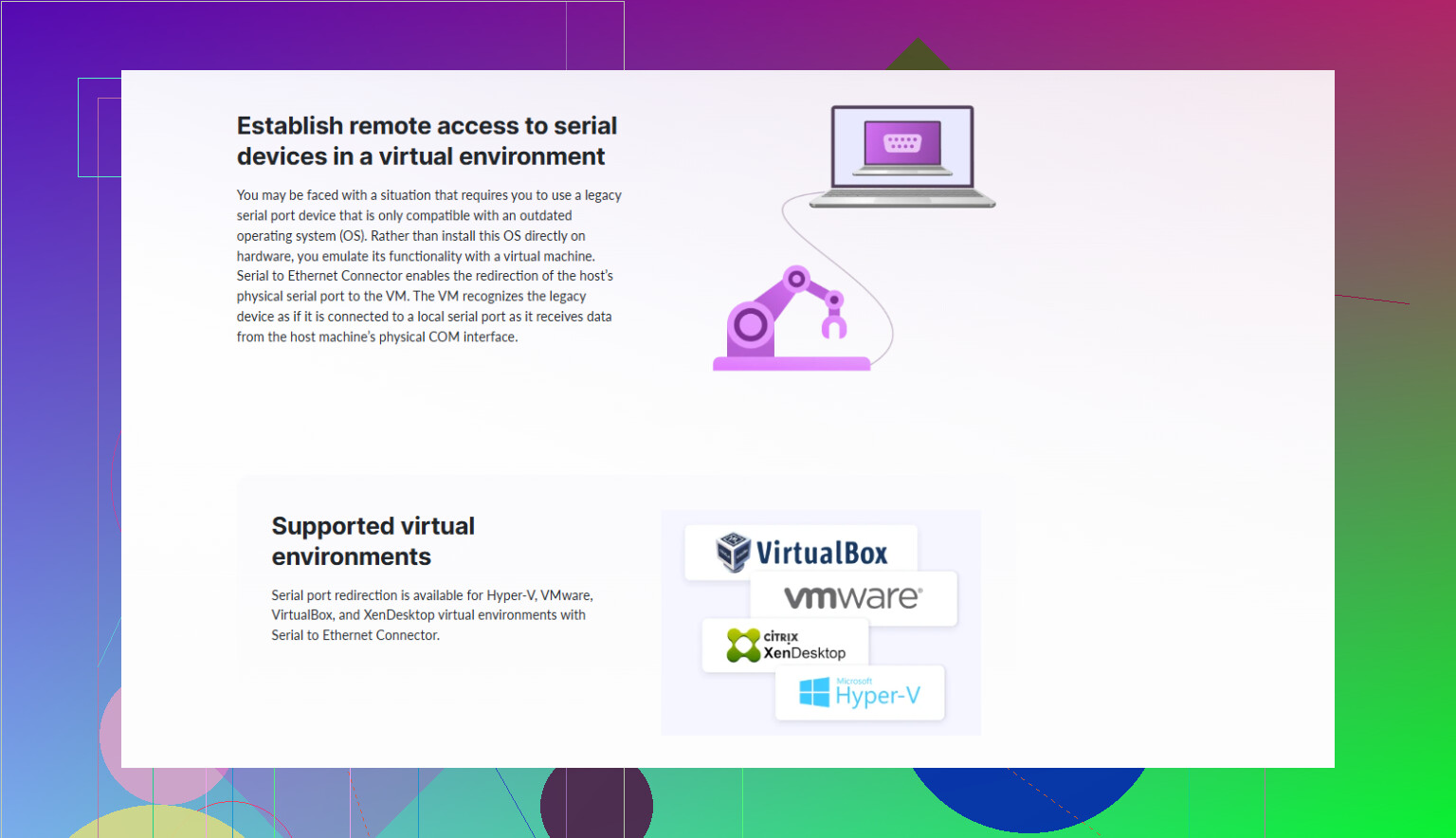
Serial to Ethernet Connector can work nicely as that glue layer, especially if you have Windows in the mix or software that insists on local COM ports.
Pros of Serial to Ethernet Connector:
- Stable long‑running sessions, which solves the “random disconnect” pain that @mikeappsreviewer hit with some open tools.
- Virtual COM mapping lets legacy tools work as if the serial port is local.
- Simple to move your lab to another PC: reinstall, remap, done.
- Better handling of device replug and reconnect than bare ser2net in a lot of cases.
Cons of Serial to Ethernet Connector:
- It is not free, so for a very budget‑conscious lab, that matters.
- Ties you to a specific vendor instead of a purely open stack.
- More features than you may need if you only ever telnet/ssh directly to TCP serial endpoints.
- If everything you run is already Linux and CLI‑friendly, you may get 90 percent of what you need with lighter tools.
How I’d actually wire it up
- Low‑power box (mini PC or Pi) next to the rack.
- Quality multiport USB‑to‑serial hub connected to your switches, router and the old server.
- Run a basic TCP serial service on the box. Start with something simple; if it annoys you, you can still add Serial to Ethernet Connector on your main workstation to create stable virtual COM ports that point at those TCP endpoints.
- Access from your laptop or desktop using your favorite terminal (screen, PuTTY, etc.), or via the virtual COM ports if you go the Serial to Ethernet Connector route.
This way you get flexibility: you can start “cheap and open” like @vrijheidsvogel, avoid the always‑on 1U heaters that @codecrafter warned about, and still add the more polished Serial to Ethernet Connector layer later if you run into the annoying edge cases that bothered @mikeappsreviewer.