My iPhone has a lot of free storage, but it’s been running really slow lately. Apps take forever to open, scrolling lags, and even simple tasks feel delayed. I’m trying to figure out what else could be causing the slowdown and what I can do to fix it.
If you installed iOS 26 a day or two ago, I wouldn’t panic yet. Right after a big update, the phone usually starts doing a pile of cleanup and rebuild work in the background. Mine did it too. Photos got reindexed, app data got rebuilt, system files got shuffled around, and the whole phone felt weirdly heavy for a bit. Even typing had a delay. I left it plugged in on Wi-Fi overnight for two nights, and by around day three it felt a lot better.
If you’re past a week and it still feels slow, then yeah, I’d start checking other stuff.
First place I’d look is storage. A lot of people see a few GB free and assume it’s fine. iOS doesn’t seem to like running close to the edge. From what I’ve seen, you want roughly 10 to 20 percent of your storage open. If you drop under that, the phone starts struggling with temp files, app launches slow down, animations hitch, and random crashes show up. So even if you are not “full,” you still might be too cramped for the system to breathe.
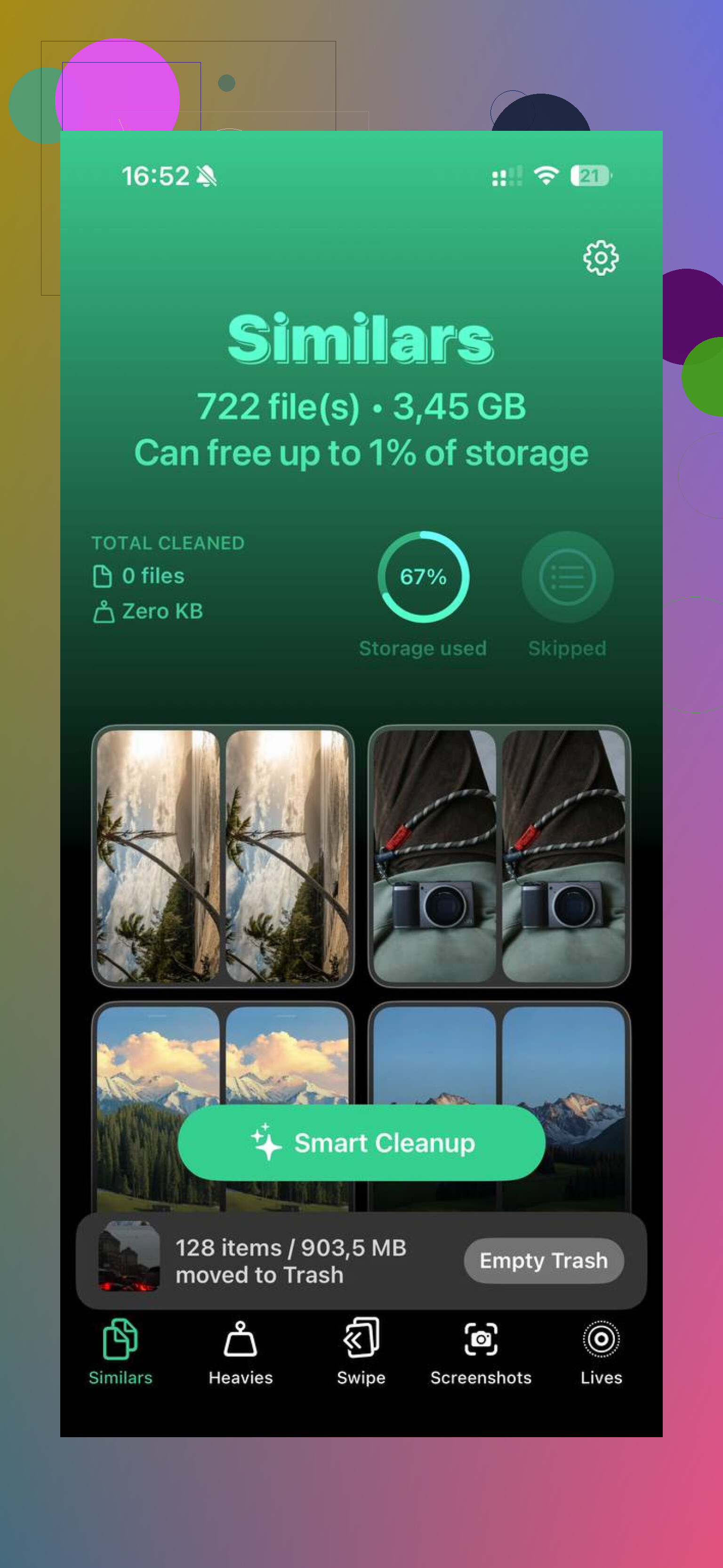
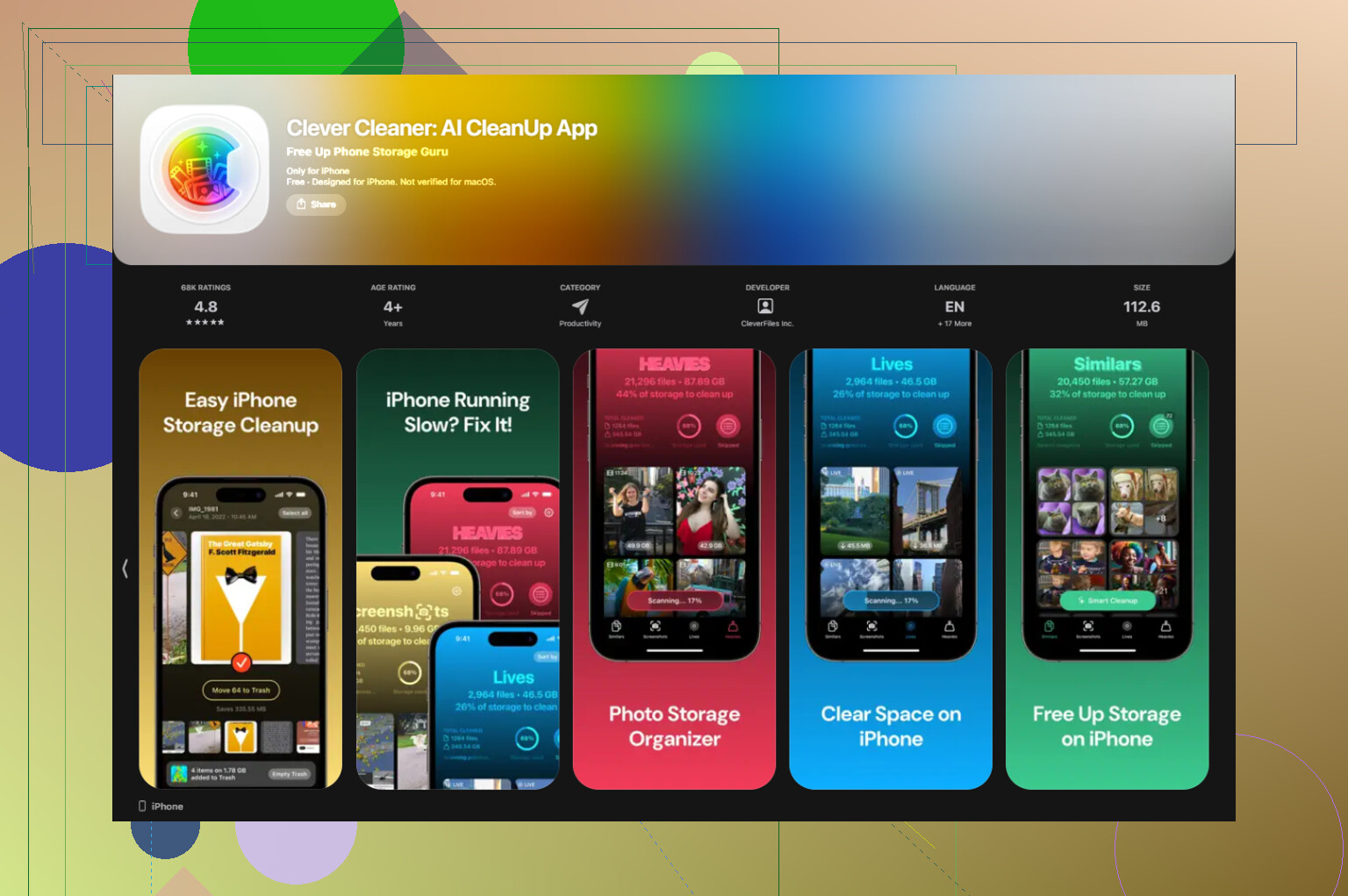
For most people, photos and videos are the main problem. Mine were. Cleaning it by hand was miserable, so I ended up using Clever Cleaner. What I liked was how direct it was. No ads, no paywall blocking basic use. The Similars section grouped those almost-identical photos where you took six shots and only one mattered. The Heavies section was more useful for me, since it sorted the library by file size and showed which giant video clips and screen recordings were eating space first. It also listed screenshot sizes before deletion, which saved me some guesswork. The app does the processing on-device, so your stuff isn’t being uploaded somewhere. After I cleared a few GB, the phone stopped feeling so bogged down. Not magic, but noticeable.
Battery health matters too, more than a lot of people expect. Go to Settings > Battery > Battery Health. If maximum capacity is under 80 percent, iPhone performance management can kick in and slow the processor to avoid shutdowns. I’ve seen phones feel “software slow” when the real issue was the battery. If yours is under 80 percent, a battery replacement is often a better fix than chasing settings for hours.
Stuff I’d try next, in this order:
-
Update every app
Open the App Store and hit Update All. After a major iOS release, some apps run poorly until their devs patch them. I’ve had one outdated app drag the whole phone down. -
Cut back Background App Refresh
Go to Settings > General > Background App Refresh. Turn it off for apps you do not need updating all day. This helped on my older iPhone more than I expected. -
Turn on Reduce Motion
Settings > Accessibility > Motion > Reduce Motion. This does not speed up the processor, but it makes the phone feel smoother by removing animations which often look choppy on aging hardware. -
Check Low Power Mode
If you keep Low Power Mode on all the time, switch it off and test again. It reduces performance to save battery, so the phone can feel sluggish during normal use. -
Restart it once in a while
I started rebooting mine about once a week. It cleared out temp junk and fixed those slowdowns that kind of creep in without you noticing.
If none of this changes anything after a full week, I’d try Reset All Settings. You’ll find it under Settings > General > Transfer or Reset iPhone. This does not erase your apps or photos. It resets system settings, network stuff, display preferences, and other config data. Sometimes an update leaves behind some broken setting somewhere, and this cleans it up without going nuclear.
Short version, if it’s only been a couple of days, give it time. If it’s been longer, check free storage, photo library size, battery health, app updates, and background settings first. That was the order where I found the problem on mine.
61 Likes
Storage is only one piece of it. I agree with @mikeappsreviewer on the post-update slowdown part, but I don’t fully buy the idea that free space is the main culprit for most people. If your iPhone has plenty left, I’d look at heat, battery aging, and bad apps first.
A few checks I’d do:
-
Watch the temperature.
If the phone feels warm during simple stuff, iOS will slow the chip on purpose. Brightness drops too. This happens a lot with weak cell signal, GPS use, video apps, and charging. Test performance after the phone cools off. -
Check Analytics data.
Settings > Privacy & Security > Analytics & Improvements > Analytics Data.
If you see the same app name over and over in crash logs or panic logs, that app is a problem. Delete it, reboot, reinstall later. I fixed a laggy iPhone once because one shopping app kept hanging in the background. Stupid, but yep. -
Look at your signal.
Bad cellular signal drains power and keeps radios working nonstop. Phones in weak 5G areas often feel worse than on solid LTE. Try switching 5G Auto to LTE for a day and see if the lag drops. -
Safari gets gross.
If Safari is slow, clear website data. Settings > Safari > Clear History and Website Data. Tabs with media-heavy sites eat RAM and make older iPhones feel janky. -
Widgets and Live Activities.
Too many lock screen widgets, home screen widgets, and sports or delivery Live Activities add constant refresh load. Remove the ones you don’t need. People overlook this one alll the time. -
Mail settings.
Push email on multiple accounts keeps polling stuff all day. Set Fetch to 15 minutes or manual for accounts you don’t need instantly. -
Accessibility settings.
Turn off Sound Recognition if you enabled it. Apple even notes it affects performance on some iPhones.
If your Photos library is massive, cleaning it still helps. Clever Cleaner is decent for spotting duplicate shots and huge videos. This review from Fossbytes covers why it’s useful for cleaning up an iPhone photo library: Fossbytes review of Clever Cleaner for iPhone cleanup.
If lag hits system apps too, and not one app, battery health and thermal throttling are where I’d look first. That’s usally the hidden issue.
Storage is only one piece of the puzzle. I mostly agree with @mikeappsreviewer and @mike34, but I’d push a different angle first: RAM pressure and system overhead, not just free space.
A few things can make an iPhone feel slow even with lots of storage left:
-
Too many apps sitting suspended
iOS is good at memory management, but some apps are pigs. Social, maps, shopping, video editors, and browser tabs can chew through RAM and make app switching / scrolling feel gross. -
VPNs, ad blockers, keyboards, and profile junk
Third-party keyboards, always-on VPNs, DNS/ad-block apps, and old configuration profiles can slow networking and typing in weird ways. If lag happens while loading apps or webpages, this is worth checking. -
Background photo processing
Not just after iOS updates. If you recently enabled iCloud Photos, downloaded originals, restored from backup, or imported a ton of pics/videos, the Photos app can churn in the background for days. -
Almost-full iCloud, not just iPhone storage
This one gets ignored. When iCloud is maxed out, syncing gets messy. Photos, Messages, backups, Notes, all that can stall and retry constantly. Doesn’t always show up as “storage issue” on the phone itself. -
A bad widget stack or app extension
Widgets look innocent till one starts misbehaving. Same with share-sheet extensions. If the phone lags most on the home screen, search, or share menu, I’d start there.
Stuff I’d try that’s different from the usual checklist:
-
Disable widgets for a day
Remove most Home Screen and Lock Screen widgets. Seriously, test it. Some are weirdly heavy. -
Turn off iCloud sync for one big category temporarily
Photos or Messages, just as a test. If performance improves, you found the culprit. -
Delete any VPN, cleaner-ish network app, or custom keyboard you don’t trust
Some of them are lowkey awful. -
Check free iCloud space
Settings > [your name] > iCloud. -
Force a clean Safari test
Open a private tab only, no content blockers, and compare. If Safari suddenly feels snappy, extensions or cached junk are part of it.
If your library is huge, I do think Clever Cleaner is useful, especially for clearing duplicate shots and giant videos without digging forever. This Clever Cleaner iPhone app review for freeing up photo and video space gives a decent overview.
Honestly tho, if the lag is system-wide in every app, I’d suspect battery, heat, RAM-hog apps, or sync activity before blaming storage alone. That “I have plenty of space” thing is real. iPhones can still run like molasses for totally diff reasons.
Try a clean iOS setup. Back up your iPhone, erase it, then set it up as new for one hour. Install only two or three essential apps. If scrolling and app launches feel normal, old settings or app data caused the slowdown. Reintall apps in small groups until the lag returns. This takes more effort upfront, but it avoids changing dozens of settings with no clear result. Restore your backup only if the clean setup stays slow.
Erasing and setting up as new sounds clean, but the hidden catch is what happens after. If you restore the same backup, you drag the exact settings and app data back that might’ve caused the lag in the first place, so you end up right where you started. And if you set up truly fresh and add apps back one by one, you’re looking at days of half-configured phone before you learn anything. Fine as a last resort, but I wouldn’t jump there before ruling out the cheap stuff.
The point from @mike34 about checking Analytics Data is the one I’d move higher up the list. It’s free, takes two minutes, and it actually names the culprit instead of you guessing. If one app keeps showing in the crash logs, that tells you more than any amount of toggling Reduce Motion. People skip it because it looks technical, but you don’t need to understand the logs, you just need to spot the same app name repeating.
On the storage angle, I think it got a bit oversold earlier in the thread. Clever Cleaner is genuinely handy if your photo library is the bloated part, especially the sort-by-size view for finding those giant screen recordings you forgot about. But if you’re already sitting on plenty of free space like the original post says, clearing a few more GB probably isn’t your fix. It helps the phone that’s cramped, not the phone that’s slow for other reasons.
If I had to pick one thing everyone’s dancing around, it’s battery health plus heat together. A worn battery under load throttles harder when the phone is warm, and that combo feels exactly like ‘system is slow’ even though nothing’s wrong with your storage or apps. Check capacity first, then notice whether the lag gets worse when the phone’s warm. That pattern points you straight at hardware instead of sending you down a settings rabbit hole.