FLAC files are the easy part. The headache starts when you try to pick one player and stick with it.
I went through a bunch of apps on both Mac and Windows, installed, tested for a week or two, then either deleted or kept them. These are the ones that survived on my drives longer than a trial window.
I’m not saying they’re “the best.” They are the ones that annoyed me the least and solved specific problems.
Elmedia Player (Mac)
I first grabbed Elmedia Player for video. MKVs, random stuff, nothing special. The FLAC part happened by accident when I dragged a whole album folder into it and it just played everything without complaining.
What I like the most:
I spent a short session in the 10‑band EQ with a messy live album that always sounded like it was recorded in a parking garage. Small cuts around 200–400 Hz and a bit of shaping higher up, and the whole thing turned from sludge to something I could listen to with headphones on. For a “video player,” it handled audio tweaks better than a few “audiophile” apps I tried.
What I didn’t like:
AirPlay is locked behind the Pro upgrade. If you send audio to speakers around your place a lot, you hit that wall fast. For local-only listening on wired headphones it is fine. Once you try to pipe it to your Apple TV or an AirPlay receiver, you get the paywall.

MusicBee (Windows)
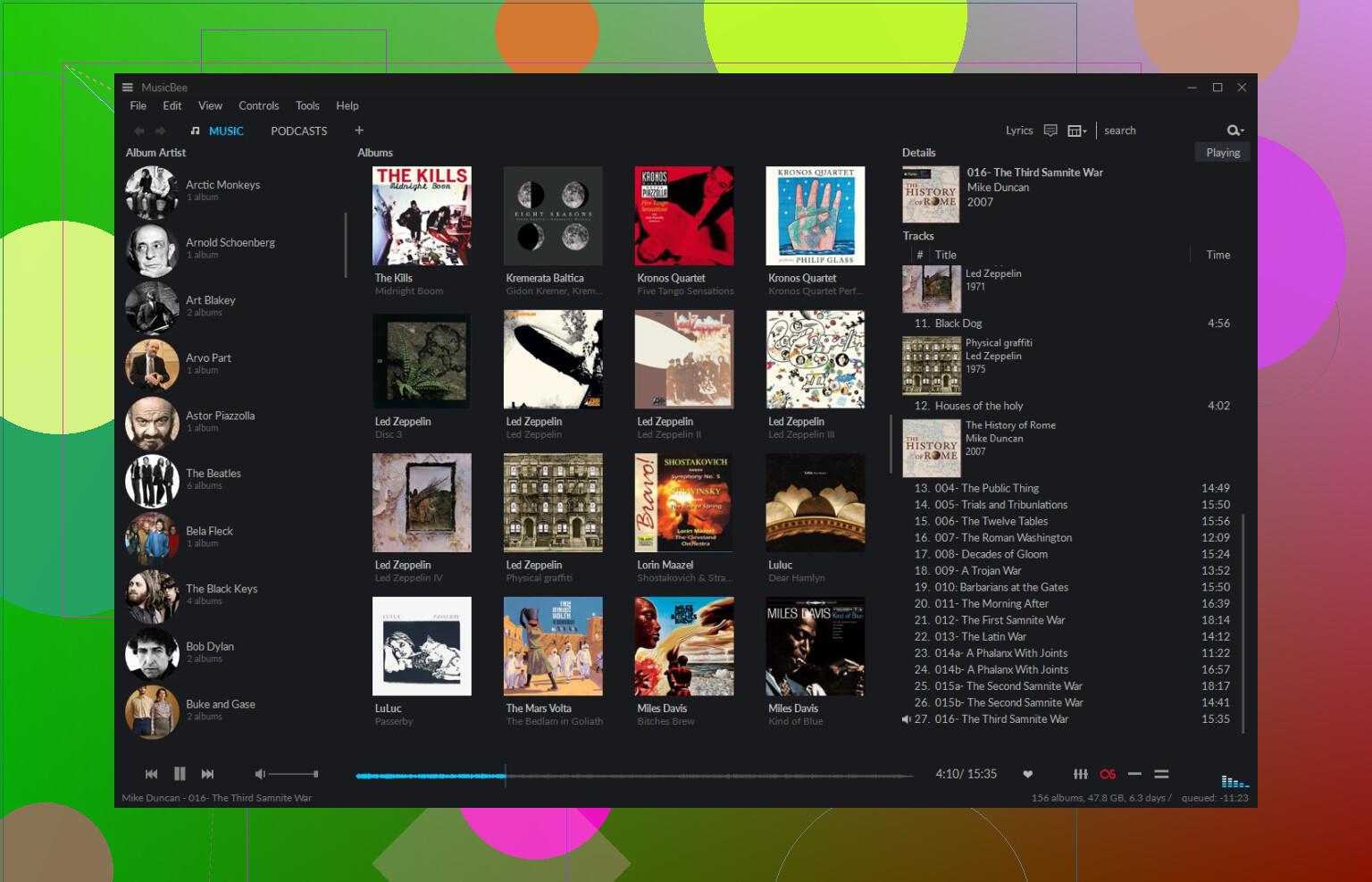
MusicBee felt like walking into a small personal music library system. Panels, filters, views, all that. If your FLAC folder is a mess, it helps bring order.
What I like the most:
I threw about 600 random FLAC files at it, including some Swedish metal albums I ripped from CDs over a decade ago with no proper tags. I ran the Auto-Tag feature on a big chunk of them. It pulled track names, release years, genres, and decent album covers. I did not type anything by hand, and the hit rate was surprisingly high for obscure stuff. If you care about clean metadata and cover art that is not blurry, this feels strong.
What I didn’t like:
The interface can feel crowded. Columns, tabs, sidebar sections. If you only want to double click one track quickly, it feels like too much screen furniture. It is great for people who spend time curating big libraries. For quick, casual playback, it felt heavier than I needed on some days.
Foobar2000 (Windows)
When I opened Foobar2000 the first time, I thought something broke. Bare window. No gloss. More like a spreadsheet with a play button.
What I like the most:
I pointed it at a 2 TB drive full of FLACs, old backups, random folders. It scanned and built the library in a few seconds. No lag when skipping tracks, no freezing when shuffling across thousands of files. On top of that, I kept piling plugins on it for different outputs, resamplers, layouts. It still did not crash on me once. If you are obsessive about stability and speed, this is strong.
What I didn’t like:
Nothing is friendly out of the box. You want a nice layout, you go download themes from forums. You want a waveform seekbar or more modern UI, you dig around for components. Even simple things like making a layout that feels current take time and forum reading. If you enjoy tweaking, it is fun. If you want something usable in five minutes, it feels like hitting a wall.

VOX (Mac)
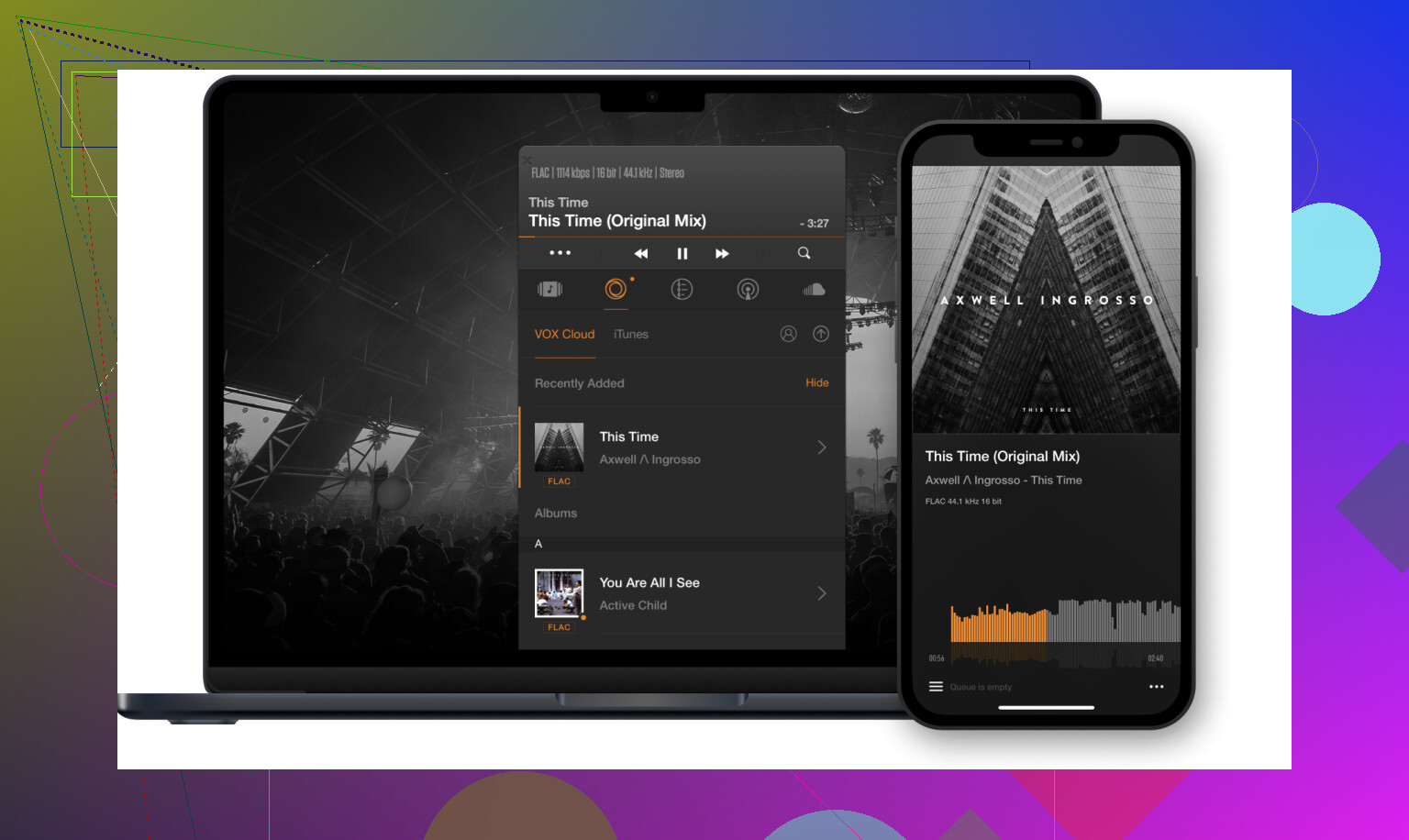
I grabbed VOX when I wanted something quiet on screen while I was working on a small MacBook. I did not want big windows or huge libraries popping up every time I hit play.
Where it fit:
It sits in the menu bar or as a small floating window. Drag a FLAC album in, hit play, done. The interesting bit is their “Hog Mode.” When I turned it on with an external DAC and a few jazz recordings I know well, the stereo image felt more spread out and the noise floor a bit cleaner. I am not going to throw measurements at it, but my ears noticed small differences with sensitive headphones.
What I didn’t like:
Their cloud thing. VOX Cloud is everywhere in the app. Banners, buttons, upgrade suggestions. I triggered the trial button by accident more than once while trying to reach regular options. If you only want a lean offline player for local FLAC playback, the subscription upsell noise gets old fast.
Audirvana (Mac & Windows)
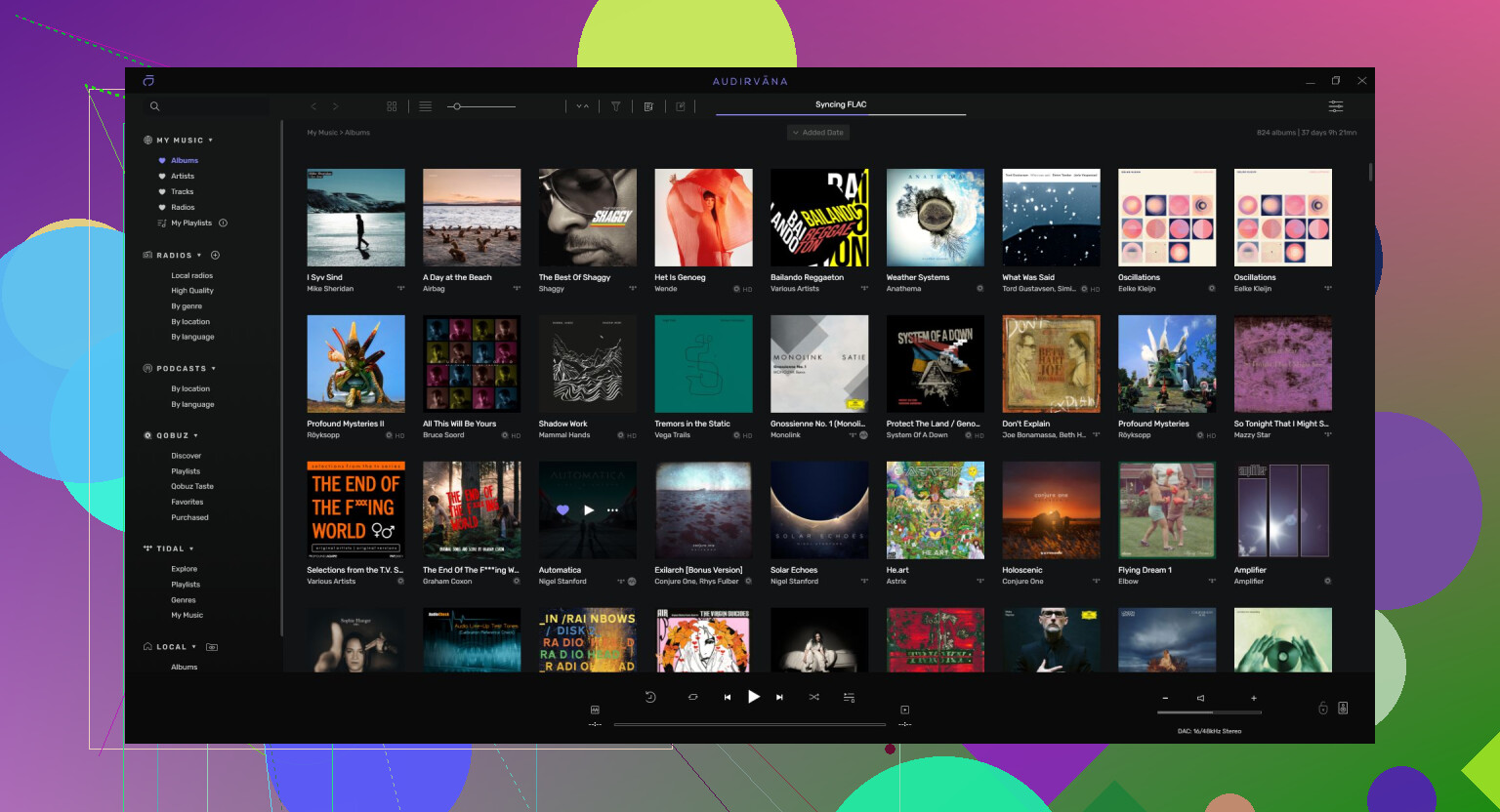
I tested Audirvana because enough people brought it up in threads that I felt I should check it at least once. It takes control of the audio path more aggressively than most players.
What I like the most:
On a Mac with an external USB DAC and Sennheiser open backs, it bypassed the macOS mixer and pushed audio directly to the device with its own engine. On a few reference albums, the low end felt tighter, with less smearing on kick drums and bass lines. Quiet acoustic tracks also felt cleaner on fades. It was not night and day, but it was repeatable enough that I noticed when switching back to more generic players.
What I didn’t like:
The pricing. You get a subscription option or an expensive one‑time license. If you have a large paid library and nice hardware, you might justify it. If you only play local FLACs a couple of hours a week, the cost feels hard to swallow, especially when free players already sound transparent for most setups.